
Creating stunning Instagram posts doesn’t have to drain your budget or eat up hours of your day. Small business owners, content creators, and social media managers can now skip expensive designers and produce viral-worthy content in seconds using three game-changing Canva AI features.
This guide shows you exactly which buttons to click and how to use them. You’ll discover Canva’s AI text-to-image generator that turns your ideas into eye-catching visuals instantly, plus the Magic Write assistant that crafts engaging captions and hooks that actually convert. We’ll also walk through the complete workflow for creating scroll-stopping posts that get likes, shares, and followers without the designer price tag.
Why Canva AI Is Revolutionizing Instagram Content Creation
The Rising Cost of Professional Graphic Design Services
Professional graphic design services have reached eye-watering price points that make many small business owners and content creators think twice. Freelance designers typically charge between $50-150 per hour, while agencies can demand $100-300 hourly rates. A single Instagram post design often costs $75-200, and that’s just for one piece of content.
The math gets brutal when you consider posting frequency. Content creators who post daily would spend $2,250-6,000 monthly just on post design. Even posting three times weekly translates to $900-2,400 per month. These costs don’t include revisions, rush fees, or the time spent communicating your vision to designers who might not fully grasp your brand aesthetic.
Design agencies also impose minimum project requirements, package deals that bundle services you don’t need, and lengthy turnaround times. Many require 48-72 hour lead times for simple social media graphics, which kills spontaneous content opportunities and trending topic responses.
How Canva AI Eliminates the Need for Design Skills
Canva AI transforms complete beginners into competent designers within minutes. The platform’s artificial intelligence understands design principles like color harmony, typography hierarchy, and visual balance without requiring users to study design theory for years.
Traditional design demands mastery of complex software like Photoshop or Illustrator, each with steep learning curves and subscription costs exceeding $20 monthly. Users typically spend months learning basic functions, while advanced techniques require years of practice. Canva AI bypasses this entirely by interpreting natural language prompts and automatically applying professional design standards.
The AI recognizes brand consistency needs and suggests complementary colors, fonts, and layouts that maintain visual coherence across posts. It understands Instagram’s specific requirements – optimal dimensions, safe zones for text, and mobile-first viewing patterns – eliminating the guesswork that trips up amateur designers.
Most impressively, Canva AI learns from millions of high-performing designs, incorporating proven visual strategies that drive engagement. Users don’t need to understand why certain color combinations work or how white space affects readability – the AI handles these decisions automatically while maintaining professional quality standards.
Time-Saving Benefits That Transform Your Content Strategy
Speed becomes your competitive advantage when Canva AI handles design execution. Creating Instagram posts that previously required 2-3 hours now takes 5-10 minutes from concept to completion. This dramatic time reduction allows content creators to shift focus from technical design work to strategic planning and audience engagement.
The AI eliminates time-consuming tasks like searching stock photo libraries, adjusting image dimensions, and experimenting with font combinations. Instead of spending hours tweaking layouts, creators input their ideas and receive multiple professional options instantly. This efficiency enables real-time content creation, capitalizing on trending topics and current events while they’re still relevant.
Batch content creation becomes effortless with AI assistance. Creators can produce a week’s worth of posts in under an hour, maintaining consistent quality across all designs. This batching approach creates more time for community management, strategy development, and business growth activities that directly impact success.
The streamlined workflow also reduces decision fatigue. Rather than agonizing over countless design choices, creators work with curated AI suggestions that align with their brand and objectives. This focused approach prevents the creative paralysis that often stalls content production.
Access to Professional-Quality Templates Without the Price Tag
Canva AI provides access to design resources typically reserved for premium agencies and established brands. The platform’s template library includes thousands of professionally-created layouts designed by experts who understand visual psychology and platform-specific best practices.
These templates incorporate current design trends, seasonal themes, and industry-specific aesthetics without the need for expensive trend research or design consultations. Users gain access to the same visual strategies employed by major brands, leveling the playing field between small creators and corporate marketing teams.
The AI customization ensures templates don’t look generic or overused. Each design adapts to specific brand colors, fonts, and imagery while maintaining the sophisticated structure that makes templates valuable. This customization prevents the cookie-cutter appearance that plagued earlier template-based design tools.
| Feature | Traditional Design | Canva AI |
|---|---|---|
| Cost per post | $75-200 | $0-12.99/month |
| Time required | 2-3 hours | 5-10 minutes |
| Skill requirement | Years of training | None |
| Template access | Limited/expensive | Thousands included |
| Revision flexibility | Additional fees | Unlimited |
The subscription model makes professional design accessible to creators at any budget level. For less than the cost of a single designer-created post, users gain unlimited access to AI-powered design tools and premium templates that would individually cost thousands to commission.
The First Magic Button: AI Text-to-Image Generator
Creating Custom Visuals from Simple Text Descriptions
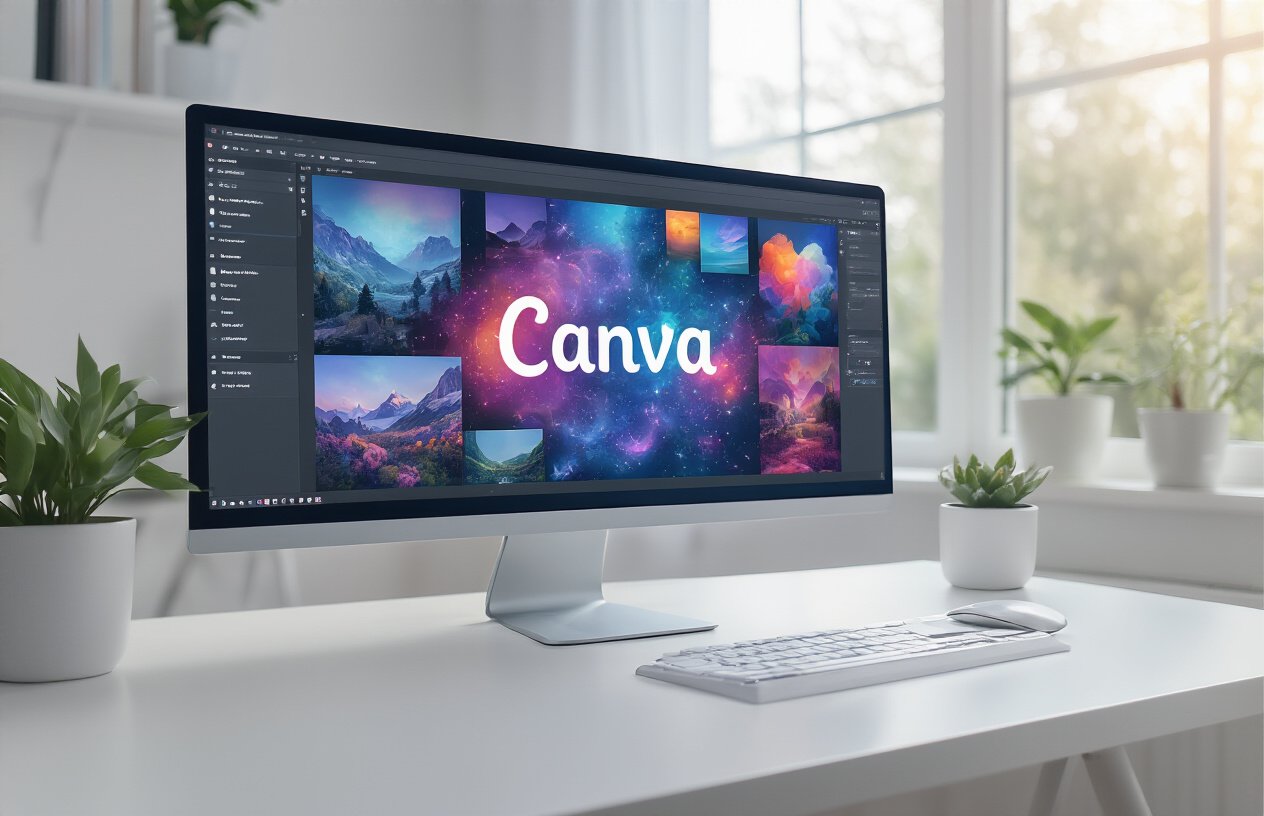
Canva’s AI Text-to-Image Generator transforms basic descriptions into stunning visuals that would cost hundreds of dollars from professional designers. You simply type what you want to see, and within seconds, the AI creates multiple variations of professional-quality graphics.
The magic happens when you feed it specific prompts. Instead of typing “coffee cup,” try “minimalist white coffee cup on marble background with soft morning light and steam rising.” The AI understands context, style preferences, and even lighting conditions. You can request specific color palettes, artistic styles, or even mimic popular design trends.
The tool works exceptionally well for Instagram-specific content. Request “flat lay of workout equipment in pastel colors with copy space for text” and you’ll get perfectly composed images ready for fitness posts. The AI generates multiple options instantly, giving you creative freedom without the creative block.
Generating Brand-Consistent Graphics in Your Style
Brand consistency becomes effortless when you master the AI’s style memory features. Start by training the AI with your brand’s visual language through detailed prompts that include your signature colors, fonts, and aesthetic preferences.
Create a personal style guide within your prompts. If your brand uses dusty pink and sage green with clean, minimalist layouts, include these elements in every request: “Create a product mockup in dusty pink and sage green, minimalist style, clean white background, soft shadows.”
The AI learns your preferences over time. After generating several images with consistent style cues, it begins suggesting similar aesthetics automatically. You can save successful prompts as templates, ensuring every post maintains your brand’s visual identity without hiring a designer or spending hours tweaking layouts.
Advanced Prompting Techniques for Better Results
Master prompts follow a specific structure that delivers professional results every time. Start with the main subject, add environmental context, specify the style or mood, include technical details like lighting or perspective, and end with output specifications.
Effective Prompt Structure:
- Subject: What’s the main focus
- Environment: Where or what background
- Style: Artistic direction or mood
- Technical: Lighting, angle, composition
- Specs: Format, resolution, text space
Use negative prompts to exclude unwanted elements. Add phrases like “no cluttered backgrounds,” “no harsh shadows,” or “no busy patterns” to refine results. The AI responds well to photography terms like “golden hour lighting,” “rule of thirds composition,” or “shallow depth of field.”
Experiment with style modifiers: “Instagram-ready,” “Pinterest-style,” “magazine quality,” or “viral social media post.” These trigger the AI to optimize for social media engagement, creating images with better visual hierarchy and scroll-stopping appeal.
Save your best-performing prompts in a personal library. When you find combinations that consistently produce engaging content, document them for future use. This creates your own AI design system that rivals professional agencies.
The Second Magic Button: Magic Write Content Assistant
Crafting Engaging Captions That Drive Engagement
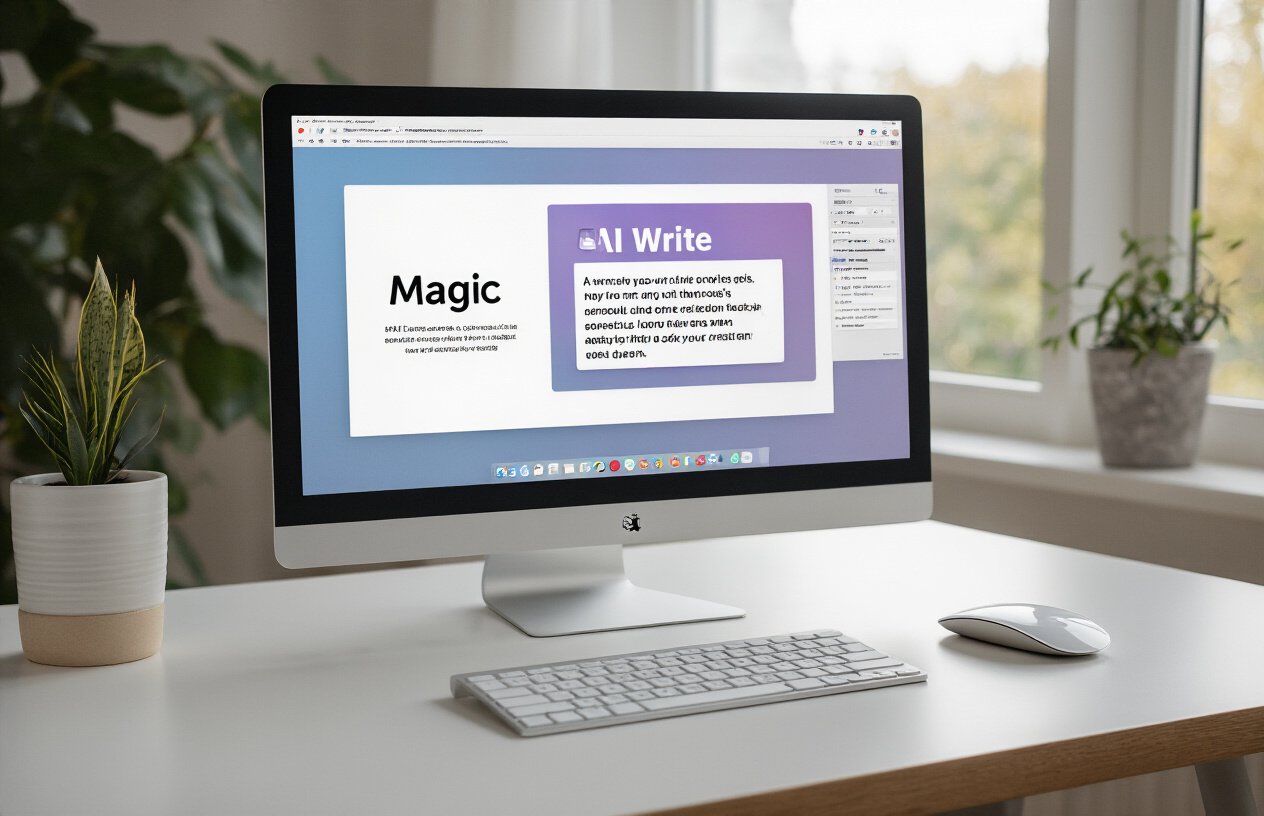
Magic Write transforms blank caption boxes into engagement goldmines. This AI assistant understands your brand voice and creates captions that spark conversations, not just likes.
When you activate Magic Write, describe your post’s topic or mood in simple terms. Want something inspirational? Type “motivational Monday post about overcoming challenges.” The AI generates multiple caption options, each with different tones and lengths. You’ll get everything from punchy one-liners to storytelling paragraphs that keep followers scrolling.
The real power shows up in the personalization features. Magic Write adapts to your industry, whether you’re selling fitness programs or showcasing art. It pulls trending phrases and incorporates seasonal relevance automatically. Your captions feel fresh and current without hours of research.
Smart question prompts are Magic Write’s secret weapon for boosting comments. Instead of generic “What do you think?” endings, you’ll get specific questions that relate directly to your content. Food bloggers get “Which ingredient would you swap first?” while business coaches receive “What’s your biggest productivity struggle this week?”
Creating Hashtag Strategies That Increase Reach
Magic Write’s hashtag generator goes beyond basic keyword stuffing. It analyzes your content and suggests hashtag mixes that balance popularity with discoverability.
The AI categorizes hashtags into three tiers: high-competition tags for maximum exposure, medium-competition tags for better ranking chances, and niche-specific tags that connect you with your ideal audience. This strategic approach means your posts show up in searches where you actually have a shot at being seen.
| Hashtag Type | Follower Range | Purpose | Example |
|---|---|---|---|
| Broad | 1M+ | Maximum reach | #motivation |
| Medium | 100K-1M | Balanced visibility | #mondaymindset |
| Niche | 10K-100K | Targeted audience | #solopreneurlife |
Location-based hashtags get special attention. Magic Write suggests local tags that help businesses connect with nearby customers, while travel content gets destination-specific recommendations that tap into wanderlust searches.
The tool also tracks hashtag performance trends, warning you away from banned or declining tags while highlighting emerging opportunities in your space.
Generating Call-to-Actions That Convert Followers
Magic Write creates CTAs that feel natural, not pushy. Instead of robotic “Click the link in bio” commands, you get compelling invitations that give followers genuine reasons to take action.
The AI crafts urgency without desperation. Limited-time offers get phrasing like “Only 48 hours left to grab this deal” paired with benefit-focused language that explains exactly what followers gain by acting now. Product launches receive countdown language that builds anticipation rather than pressure.
Story-driven CTAs perform exceptionally well through Magic Write. Your call-to-action becomes part of your narrative: “I learned this lesson the hard way, but you don’t have to. Get the complete guide that saved me months of mistakes.” This approach converts because it provides context and value upfront.
Magic Write also generates softer CTAs for awareness-building content. Instead of direct sales pitches, you’ll get engagement-focused prompts like “Save this post for your next planning session” or “Share your experience in the comments below.” These build relationship currency that pays off in future conversions.
The variety keeps your content fresh. Magic Write rotates between direct asks, curiosity hooks, and community-building prompts, ensuring your followers never feel overwhelmed by constant selling.
The Third Magic Button: Magic Design Layout Creator
Instant Professional Layouts for Any Niche
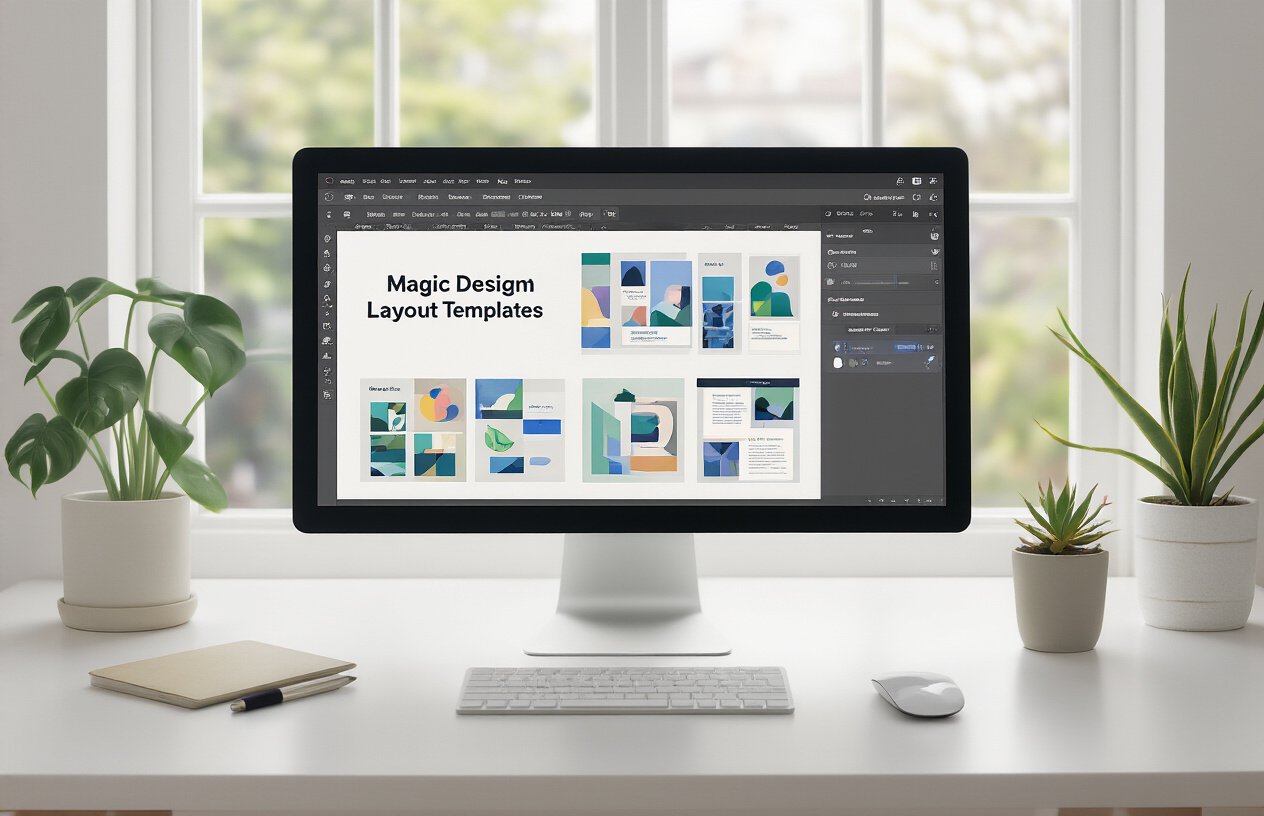
Magic Design sits at the heart of Canva’s AI-powered layout creation system, transforming amateur posts into professional-grade content with a single click. This tool analyzes your content theme, images, and text to generate dozens of layout options that follow proven design principles. Whether you’re in fitness, food, fashion, or finance, Magic Design pulls from thousands of high-performing templates tailored to your specific industry.
The AI considers visual hierarchy, white space distribution, and element positioning to create layouts that naturally guide the viewer’s eye. Food bloggers get layouts with appetizing color schemes and bold typography, while fitness influencers receive dynamic compositions with strong contrast and action-oriented designs. Tech reviewers see clean, minimalist layouts that highlight product features, and lifestyle brands get soft, aesthetic arrangements that feel Instagram-native.
What makes this tool genuinely magical is its ability to learn from trending post styles. The AI continuously analyzes viral content patterns and incorporates those design elements into your layouts. You’re not just getting generic templates – you’re getting designs that mirror what’s currently performing well on the platform.
Smart Resizing for Multiple Instagram Post Formats
Gone are the days of manually adjusting your design for different Instagram formats. Magic Design automatically generates variations for square posts, vertical stories, carousel slides, and even Reels covers from your original concept. This multi-format approach means you can repurpose one piece of content across all Instagram placements without starting from scratch.
The smart resizing feature goes beyond simple dimension changes. The AI redistributes text, repositions images, and adjusts font sizes to maintain visual impact across each format. Your square post might feature a centered product image with minimal text, while the story version could showcase the same product with added promotional text and call-to-action buttons.
For carousel posts, Magic Design creates cohesive slide sequences that maintain design consistency while varying visual elements to prevent monotony. Each slide feels connected to the others while serving its unique purpose in the storytelling sequence.
Color Palette and Font Combinations That Pop
The AI’s color intelligence analyzes current Instagram trends and matches palettes to your content’s mood and message. Motivational quotes get energizing oranges and bold blues, while skincare posts receive calming pastels and clean whites. The system doesn’t just pick pretty colors – it selects combinations that perform well on Instagram’s algorithm.
Font pairing happens automatically, with the AI choosing combinations that enhance readability while maintaining aesthetic appeal. Bold sans-serif headers pair with elegant script accents, while modern geometric fonts complement clean, minimal layouts. The AI considers factors like character spacing, line height, and contrast ratios to ensure your text remains legible across all devices.
Each color and font choice gets tested against accessibility standards, ensuring your content reaches the widest possible audience. The combinations also work harmoniously with Instagram’s interface, making your posts feel native to the platform rather than intrusive advertisements.
Brand Kit Integration for Consistent Visual Identity
Magic Design seamlessly connects with your Brand Kit, automatically applying your custom colors, fonts, and logo placement across all generated layouts. This integration means every post maintains your visual identity while benefiting from AI-powered design optimization. Your brand colors get incorporated naturally into backgrounds, text highlights, and design elements without overwhelming the composition.
The system remembers your brand preferences and applies them intelligently. If your brand uses bold red as an accent color, Magic Design will use it sparingly for maximum impact rather than flooding the entire design. Logo placement follows design best practices, appearing in positions that enhance rather than compete with your main content.
Brand consistency extends to typography choices, with the AI selecting fonts that complement your brand personality while maintaining Instagram readability standards. Playful brands get rounded, friendly fonts, while professional services receive clean, authoritative typefaces that build trust and credibility.
Step-by-Step Workflow for Creating Viral Instagram Posts
Setting Up Your Canva AI Workspace for Maximum Efficiency
Creating a streamlined workspace sets the foundation for rapid content creation. Start by bookmarking Canva’s Instagram post templates and organizing your brand assets in dedicated folders. Upload your logo variations, brand colors, and frequently used images to your uploads section. This preparation eliminates the time-wasting hunt for assets mid-creation.
Create custom color palettes matching your brand identity and save them for instant access. Set up your brand kit with consistent fonts, ensuring every post maintains visual coherence. Pin your most successful post templates to favorites for quick duplication and modification.
Configure your workspace with the AI tools easily accessible. Keep the Magic Write panel open in a separate tab, and bookmark the AI image generator for instant switching between tools. This setup reduces your creation time from minutes to seconds.
The 60-Second Post Creation Process
The magic happens when you combine all three AI buttons in rapid succession. Start with Magic Design by typing your post topic – “healthy breakfast tips” or “Monday motivation.” Canva AI generates multiple layout options within 5 seconds.
Select your favorite layout and immediately activate Magic Write. Input your topic again and watch as compelling captions appear instantly. Copy the best option or merge elements from multiple suggestions. This takes another 10 seconds.
Now activate the AI Text-to-Image generator if your chosen layout needs custom visuals. Type descriptive prompts like “woman drinking green smoothie, bright kitchen, morning light” and generate unique images in 15 seconds.
The remaining 30 seconds involve fine-tuning: adjusting colors to match your brand, resizing elements for optimal mobile viewing, and adding your logo. The key is making decisions quickly rather than perfecting every pixel.
Quality Control Checklist Before Publishing
Before hitting publish, run through this rapid-fire checklist. Verify your text is readable on mobile devices by switching to phone preview mode. Check that important elements aren’t cut off in Instagram’s crop preview.
Ensure your call-to-action is clear and compelling. Whether asking for comments, shares, or link clicks, make the desired action obvious. Review your hashtags for relevance and trending status using Canva’s hashtag suggestions.
Double-check your brand consistency: correct logo placement, proper color usage, and consistent font choices. Preview how your post appears in your Instagram feed context – does it stand out while maintaining your aesthetic?
Finally, verify all text is error-free and your message aligns with your brand voice. A quick spelling check and tone review takes 10 seconds but prevents embarrassing mistakes that could harm your professional image.
Advanced Tips for Maximizing Your Canva AI Results
Combining Multiple AI Features for Complex Designs
The real magic happens when you start layering Canva’s AI tools together like a digital artist mixing colors on a palette. Start with Magic Design to generate your base layout, then swap out the placeholder image with something fresh from the AI Text-to-Image generator. Maybe your initial design feels too corporate – use Magic Write to craft punchy, personality-driven copy that matches your brand voice.
Here’s a game-changing workflow: Generate three different layout options with Magic Design, create custom visuals for each using the text-to-image tool with slight prompt variations, then let Magic Write produce different caption styles for each version. You’ll have multiple post variations in under ten minutes that would normally take hours of manual design work.
Don’t forget about Canva’s background remover and photo effects either. Generate an AI image, remove its background, then layer it onto a Magic Design template. The combination creates depth and visual interest that single-feature designs often lack.
Creating Post Series and Carousel Content
Consistency drives engagement, and carousel posts get 1.4x more reach than single images. Create a signature style by using the same Magic Design template across your series but switching up the AI-generated images and copy for each slide.
Build carousel stories by generating a sequence of related images through text-to-image prompts. For a “Monday Motivation” series, create prompts like “sunrise over mountains, motivational, warm colors” then “person climbing stairs, determination, golden hour lighting.” Keep your visual theme consistent while varying the specific elements.
| Carousel Type | AI Tool Combination | Engagement Boost |
|---|---|---|
| Tutorial Series | Magic Design + Magic Write | 2.3x more saves |
| Before/After | Text-to-Image + Background Remover | 1.8x more shares |
| Quote Series | Magic Write + Custom AI Backgrounds | 2.1x more comments |
Smart tip: Generate all carousel slides in one session using similar prompts. This keeps the visual style cohesive while the AI maintains consistent lighting, color schemes, and artistic approach across your multi-slide story.
Optimizing for Instagram Algorithm Preferences
Instagram’s algorithm loves fresh, engaging content that keeps users scrolling. AI-generated visuals often perform better than stock photos because they’re unique and eye-catching. The algorithm can’t “see” that your content is AI-generated, but it can detect user engagement patterns.
Create content that stops the scroll by using bold, contrasting colors in your AI image prompts. Terms like “vibrant,” “high contrast,” and “eye-catching” in your text-to-image descriptions produce visuals that perform well in busy feeds. The algorithm favors posts that generate quick engagement, so design with thumb-stopping power in mind.
Timing matters too. Use Magic Write to generate multiple caption variations, then test posting the same AI-generated visual with different copy at various times. Track which combinations get the fastest initial engagement – that’s your golden formula.
Post consistently using your AI workflow. The algorithm rewards accounts that maintain regular posting schedules. With Canva AI, you can batch-create a week’s worth of content in one afternoon, giving you the consistency boost without the daily time commitment.
A/B Testing Your AI-Generated Content for Better Performance
Turn your AI content creation into a science experiment. Generate two versions of the same post concept using different Magic Design templates but identical copy, or keep the design consistent while testing Magic Write’s different caption styles.
Test these variables systematically:
- Color schemes: Generate the same concept with “warm, sunset colors” versus “cool, blue tones”
- Composition styles: Try “minimalist design” versus “detailed, intricate artwork”
- Text placement: Position your copy at different areas using various Magic Design layouts
- Visual complexity: Compare simple AI-generated graphics against detailed, multi-element designs
Track your metrics for at least two weeks per test. Look beyond likes – comments, saves, and shares tell the real story of what resonates with your audience. Instagram’s native analytics show you which posts keep people engaged longest.
Create a simple spreadsheet tracking your AI prompt combinations and their performance. You’ll start noticing patterns: maybe your audience loves AI-generated illustrations over realistic images, or perhaps carousel posts with AI-created infographics outperform single image posts.
The beauty of AI testing lies in speed and cost. Instead of hiring different designers or spending hours creating variations manually, you can generate multiple test versions in minutes, then double down on what works best for your specific audience and niche.
Canva AI has completely changed the game for Instagram content creation. The three magic buttons – AI Text-to-Image Generator, Magic Write Content Assistant, and Magic Design Layout Creator – give you everything needed to produce scroll-stopping posts without hiring expensive designers. These tools work together seamlessly, turning simple ideas into professional-quality content that actually gets engagement.
Ready to transform your Instagram presence? Start experimenting with these three AI features today and watch your engagement soar. The days of struggling with design software or paying hefty designer fees are over – your next viral post is just three button clicks away.