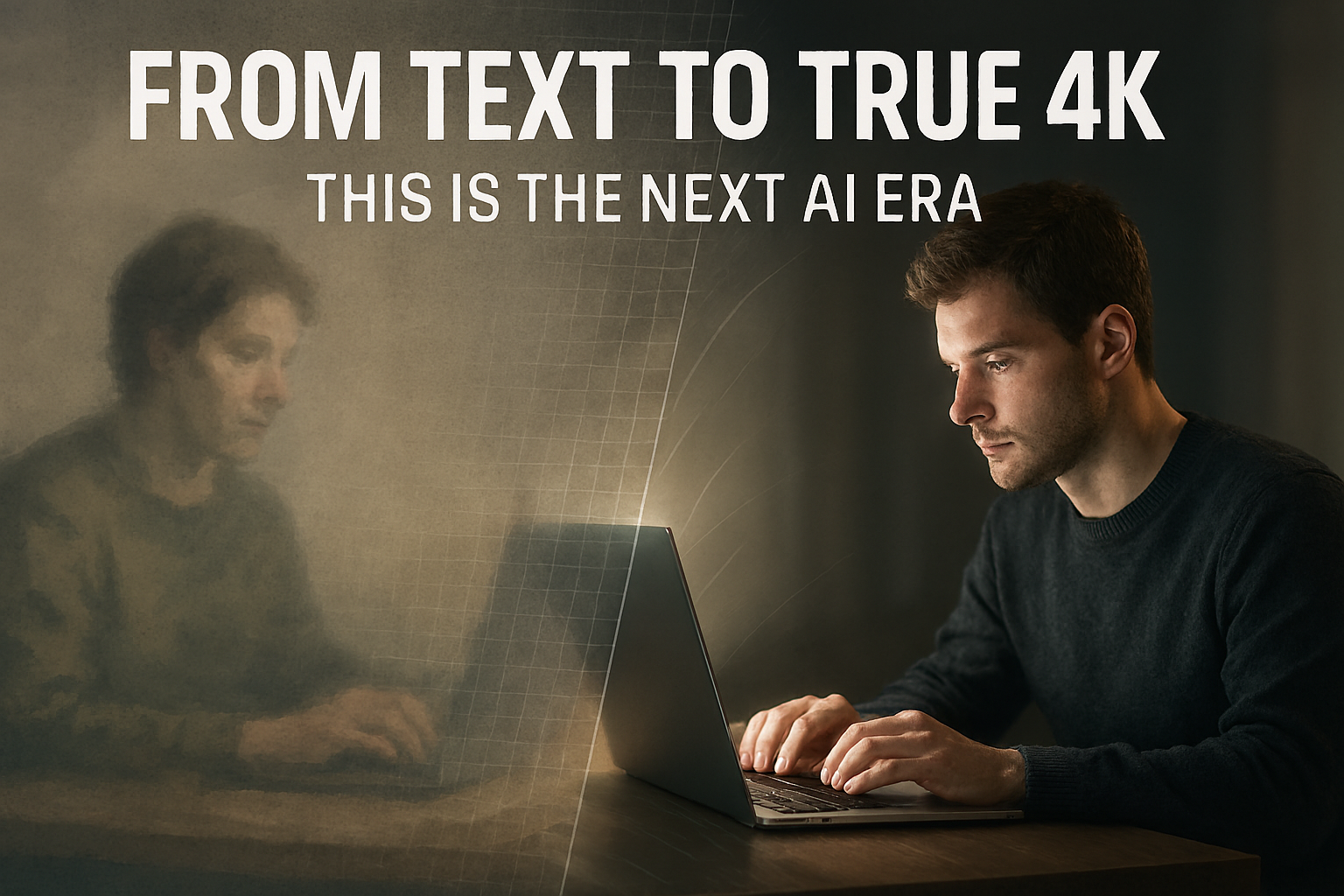
I remember the first time I typed a prompt into Midjourney v4. It felt like magic. Watching those four grainy squares resolve into a sprawling cyberpunk city was a “lightbulb” moment for me and millions of others. For years, Midjourney has been the undisputed heavyweight champion of AI aesthetics—the tool you used when you wanted “art” rather than just “data.”
But the wind has shifted.
If you’ve been keeping an eye on the creative tech space lately, you’ve probably noticed a growing sentiment: Midjourney is starting to feel a bit… heavy. The Discord-based workflow, while nostalgic, is clunky. The resolution cap often requires third-party upscalers. And while its “artistic” flair is unmatched, it often struggles with the literal accuracy and 4K clarity required for professional-grade production.
Enter Nano Banana Pro (the powerhouse model behind Google’s Gemini 3) and its cinematic sibling, Veo 3.1. We aren’t just talking about “better” images anymore; we’re talking about a fundamental shift in how we generate 4K visuals from scratch.
Why “Artistic” Isn’t Enough Anymore
Midjourney’s greatest strength—its tendency to “hallucinate” beautiful details—is becoming its Achilles’ heel in a world that demands precision.
When I’m working on a brand campaign or a high-fidelity storyboard, I don’t need the AI to give me its “interpretation” of a product. I need the product to look exactly like the product, in native 4K, with lighting that follows the laws of physics.
This is where the new guard, specifically Nano Banana Pro, is eating Midjourney’s lunch. While Midjourney V7 is still incredible for brainstorming and “vibes,” the new 2026-era generators are focusing on what I call “The Three Pillars of Professional AI”:
- Native 4K Output: No more “Upscale (Subtle)” buttons. We’re seeing images generated with raw, pixel-perfect clarity from the jump.
- Photorealism vs. Stylization: The “AI glaze” (that slightly plastic, overly-smooth look) is disappearing. New models are capturing skin pores, fabric weaves, and lens flares that actually look like they passed through a Leica.
- Total Character Consistency: Using reference images to keep the same face across 50 different prompts is no longer a “hack”—it’s a built-in feature.
The New King: Nano Banana Pro and the Death of the “AI Look”
If you haven’t tried the Nano Banana Pro model yet, the first thing you’ll notice isn’t the speed—it’s the weight of the images.
Midjourney often feels like a beautiful painting. Nano Banana Pro feels like a raw file from a Canon 5D. In my testing, the prompt adherence is almost scary. If you ask for “a 35mm street photo of an elderly man in a navy wool coat, morning mist, 8:00 AM lighting,” you don’t just get a “cool picture.” You get the specific texture of the wool and the exact cool-blue hue of early morning light.
What really makes it feel like “New Tech” vs. Midjourney:
- Integrated Text: It can finally write. Not just gibberish, but actual, legible typography integrated into the scene.
- Direct Editing: You can highlight a specific part of a 4K image and tell the AI to “change the watch to a silver Rolex” without ruining the rest of the frame.
- Web-Native Workflow: No more scrolling through a chaotic Discord channel to find your work.
Moving Beyond Stills: The Veo 3.1 Revolution
The real “Midjourney killer” isn’t just about static images—it’s the bridge to video. While Midjourney has dipped its toes into short 5-second clips, Google’s Veo 3.1 is moving the goalposts into actual cinematography.
Imagine taking that 4K image you just generated and turning it into a 60-second cinematic sequence with native synchronized audio.
I recently tested a workflow where I generated a character in Nano Banana Pro and moved them into Veo 3.1. The AI didn’t just animate the hair; it understood the weight of the character’s movement. It even generated the ambient sound of the wind and the crunch of footsteps on gravel—all from the same prompt.
The Reality Check: Midjourney is still the “Artist’s Choice.” If you want to explore weird, surreal, and deeply textured art, David Holz and his team are still the masters. But if you are a creator who needs to deliver 4K assets for a client or a project, the “Old Tech” label is starting to stick.
How to Stay Ahead of the Curve
If you’re still relying solely on one tool, you’re leaving quality on the table. The current “Pro” workflow in 2026 looks something like this:
- Brainstorming: Midjourney V7 (for the “soul” and composition).
- Final Rendering: Nano Banana Pro (for 4K resolution and literal accuracy).
- Motion: Veo 3.1 or Sora 2 (for bringing those 4K stills to life).
The “Text to 4K” era has officially arrived. It’s no longer about whether the AI can make a pretty picture—it’s about how much control you have over every single pixel.
The gap between “AI enthusiast” and “Pro Digital Artist” is narrowing, and the tools we use are finally starting to catch up to our imaginations.