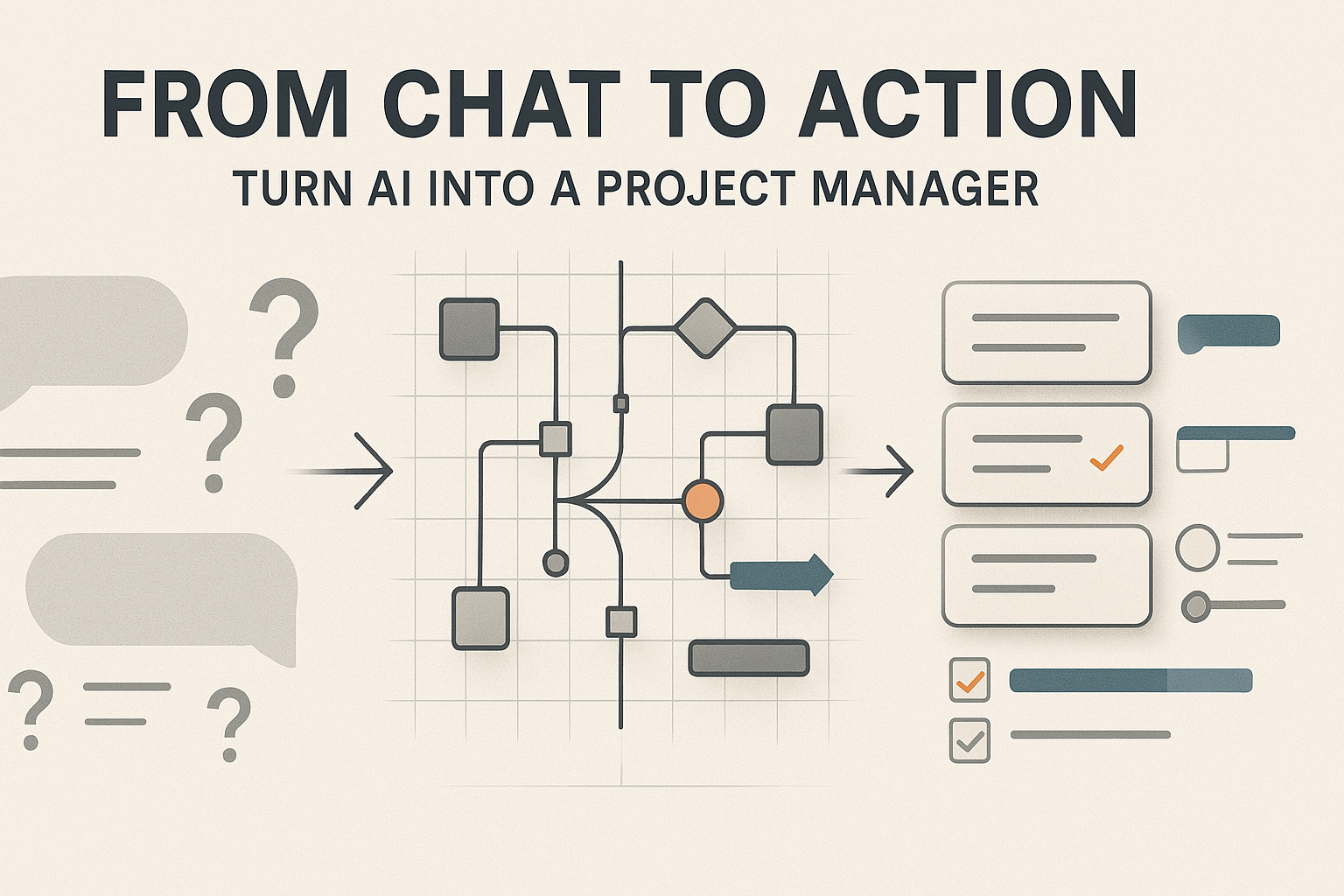
We’ve all been there. You open your favorite AI chat—be it ChatGPT, Claude, or Gemini—with the best of intentions. You have a massive project looming, a messy to-do list, and a brain that feels like it has 47 tabs open. You type: “Help me organize my week.”
The AI spits out a generic list. You say “thanks,” look at it for three seconds, and then go right back to your old, chaotic habits.
Here is the truth: Most people are using world-class “reasoning engines” as if they were fancy Google Search bars. If you’re just using AI for a quick Q&A, you’re leaving 90% of its power on the table. In 2026, the real competitive advantage isn’t having AI; it’s knowing how to turn that chat box into a relentless, organized, and strategic Personal Project Manager (PPM).
I’ve spent the last year stress-testing these models to manage everything from software launches to home renovations. I don’t just want a chatbot; I want a Chief of Staff. Here is the blueprint for moving from “chatting” to “doing.”
1. Stop Giving “Prompts” and Start Building “Context Hubs”
The biggest mistake I see is the “one-off” prompt. You ask for a plan, get it, and then the conversation dies. A real project manager needs a “brain” that stores the history, the stakes, and the specific quirks of your project.
The “Instruction” Hack
If you’re using ChatGPT, use the “Projects” feature (or “Custom Instructions” in other models). Don’t just tell the AI what you want to do; tell it who you are and how you work.
Try adding this to your project instructions:
“I am a visual thinker who gets overwhelmed by long paragraphs. When we manage this project, always summarize action items in a Markdown table. Flag potential risks in bold red text. If I suggest a deadline that seems unrealistic based on our previous tasks, challenge me on it.”
Upload Your Mess
Don’t type out your project history. Upload the messy PDF of your notes, the exported CSV of your budget, or the screenshot of your whiteboard. By giving the AI “eyes” on your actual data, you move from generic advice to surgical precision.
2. The “Work Breakdown” Mastery: From Vague to Actionable
A project is just a big word for a bunch of small tasks you haven’t defined yet. Your AI is a master at Work Breakdown Structure (WBS). Instead of saying “Help me launch a podcast,” try this multi-step workflow:
- Phase 1: The Brain Dump. Tell the AI everything in your head. No order, no logic. Just vent.
- Phase 2: The Logic Sort. Ask: “Based on my brain dump, categorize these into 4 main phases: Pre-production, Technical Setup, Content Creation, and Growth. Identify which tasks are ‘blockers’ (tasks that must finish before others start).”
- Phase 3: The “Atomic” Task Creator. This is where the magic happens. Ask: “Take the ‘Technical Setup’ phase and break it into tasks that take no longer than 30 minutes each. If a task takes longer, break it down further.”
Why this works: You aren’t staring at “Build a Website” anymore. You’re staring at “Buy domain,” “Select color palette,” and “Write ‘About Me’ copy.” These are “clicky” tasks—they trigger the dopamine hit of crossing things off.
3. Use AI as Your “Risk Officer” (The Pre-Mortem)
Humans are naturally optimistic. We think we can write a book in a weekend or renovate a kitchen in a month. Your AI, however, is a cold, calculating machine that has “read” a million project failure post-mortems.
Before you start, run a Pre-Mortem Session.
The Prompt:
“We are about to start [Project Name]. Act as a pessimistic, highly experienced project auditor. Tell me 5 reasons why this project will likely fail, 3 hidden risks I haven’t considered, and 2 ways I can ‘fail-safe’ my schedule right now.”
When I did this for a recent product launch, the AI pointed out that I hadn’t accounted for “vendor communication lag” during a holiday week. It saved me ten days of panic.
4. The 2026 Workflow: Integrating “Action” into the Chat
We are moving past the era of copy-pasting. To truly turn AI into a project manager, you need it to interact with the tools where work actually happens.
- The “Canvas” Mindset: Use the “Canvas” or “Artifacts” view in your AI interface to keep a “Live Project Dashboard” open on the side while you chat on the left.
- The Trello/Asana Bridge: If you use a task manager, ask the AI to: “Format these tasks as a CSV compatible with Trello import.” It takes five seconds, and suddenly your “chat” is a real, live board.
- Meeting Minutes to Milestones: Record your voice notes or meetings. Feed the transcript to the AI and say: “Extract only the commitments made by each person and format them as a ‘Next Steps’ email with specific deadlines.”
5. Avoiding the “AI Productivity Trap”
I have to be honest with you: Chaperoning an AI can become a job in itself. A recent study in 2025 showed that developers using AI sometimes decreased productivity because they spent too much time “fiddling” with the AI’s output rather than doing the work.
The Rule of 80/20: Use the AI to get 80% of the way there in 20% of the time. If the AI is hallucinating a specific detail or the formatting is getting wonky, stop prompting. Take the wheel. Use the AI for the heavy lifting—the brainstorming, the organizing, the drafting—but don’t let it become a distraction from the “deep work” that only you can do.
The Bottom Line: Your AI is a Mirror
If you give your AI vague, lazy inputs, you will get a vague, lazy project plan. If you treat it like a professional partner—providing context, demanding rigor, and checking for risks—it will perform like a world-class manager.
The transition from “Chat” to “Action” isn’t about a magic prompt. It’s about a shift in mindset. You are no longer just a “user.” You are the Director, and you finally have a team that never sleeps, never gets bored of spreadsheets, and is ready to start whenever you are.
What’s the one project currently sitting on your “someday” list? Open a new chat, upload your notes, and tell the AI: “I’m tired of thinking about this. Let’s build a plan to finish it in 30 days. Start by asking me 5 questions about my constraints.”