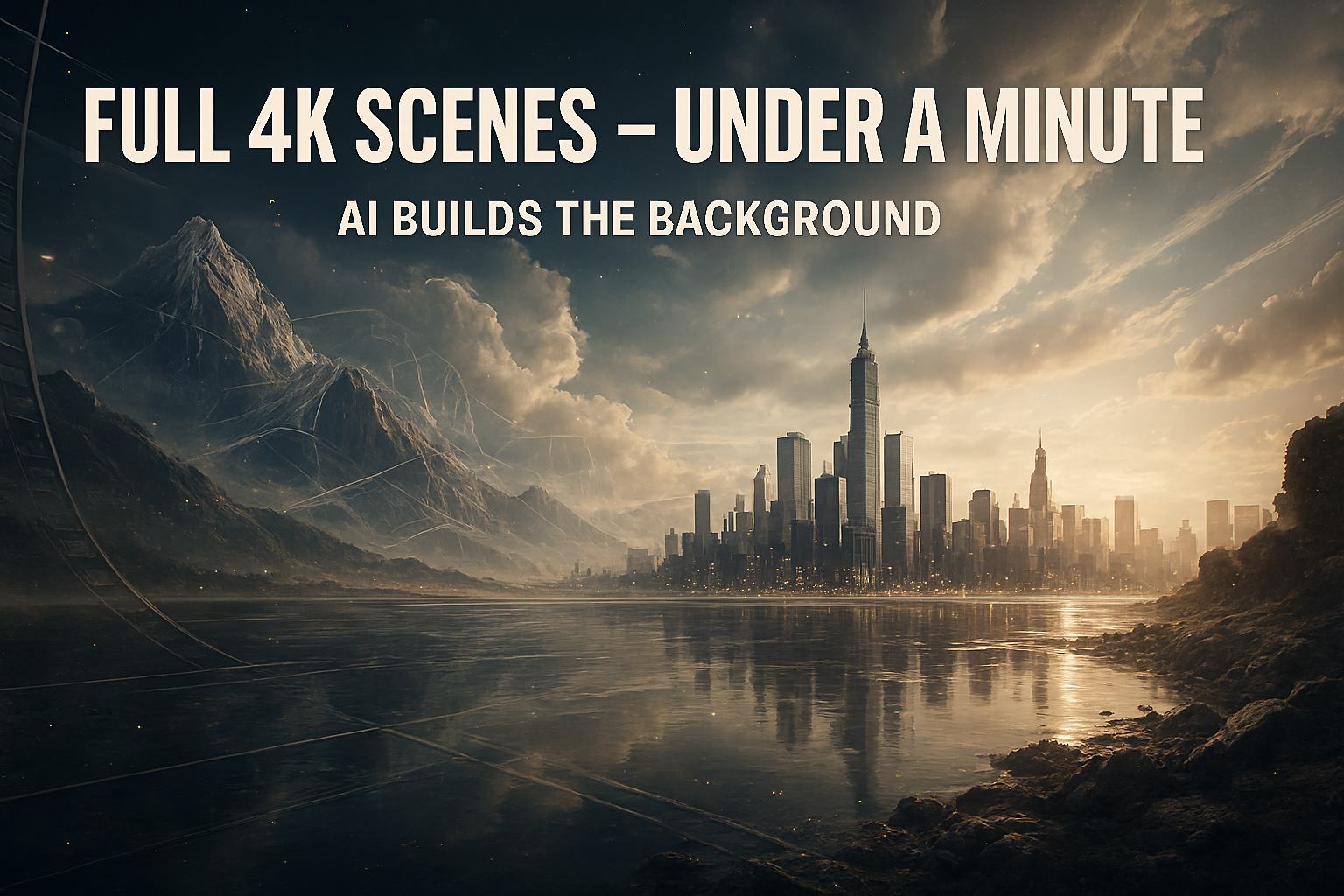
We’ve all been there. You have a great idea for a video, but you’re stuck in a spare bedroom with beige walls and a stack of laundry in the corner. For years, the solution was a clunky green screen that never quite looked right, or an expensive studio rental that ate your entire budget before you even hit “record.”
That era just ended.
DeepAI recently quietly rolled out Scene Crafter, and it’s not just another “fun but useless” AI toy. It’s a specialized engine designed to do one thing exceptionally well: generate high-fidelity, 4K video backgrounds from a single text prompt in under sixty seconds.
I spent the last week pushing this tool to its limits—from neon-drenched cyberpunk streets to cozy, sun-dappled libraries—to see if it actually holds up for real creators. Here is the honest truth about why this is the upgrade your workflow has been waiting for.
Why ‘Scene Crafter’ is Different from Standard AI Video
If you’ve experimented with AI video over the last year, you know the frustration. You ask for a “forest at sunset,” and you get a flickering, morphing mess where the trees turn into birds. It’s cool for a five-second meme, but it’s unusable as a professional backdrop.
Scene Crafter attacks this problem differently. Instead of trying to animate complex human movements (which AI still struggles with), it focuses on environmental stability.
- Fixed Perspective: It understands that a background needs to stay “grounded.” You get consistent lighting and architecture that doesn’t shift every three frames.
- Ambient Motion: Rather than chaotic movement, it prioritizes “living” details—swaying leaves, drifting smoke, or the soft pulse of city lights.
- True 4K Density: Most generators upscale a blurry 720p image. Scene Crafter renders with native sharpness, meaning when you blur the background for a “bokeh” effect in your edit, it looks like it was shot on a $5,000 Sony camera, not a computer.
How to Go From Prompt to 4K in Under a Minute
The interface is refreshingly minimalist. You won’t find a hundred confusing sliders here. DeepAI has optimized the “time-to-result” metric, which is a godsend when you’re in the middle of a creative flow.
1. The “Director’s Prompt”
Don’t just type “a cool room.” To get the most out of Scene Crafter, you need to describe the mood and the lighting.
Try this: “A minimalist high-tech studio at night, floor-to-ceiling windows overlooking a rainy Tokyo skyline, soft blue ambient lighting, cinematic 4K, 24fps motion.”
2. Choose Your Motion Intensity
This is where the “Crafter” part comes in. You can toggle between “Static Depth” (perfect for talking-head videos) and “Dynamic Flow” (better for B-roll or music videos). For a background, I always recommend keeping motion at around 20%. It’s enough to feel alive without distracting the viewer from you.
3. The One-Minute Render
Once you hit generate, the engine utilizes a new distributed processing technique. While older models would have you waiting for a ten-minute “cooking” period, Scene Crafter delivers a 10-second loopable 4K clip in about 45 to 55 seconds.
The Practical Magic: Using It in the Real World
As a journalist and creator, I don’t care about tech specs as much as I care about utility. How does this actually save you time?
For YouTubers and Streamers
You no longer need to worry about your “set.” You can create a “Digital Studio” that is uniquely yours. Want a different vibe for every episode? One week you’re in a mid-century modern loft; the next, you’re in a high-fantasy dragon’s lair. Because the quality is 4K, you can “zoom in” on the digital background during the edit without losing any detail.
For Remote Professionals
We’ve all used those built-in Zoom backgrounds that make your ears disappear when you move. By using Scene Crafter to generate a high-quality video loop and then running it through a virtual camera (like OBS), you get a professional, polished look that makes you stand out in every meeting.
For Filmmakers on a Budget
Establishing shots are expensive. If you need a five-second clip of a “futuristic laboratory” to bridge two scenes, you can now generate it for pennies. It’s a massive democratization of high-end production value.
The “Uncanny Valley” Check: Is it Flawless?
I promised to be honest. Is it perfect? No.
If you look extremely closely at complex patterns—like a bookshelf with a thousand tiny titles—the AI can still “hallucinate” some weird text. However, for 95% of use cases where the background is slightly out of focus (as it should be), these artifacts are invisible.
The biggest limitation right now is the length. Currently, it excels at 5–10 second loops. While these are perfectly loopable, if you need a non-repeating 10-minute landscape, you’ll have to wait for future updates.
Final Thoughts: The Death of the Boring Backdrop
DeepAI’s Scene Crafter isn’t just about “making art.” It’s a tool for efficiency. It removes the physical barriers of location, lighting, and gear, allowing the quality of your content to be the only thing that matters.
The barrier to entry for “pro-level” visuals has never been lower. If you have a story to tell or a brand to build, you no longer have an excuse for a boring background.