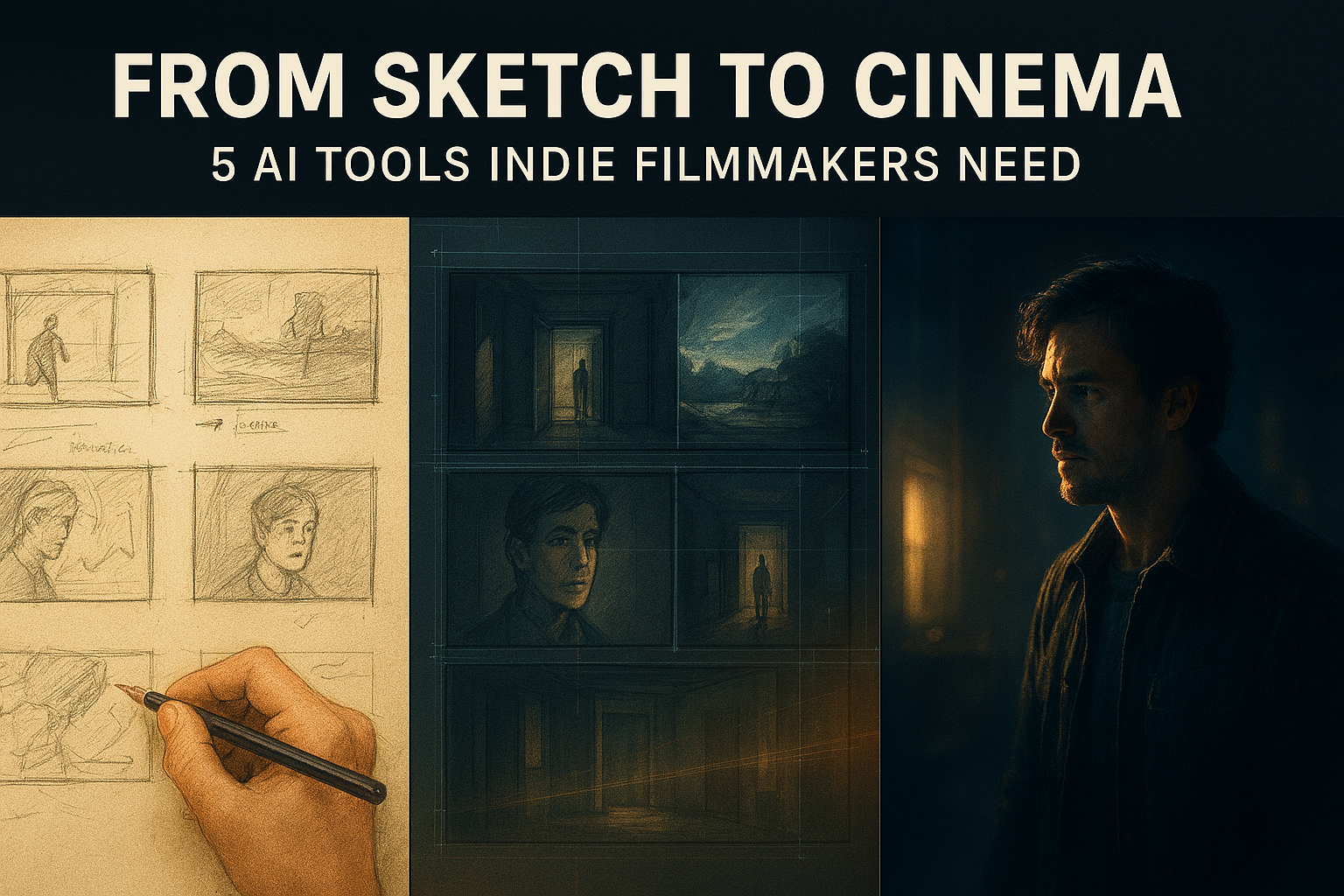
Let’s be honest: the “indie grind” used to be a badge of honor that mostly involved begging friends to hold boom poles and crying over rendering bars at 3:00 AM. But the landscape has shifted. We aren’t just in the “AI era” anymore; we’re in the era of agentic production.
If you’re a filmmaker in 2026, you know that the gap between a $5,000 budget and a $5 million look is shrinking faster than a cinephile’s patience for a bad remake. You don’t need a massive crew to pull off a “one-er” anymore—you just need the right stack of tools.
I’ve spent the last few months breaking these tools in, seeing where they fail (because they do) and where they feel like actual magic. If you have a project sitting in a folder titled “Someday,” here are the five tools you should be opening this week to move it from a sketch to a cinema screen.
1. Veo 3.1: The Director’s Digital Eyes
We’ve all seen AI video generators that produce “dream logic”—limbs morphing into trees, physics that make no sense. But Google’s Veo 3.1 is the first one I’ve used that feels like it actually went to film school.
What makes Veo 3.1 different from the pack is its Cinematic Intelligence. It understands lighting, fabric motion, and—most importantly—camera dynamics. If you prompt it for a “slow tracking shot with a 35mm lens and natural golden-hour falloff,” it doesn’t just give you a pretty image; it gives you a shot that looks like it was captured on an Arri Alexa.
- Why use it this week: It’s become the ultimate “vibe-check” for pre-visualization. Instead of showing your DP a crude drawing, you can generate a 12-second high-fidelity sequence that sets the exact mood.
- The Pro Tip: Use the “Reference Image” feature. Upload a still from a film that inspires you, and Veo will mimic the color science and lighting of that specific frame for your new generation.
2. Runway Gen-3 Alpha: The Swiss Army Knife of Post
If Veo is for the director, Runway Gen-3 Alpha is for the VFX artist who doesn’t have a VFX budget. I recently used their “Motion Brush” to add subtle wind to a static shot where the trees were distractingly still. It took 30 seconds.
Runway has evolved into a full-scale creative suite. Their Multi-Motion Brush allows you to control different elements of a scene independently. Want the water moving left but the clouds moving right? You can paint those specific trajectories.
- Why use it this week: Clean up your “messy” shots. Their Generative Fill and Inpainting tools are now so precise that removing a stray coffee cup or a boom mic from a finished 4K clip is practically a one-click job.
- The “Secret Sauce”: Try the Act-One feature. It allows you to use your own facial performance (recorded on a phone) to drive the animation of an AI-generated character. It’s performance capture without the $50,000 suit.
3. ElevenLabs: Beyond the “Robot Voice”
We’ve officially hit the point where AI audio is indistinguishable from a studio recording. ElevenLabs has moved way beyond text-to-speech; their “Speech-to-Speech” tool is a game-changer for indie dubbing and ADR.
If you have a great performance but the audio was ruined by a passing truck, you can re-record the line yourself (even if you sound nothing like the actor) and use the tool to “wrap” the actor’s original voice around your new, clean timing and inflection.
- Why use it this week: Creating “Temp Tracks.” Don’t wait until you have a final edit to hear your dialogue. Use their hyper-realistic voices to build a “radio play” version of your script to test the pacing before you ever hit record.
- The Real-World Context: Their new Sound Effects generator is frighteningly good. Type “footsteps on crunchy snow with distant wind” and you get a layered, high-bitrate WAV file ready for your timeline.
4. Luma Dream Machine: The King of Instant Animatics
If you’re the kind of filmmaker who thinks in images rather than words, Luma Dream Machine (specifically the Ray2 model) is your best friend. It is significantly faster than its competitors, often spitting out usable 4K clips in under two minutes.
While it might not have the “Director Controls” of Runway, its Keyframe feature is brilliant for storytelling. You can upload a “Start Frame” and an “End Frame,” and Luma will intelligently interpolate the motion between them.
- Why use it this week: Use it to pitch. If you’re trying to explain a complex action sequence to an investor or a producer, an 8-clip Luma montage is worth a thousand pages of a script.
- A Word of Caution: Luma loves “action.” It’s great for high-energy movement but can sometimes struggle with very subtle, emotional close-ups. Use it for the big, visual moments.
5. Filmustage: The Producer You Can’t Afford (But Can)
This is the least “flashy” tool on the list, but it’s the one that will actually save your production from collapsing. Filmustage uses AI to do the most soul-crushing part of filmmaking: the script breakdown.
You upload your PDF script, and within minutes, it identifies every character, prop, location, and VFX shot. It then builds a draft shooting schedule and a preliminary budget based on those elements.
- Why use it this week: To see if your script is actually “shootable.” If Filmustage flags that you have 40 locations in a 10-page short, you’ll know you need to rewrite before you waste a dime.
- The Best Part: It integrates directly with industry standards like Final Draft and Movie Magic, so you can export the data and keep working in your existing pipeline.
The “Human First” Reality Check
Look, I’ve seen enough “AI-only” films to know that technology doesn’t make a story good. A tool is just a faster way to express an idea—if the idea is hollow, the AI will just make it hollow at 60 frames per second.
The most successful indie filmmakers I’m seeing right now are using these tools to augment their humanity, not replace it. They use ElevenLabs for a scratch track, then hire a real actor because they want that human “spark.” They use Veo for a storyboard, then go out and find a real location because the dirt and the grit can’t be fully simulated yet.