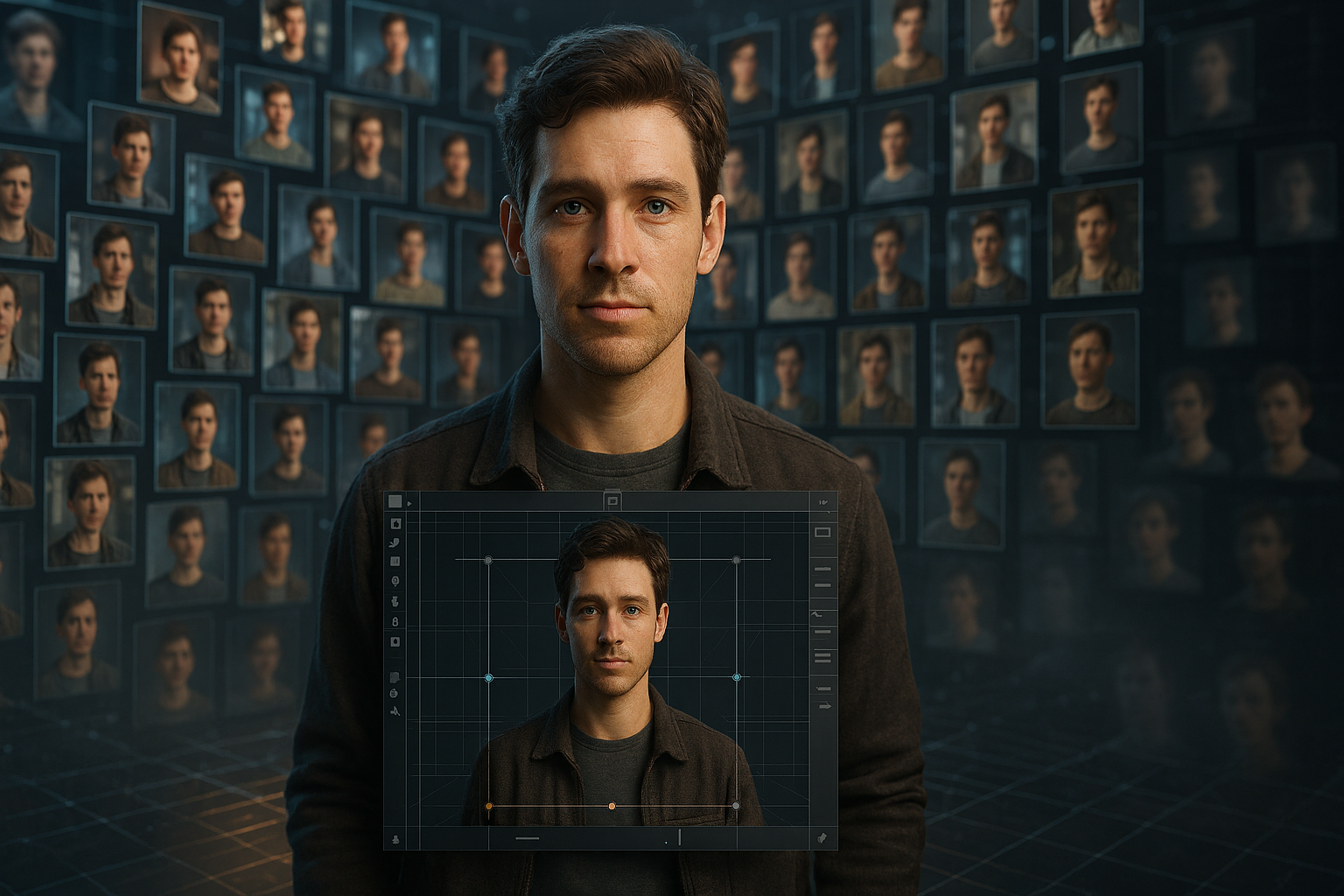
You’ve spent an hour crafting the perfect character—the sharp eyes, the unique hairstyle, the exact expression. Then, on the very next generation, they become a stranger. This frustrating inconsistency is the bane of AI storytellers, but it doesn’t have to be. Leonardo AI has several powerful methods to solve this very problem. Let’s pull back the curtain on the pro-level techniques that will lock your characters in place, from a pixel-perfect manual trick to powerful, scalable workflows.
1. The Counter-Intuitive “Anchor Face” Method
This secret trick from the Canvas 2.0 workflow flips the typical generation process on its head. Instead of prompting for a full character and hoping the face is correct, you start with a perfect face, isolate it, and then generate a new body and scene around it. This method works by preserving the original pixels of the face, treating them as an unchangeable anchor—fundamentally different from prompt-based methods that always involve AI reinterpretation. It’s a counter-intuitive but incredibly powerful approach for achieving 100% facial consistency.
Here is the step-by-step process:
1. Isolate the Reference Face: Import your base character image into Canvas 2.0. Use the Mask Tool or Eraser to remove everything from the image except for the character’s face.
2. Toggle Outpaint Mode: Switch the Canvas Mode to “Inpaint/Outpaint” and make sure the “Outpaint” toggle is set to “On.”
3. Position the Generation Box: Place the purple generation box so it covers the isolated face. You can resize this box to your desired final output dimensions, like 1024×1024.
4. Prompt for Context: In the prompt bar, describe the new elements you want to generate, like the scene, outfit, and pose. Be sure your prompt doesn’t contradict the visual features of your anchor face (e.g., don’t ask for a “blonde woman” if your anchor face has silver hair).
5. Generate and Accept: The AI will “grow” a new body and environment that seamlessly connect to the original face, preserving its features perfectly.
2. Automating Consistency with Character Reference
For those who need a faster, more automated alternative to the manual Canvas method, Leonardo AI offers the Character Reference feature. This tool allows you to upload a reference face shot directly within the Image Generation tool. The AI then uses this image as a guide for all subsequent generations.
You can adjust the strength of this feature (Low, Mid, High) to control how closely the output images adhere to the reference face. While this method is much faster for generating many images, it offers less granular, pixel-perfect control than the manual “Anchor Face” trick.
3. The Ultimate Solution for Scale: Train Your Own “Element”
The most scalable and robust method for long-term character consistency is to train your own custom model, known in Leonardo AI as an “Element” (or LoRA). This process involves providing a small dataset of 8–15 reference images of your character to create a unique model that understands its specific features.
This is the best method for large projects requiring over 100 images featuring the same character. It’s the pro-level approach for serious, high-volume work where a small time investment upfront pays massive dividends in long-term consistency and efficiency.
4. The Deceptively Simple “Naming Trick”
A surprisingly simple yet effective technique is the “Naming Trick.” The method involves consistently using a unique and specific name for your character in every single prompt.
For example, instead of just prompting for “a man,” you would prompt for “A man named Alistair with sharp cheekbones.” By repeatedly using this unique name, you help the AI build a stronger association between the name and the specific facial features you want, improving consistency across multiple generations.
Pro-Tip: Combine Methods for Maximum Stability
Ready for the ultimate stability combo? For mission-critical projects, pros don’t choose one method—they layer them. The most effective workflow involves using a trained custom Character Element and activating the Character Reference tool simultaneously within the Image Generation dashboard.
Think of it this way: the trained Element provides the AI with a deep, foundational understanding of your character’s facial structure, while the Character Reference image acts as a direct, shot-by-shot guide to lock in the expression and lighting for that specific generation.
Your Path to Perfect Consistency
Character consistency is no longer a matter of luck. With these techniques in your arsenal—from the surgical precision of the Anchor Face to the industrial scale of a custom Element—you now have a complete toolkit to direct your digital cast with intention and control.
Now that you know the pros’ secrets, which of these techniques will you build into your creative workflow?