
Tired of watching fresh produce rot in your fridge while your grocery bills keep climbing? This guide is for busy families, budget-conscious shoppers, and anyone who wants to cut food waste without sacrificing meal quality.
Most people overspend on groceries by 20-30% and throw away nearly $1,500 worth of food each year. The YNAB/PocketGuard AI trick changes this by combining smart budgeting with predictive technology that actually learns your buying and eating habits.
You’ll discover how to set up YNAB for grocery budget management that works with your real life, not against it. We’ll also show you how PocketGuard’s AI can send you spending alerts before you blow your budget and predict which foods you’re most likely to waste based on your purchase history.
By the end, you’ll have a data-driven system that cuts both your grocery spending and food waste, putting hundreds of dollars back in your pocket each year.
Understand Your Current Grocery Spending Patterns
Track your monthly grocery expenses across all stores and platforms
Start by gathering every grocery receipt, bank statement, and digital payment record from the past three months. This includes supermarket trips, convenience store runs, online grocery orders, meal delivery services, and even those quick coffee shop pastries that somehow count as “food expenses.”
Create a comprehensive spreadsheet that captures:
- Store names and purchase dates
- Total amounts spent per transaction
- Categories of items purchased (produce, meat, dairy, packaged goods)
- Payment methods used (cash, credit card, digital wallets)
Don’t forget about subscription services like Amazon Fresh, Instacart Express, or meal kit deliveries. These recurring charges often slip under the radar but can add $50-150 monthly to your food budget. Include farmer’s market purchases, work cafeteria meals, and those emergency grocery runs during lunch breaks.
The goal is creating a complete financial picture of where every food dollar goes. Many people discover they’re shopping at 5-7 different locations monthly, fragmenting their spending and losing track of their true grocery investment.
Identify peak spending periods and trigger purchases
Your spending patterns reveal powerful insights about your shopping behavior. Most households have predictable spending spikes that correspond to specific situations or emotions.
Common trigger periods include:
- Sunday evenings: Panic shopping for the upcoming week
- Payday weekends: Overbuying when money feels abundant
- Stressful workdays: Impulse purchases for comfort food
- Social events: Last-minute entertaining preparations
- Weather changes: Stocking up before storms or seasonal shifts
Track these patterns by noting the circumstances surrounding your largest grocery bills. Were you stressed? Running late? Shopping with hungry kids? These environmental factors significantly impact spending decisions.
Pay attention to seasonal trends too. December holiday spending might be expected, but many families also overspend during back-to-school periods, summer barbecue season, or when fresh produce prices drop in fall.
Calculate the true cost of food waste in your household
Food waste represents money literally thrown in the trash. The average American family discards $1,500 worth of food annually, but calculating your specific waste helps personalize the impact.
For one week, before throwing away any expired or spoiled food, photograph it and estimate its original cost. Track these categories:
- Expired dairy products and eggs
- Wilted or moldy produce
- Leftover meals that went uneaten
- Pantry items past their prime
- Bread and baked goods that went stale
| Item Category | Weekly Waste Cost | Annual Projection |
|---|---|---|
| Fresh produce | $15 | $780 |
| Dairy products | $8 | $416 |
| Leftovers | $12 | $624 |
| Bread/bakery | $5 | $260 |
| Total | $40 | $2,080 |
This exercise reveals which categories drain your budget most. Maybe you consistently buy too much fresh spinach, or your family never finishes those bulk-sized containers from warehouse stores.
Recognize emotional spending habits that inflate your grocery bill
Emotional grocery shopping often happens unconsciously but can double your weekly food costs. Stress, boredom, excitement, and social pressure all trigger overspending behaviors that derail budgets.
Stress shopping typically involves buying comfort foods, premium brands, or pre-prepared meals because decision-making feels overwhelming. After difficult workdays, a $200 grocery trip might include expensive cheese, artisanal crackers, and pre-cut vegetables that cost three times more than whole ones.
Boredom shopping leads to wandering grocery aisles without clear purpose, picking up interesting-looking products that may never get used. These exploratory purchases add $30-50 per trip.
Social pressure manifests when shopping with friends or family members who have different budgets or food preferences. You might buy organic everything because your shopping companion does, or purchase name brands to avoid judgment.
Celebration shopping happens after good news, promotions, or special occasions. The “we deserve this” mindset justifies expensive wine, premium cuts of meat, or elaborate dessert ingredients.
Start tracking your emotional state when making grocery lists and during shopping trips. Note whether you’re hungry, tired, rushed, or dealing with specific stressors. This awareness alone reduces impulsive decisions and helps you recognize when emotions are driving purchasing choices rather than actual household needs.
Set Up YNAB for Smart Grocery Budget Management
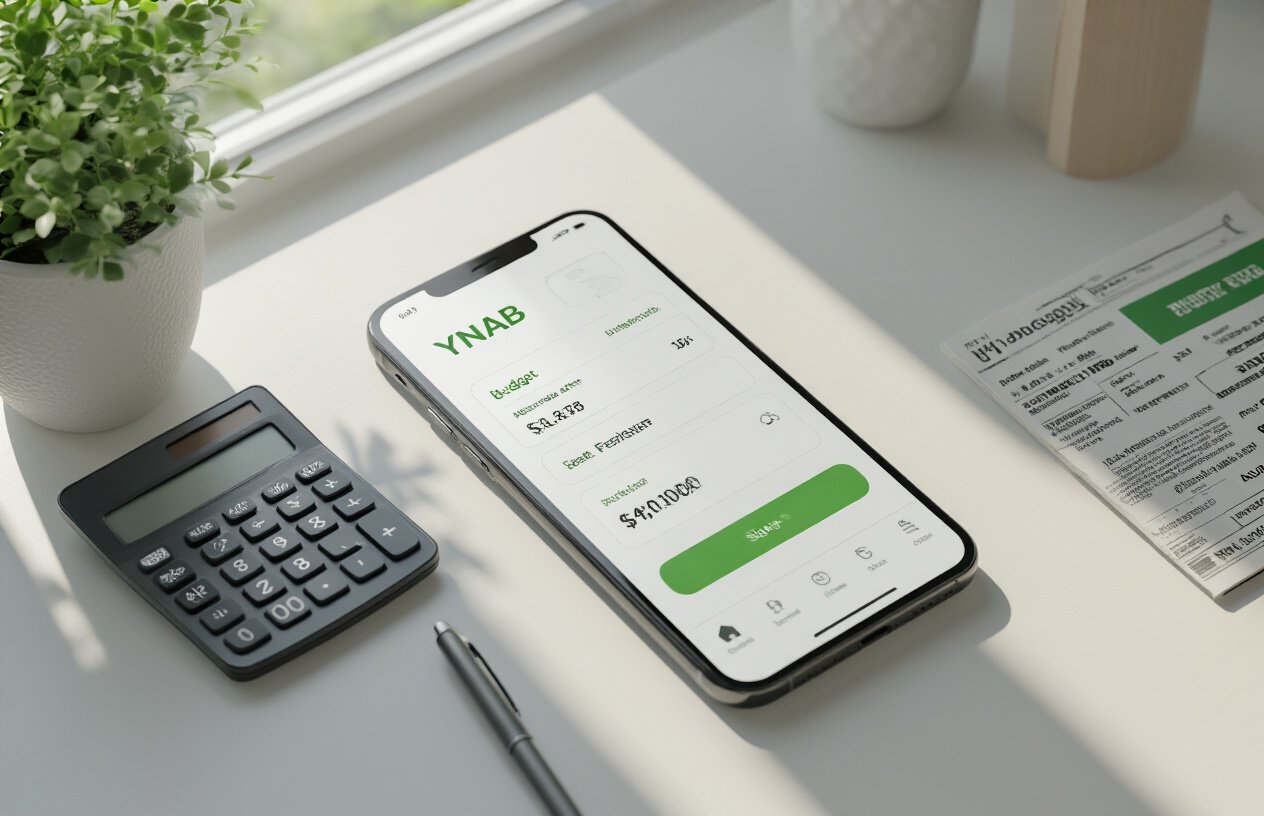
Create dedicated grocery categories that reflect your actual needs
Setting up grocery categories in YNAB requires thinking beyond the basic “food” bucket. Break down your spending into specific categories like fresh produce, pantry staples, protein, dairy, snacks, and household items. This granular approach reveals where your money actually goes each week.
Consider creating separate categories for different shopping patterns. Weekly essentials like milk, bread, and fresh vegetables deserve their own category, while bulk purchases of rice, canned goods, and cleaning supplies can be grouped separately. Special dietary needs warrant dedicated categories too – gluten-free products, organic items, or supplements each carry different price points and consumption patterns.
Don’t forget non-food grocery expenses. Paper products, cleaning supplies, and personal care items bought at grocery stores should have distinct categories. This separation helps identify when you’re overspending on convenience versus necessity.
Allocate realistic weekly food budgets based on family size
Family composition drives food costs more than most people realize. A family of four with teenagers needs a different allocation than two adults or a single person. Start with the USDA’s monthly food cost estimates, then adjust based on your household’s eating habits and local grocery prices.
Account for age-specific needs when budgeting. Toddlers eat less but require expensive specialty foods, while teenagers consume massive quantities of everything. Adults with dietary restrictions often face higher grocery bills due to specialty ingredients.
Build flexibility into your allocations. Some weeks require extra spending for meal prep or entertaining, while others might run lean. Create a baseline weekly amount, then add buffer categories for special occasions, bulk buying opportunities, or seasonal fluctuations in produce prices.
Link bank accounts to automatically track grocery transactions
YNAB’s bank connectivity transforms manual budget tracking into an automated system. Connect your primary checking account and any credit cards used for grocery shopping to capture every transaction without manual entry.
Set up merchant recognition to automatically categorize grocery store purchases. Most major chains like Kroger, Safeway, or Walmart will automatically sort into your grocery categories once the system learns your shopping patterns. Review these automatic categorizations weekly to catch any miscategorized purchases.
Consider using a dedicated grocery credit card for additional tracking precision. Some cards offer cashback on grocery purchases while providing cleaner transaction data for YNAB to process. This approach eliminates confusion between grocery and non-grocery purchases at stores that sell multiple product types.
Establish emergency food funds for unexpected meal planning
Life disrupts meal plans constantly. Sick days, work emergencies, or unexpected guests can derail your weekly grocery budget and push you toward expensive takeout or convenience foods. An emergency food fund prevents these situations from destroying your monthly budget.
Start with a modest emergency fund covering three to five unexpected meals. This might mean $50-100 depending on your household size and local prices. Use this fund for emergency grocery runs, picking up dinner on busy nights, or ordering delivery when cooking isn’t possible.
Replenish the emergency fund monthly rather than weekly. This approach prevents the fund from becoming a regular takeout allowance while ensuring it’s available when genuine emergencies arise. Track what triggers emergency fund usage to identify patterns and potentially adjust your regular meal planning approach.
Integrate PocketGuard AI for Real-Time Spending Alerts
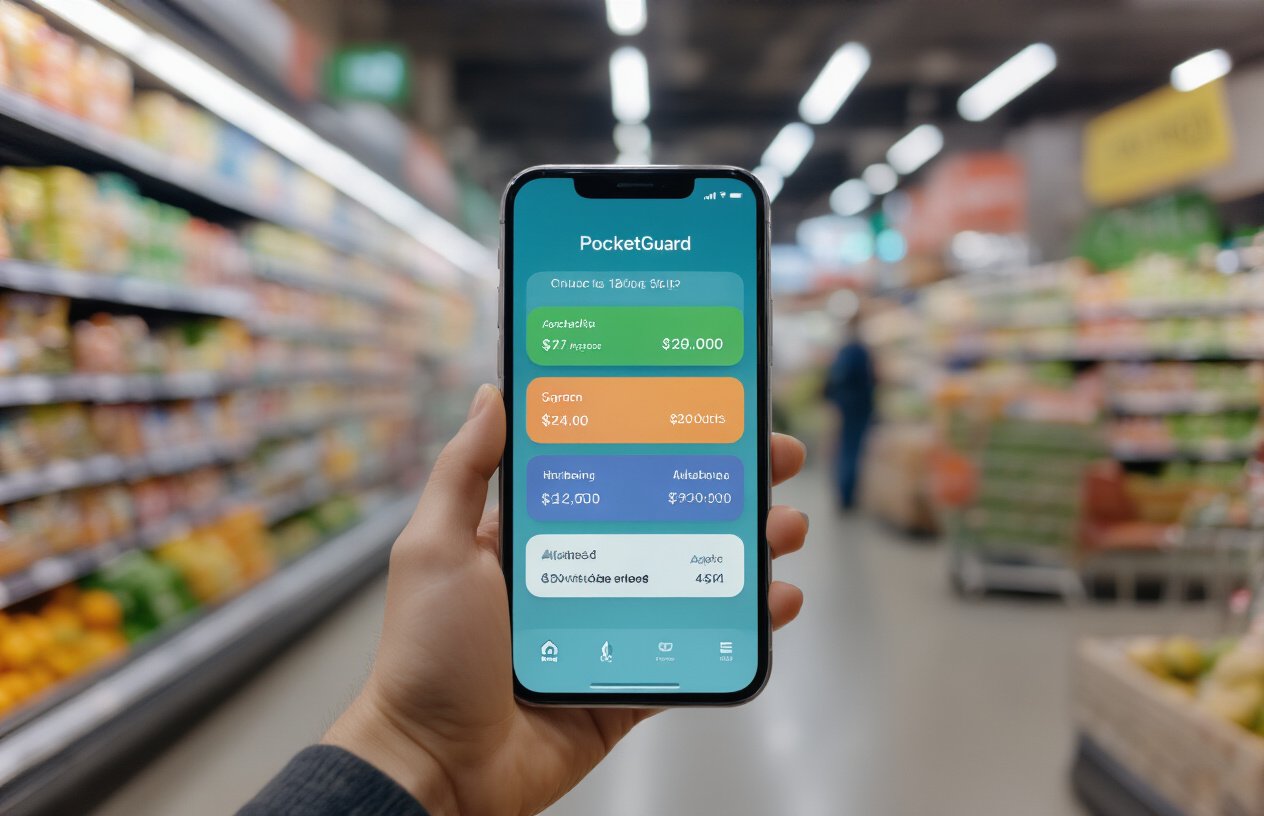
Connect PocketGuard to your primary grocery spending accounts
Getting PocketGuard linked to your grocery spending accounts is like giving yourself a financial sixth sense. Start by downloading the PocketGuard app and connecting all accounts where you typically spend on food – this includes your primary checking account, credit cards, and even that debit card you use for quick grocery runs.
During the initial setup, make sure to categorize your grocery stores correctly. PocketGuard’s AI works best when it knows exactly where your food money goes. Link major retailers like Walmart, Target, Kroger, and your local farmers market if you shop there regularly. Don’t forget about online grocery services like Instacart, Amazon Fresh, or grocery pickup services.
The key here is comprehensive coverage. Missing even one account can throw off your spending predictions and leave blind spots in your budget tracking. Take five minutes to scroll through your recent transactions and verify that PocketGuard is capturing all grocery-related purchases across every payment method you use.
Configure smart notifications for budget threshold warnings
Smart notifications transform PocketGuard from a passive tracking tool into an active spending coach. Set up alerts at multiple threshold levels – perhaps at 50%, 75%, and 90% of your weekly grocery budget. This graduated warning system gives you plenty of time to adjust your shopping behavior before you blow past your limits.
Customize these alerts based on your shopping patterns. If you typically shop twice a week, set mid-week check-ins. For bulk shoppers who hit Costco once weekly, configure alerts that account for larger single purchases. The timing matters as much as the amount – getting a budget warning on Tuesday gives you more options than discovering you’re overspent on Sunday night.
Don’t just rely on basic spending alerts. Set up category-specific notifications for different types of grocery spending: fresh produce, pantry staples, snacks, and dining alternatives. This granular approach helps you identify exactly which categories drive your overspending.
Enable AI-powered spending predictions for upcoming weeks
PocketGuard’s AI learns from your historical spending patterns to predict future grocery needs with surprising accuracy. Enable predictive analytics in the app’s settings and give it at least four weeks of data to establish reliable patterns. The AI considers factors like seasonal spending variations, monthly shopping cycles, and even how your grocery habits change based on your schedule.
The prediction feature becomes incredibly powerful when combined with external factors. Tell PocketGuard about upcoming events – dinner parties, holidays, or week-long business trips. The AI adjusts its predictions accordingly, warning you when special circumstances might push you over budget.
Review these predictions weekly and compare them against your actual spending. The AI gets smarter over time, but you can accelerate this learning by marking predictions as accurate or adjusting them based on planned changes in your routine.
Leverage AI Technology to Predict Food Waste Patterns
Analyze Your Purchase History to Identify Frequently Wasted Items
Your spending data holds the key to breaking wasteful grocery habits. Start by downloading your last three months of grocery receipts and categorizing each item. Look for patterns in what you buy repeatedly but rarely consume completely.
Common culprits include:
- Fresh herbs bought for one recipe but used sparingly
- Bulk produce that spoils before consumption
- Specialty condiments or sauces purchased for single dishes
- Pre-packaged salads that wilt quickly
- Bakery items that go stale
Create a simple spreadsheet tracking purchase frequency versus actual usage. You’ll quickly spot items appearing on multiple receipts despite previous packages going bad. This data becomes your foundation for smarter shopping decisions.
Use AI Algorithms to Forecast Optimal Grocery Quantities
Modern AI tools analyze your consumption patterns alongside household data to recommend precise quantities. These algorithms consider factors like family size, eating habits, and historical usage rates to prevent overbuying.
The technology works by:
- Learning your consumption velocity for different food categories
- Adjusting recommendations based on upcoming events or schedule changes
- Factoring in storage capabilities to prevent bulk purchases beyond your capacity
- Accounting for prep time and cooking frequency to match realistic meal planning
Set up automatic quantity alerts that warn you when cart items exceed recommended amounts. This real-time feedback prevents impulse bulk buying that leads to waste.
Predict Seasonal Buying Patterns That Lead to Excess Purchases
Holiday seasons and special events trigger predictable overspending patterns. AI analysis reveals these trends by examining your historical data across different time periods.
| Season | Common Waste Triggers | AI Prevention Strategy |
|---|---|---|
| Summer | BBQ condiments, fresh fruit | Track usage vs. purchase ratios |
| Fall | Baking supplies, seasonal produce | Monitor recipe completion rates |
| Winter | Comfort food ingredients | Analyze actual cooking frequency |
| Spring | Fresh vegetables, cleaning supplies | Review storage capacity limits |
The system flags when current purchases mirror previous seasonal spikes that resulted in waste. You’ll receive warnings before repeating expensive mistakes from past years.
Generate Personalized Shopping Lists Based on Consumption Data
Smart shopping lists evolve beyond simple reminders. AI-powered lists prioritize items based on actual consumption rates, kitchen inventory, and upcoming meal plans.
Your personalized list includes:
- Priority rankings for essential versus optional items
- Quantity recommendations based on historical usage
- Alternative suggestions for frequently wasted products
- Budget alerts when cart total exceeds weekly targets
- Expiration reminders for items already in your pantry
These lists sync across devices, allowing real-time updates as you shop. The system learns from each trip, refining recommendations for better accuracy over time.
Track Expiration Dates and Consumption Rates for Perishables
Perishable tracking transforms how you manage fresh foods. Input expiration dates when unpacking groceries, then monitor actual consumption against these timelines.
Advanced tracking features include:
- Photo recognition for automatic date entry from packaging
- Consumption velocity calculations showing how quickly you use different items
- Proactive meal suggestions using ingredients nearing expiration
- Waste cost analysis highlighting financial impact of spoiled foods
- Storage optimization tips for extending freshness
This data reveals your true consumption patterns versus assumed eating habits. You might discover you actually eat bananas twice as fast as apples, or that bagged spinach consistently spoils while frozen vegetables get fully consumed. These insights drive significant behavioral changes that reduce waste and spending.
Implement the Combined YNAB-PocketGuard Strategy
Sync budget allocations between both platforms for consistency
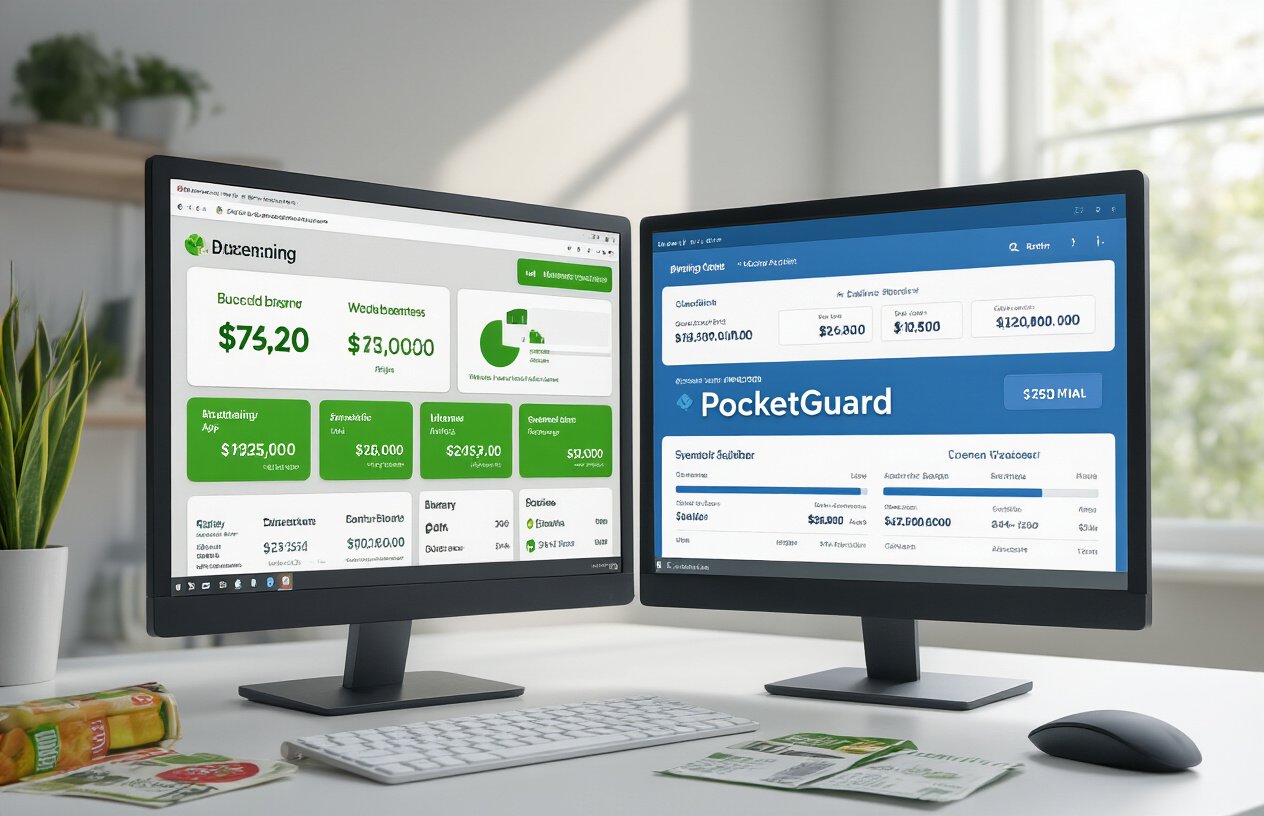
Setting up synchronized budgets across YNAB and PocketGuard creates a powerful foundation for grocery spending control. Start by establishing your weekly grocery budget in YNAB, then manually input the same amount into PocketGuard’s spending categories. This dual-platform approach prevents the common mistake of accidentally exceeding your limits because one app doesn’t know what the other is tracking.
Create a weekly routine where you update both apps with your current grocery allocations. YNAB excels at long-term budget planning, while PocketGuard shines with immediate spending awareness. When you assign $150 for groceries in YNAB for the week, mirror that exact amount in PocketGuard’s food category. This consistency ensures both apps work together rather than giving you conflicting information.
The key is treating both platforms as complementary tools. YNAB handles your strategic budget planning and shows you the bigger picture of where your money should go. PocketGuard acts as your real-time spending guard, alerting you when you’re approaching those predetermined limits.
Create automated rules that prevent overspending before it happens
Smart automation transforms reactive budgeting into proactive spending control. Configure PocketGuard to send you alerts when you’ve spent 75% of your weekly grocery budget. This early warning system gives you time to adjust your shopping behavior before you blow through your limits completely.
Set up YNAB’s goal features to automatically allocate grocery money each week. When you get paid, YNAB can automatically move your predetermined grocery amount into the correct category. This removes the temptation to “borrow” grocery money for other expenses and ensures your food budget stays protected.
Create spending rules that block grocery purchases when you’ve exceeded your weekly limit. Many credit cards and banking apps allow you to set category-specific spending limits that trigger automatic declines. Link these limits to your YNAB grocery budget amount.
| Automation Rule | Trigger Point | Action Taken |
|---|---|---|
| Early Warning Alert | 75% of budget spent | PocketGuard notification |
| Budget Protection | Weekly paycheck | Auto-allocate grocery funds |
| Hard Stop | 100% of budget reached | Block additional purchases |
Use dual-app notifications to stay within weekly food budgets
Leverage both apps’ notification systems to create multiple layers of spending awareness. PocketGuard excels at immediate transaction alerts, sending you notifications the moment you make a grocery purchase. YNAB’s strength lies in budget category updates and weekly spending summaries.
Configure PocketGuard to buzz your phone every time you spend money on food. This instant feedback creates awareness about each purchase decision. Set the notification to show your remaining budget balance, so you always know exactly how much grocery money you have left.
Schedule YNAB to send you weekly budget reports every Sunday evening. This gives you a complete picture of your grocery spending patterns and helps you plan the upcoming week. The weekly report shows trends that daily notifications might miss, like gradually increasing spending or successful weeks where you stayed well under budget.
Customize your notification timing to match your shopping habits. If you typically grocery shop on weekends, set up reminder notifications on Friday evenings to review your current budget status before heading to the store.
Monitor real-time spending against predicted waste patterns
Track your actual purchases against AI-predicted waste patterns to identify spending that will likely result in thrown-away food. PocketGuard’s AI analyzes your transaction history to predict which purchases typically lead to food waste, while YNAB’s detailed categorization helps you spot patterns in your buying behavior.
Create custom YNAB categories for different types of grocery purchases: fresh produce, pantry staples, and impulse buys. This granular tracking reveals which categories consistently lead to waste. Fresh produce might show high waste rates, while canned goods rarely get thrown away.
Use PocketGuard’s spending predictions to identify risky purchase patterns before they happen. The app learns from your history and can warn you when you’re about to buy items that often end up wasted. If you typically waste lettuce but always use carrots, the AI will flag lettuce purchases as higher waste risk.
Review your spending data weekly to adjust future grocery strategies. Look for correlations between spending spikes and waste increases. You might discover that shopping when hungry leads to 30% more waste, or that buying organic produce results in more thrown-away food due to shorter shelf life.
Maximize Your Grocery Savings Through Data-Driven Decisions
Reduce impulse purchases using AI-generated shopping recommendations
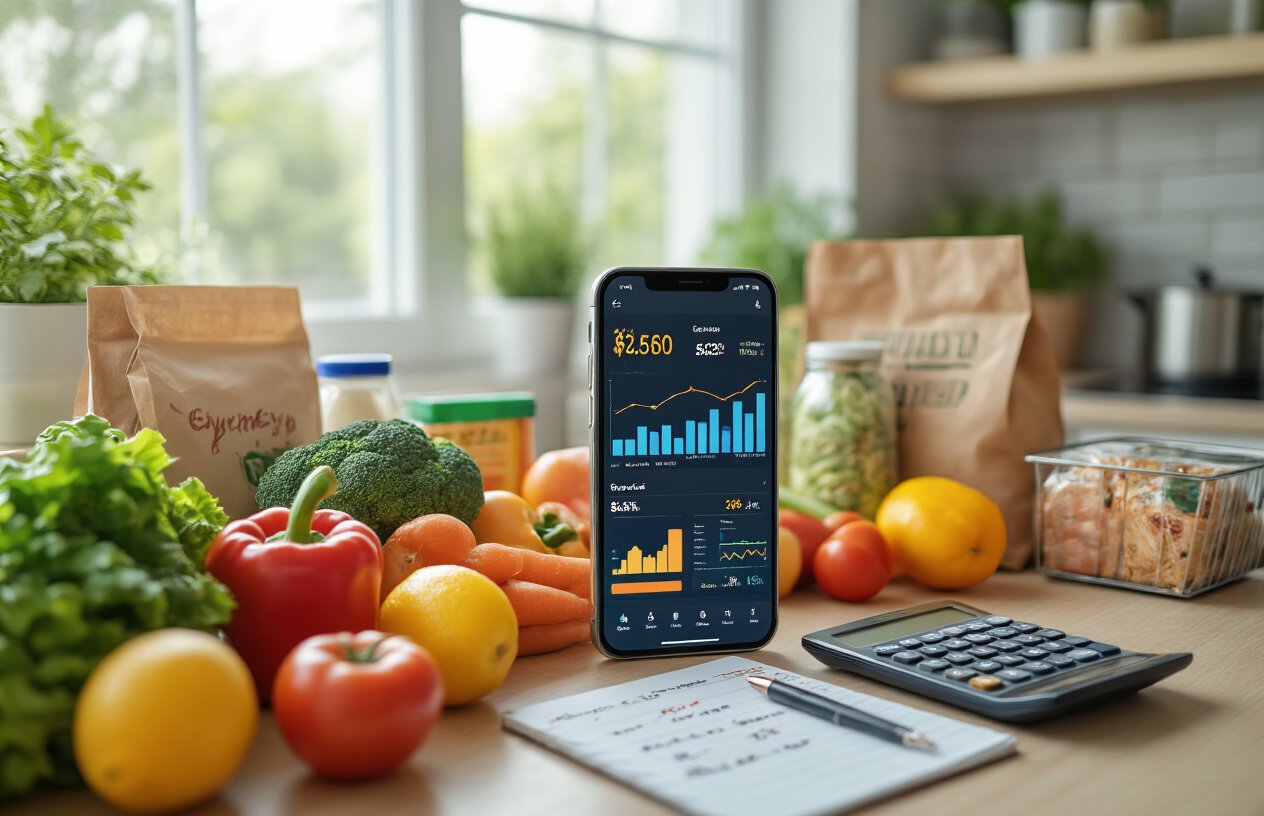
Your smartphone buzzes with a notification: “Based on your spending patterns, you typically overspend by 23% when shopping on Sundays.” This isn’t magic—it’s AI working behind the scenes to keep your grocery budget on track. PocketGuard’s AI analyzes your historical shopping data and identifies specific triggers that lead to impulse purchases.
The app learns that you tend to buy extra snacks when shopping after 6 PM or that you’re more likely to grab expensive organic items when you’re stressed. Armed with this knowledge, both YNAB and PocketGuard can send strategic alerts before you enter the store. “You have $47 allocated for groceries today. Stick to your list to avoid the usual $15 overage.”
Smart shopping recommendations go beyond simple budget alerts. The AI suggests optimal shopping times based on your past behavior, recommends store layouts that minimize exposure to tempting displays, and even suggests alternative products that align with your budget goals. If you regularly buy name-brand cereal for $6.99, the system might suggest trying the store brand for $3.49 based on successful substitutions other users have made.
The most powerful feature is the real-time spending tracker that updates as you shop. When you scan items or manually enter purchases, the app immediately shows how each addition affects your remaining budget and weekly food waste predictions.
Optimize meal planning based on historical consumption data
Your grocery apps become meal planning powerhouses when they track what you actually eat versus what you buy. YNAB’s category tracking combined with PocketGuard’s spending analysis reveals surprising patterns in your food consumption habits.
The data shows you bought fresh spinach twelve times last quarter but only used it completely six times. This information transforms into actionable meal planning insights. Instead of buying a full bag of spinach weekly, the AI suggests purchasing smaller portions every other week or finding recipes that use spinach as a primary ingredient rather than a side dish.
Historical consumption data reveals your family’s real eating patterns, not idealized versions. You might discover that elaborate Monday meal prep rarely survives past Wednesday, or that your kids consistently refuse vegetables on Friday nights. The AI uses these insights to suggest meal plans that match your actual lifestyle.
| Meal Type | Success Rate | AI Recommendation |
|---|---|---|
| Complex weekday dinners | 23% | Switch to simple 20-minute meals |
| Weekend breakfast prep | 78% | Increase variety and portions |
| Lunch leftovers | 45% | Plan intentional leftover recipes |
The system also tracks seasonal preferences and adjusts suggestions accordingly. It notices you buy more soup ingredients in October and suggests stocking up on canned goods when prices drop, but warns against over-purchasing fresh herbs that historically go bad during winter months.
Eliminate duplicate purchases through smart inventory tracking
Walking into your pantry to discover three bottles of olive oil or four boxes of pasta becomes a thing of the past with smart inventory tracking. Both YNAB and PocketGuard can connect to your shopping history to create a virtual pantry that updates each time you make a purchase.
The AI learns your consumption rates for staple items and sends alerts when you’re genuinely running low, not just when you think you might be. “You have 8 days of coffee remaining based on your usage pattern” appears more helpful than trying to remember if you bought coffee last week or two weeks ago.
Smart inventory tracking prevents the expensive mistake of emergency shopping trips. The system identifies items you frequently run out of unexpectedly—maybe you always forget you’re low on milk until Tuesday morning—and suggests adding them to your regular shopping list rotation.
Photo-based inventory updates make tracking effortless. Snap a picture of your pantry, and the AI identifies items and estimates quantities. Some users report saving $30-50 monthly just by avoiding duplicate purchases of non-perishables they already owned.
The system also tracks expiration dates and consumption speed to optimize purchase timing. Instead of buying a 12-pack of yogurt that expires before you can finish it, the AI suggests buying the 6-pack and adding yogurt to next week’s list, preventing both food waste and unnecessary spending.
Food waste costs the average family over $1,500 each year, but combining YNAB’s detailed budgeting with PocketGuard’s AI predictions gives you the power to cut that number dramatically. When you track your spending patterns, set realistic grocery budgets, and let AI alert you to potential waste before it happens, you’re not just saving money—you’re building smarter shopping habits that stick.
Start with just one week of tracking your current grocery habits in YNAB, then add PocketGuard’s real-time alerts to catch overspending as it happens. The AI learns your family’s eating patterns and warns you when you’re buying too much of items that typically go bad in your household. This simple combination turns grocery shopping from a guessing game into a strategic decision that protects both your wallet and the environment.