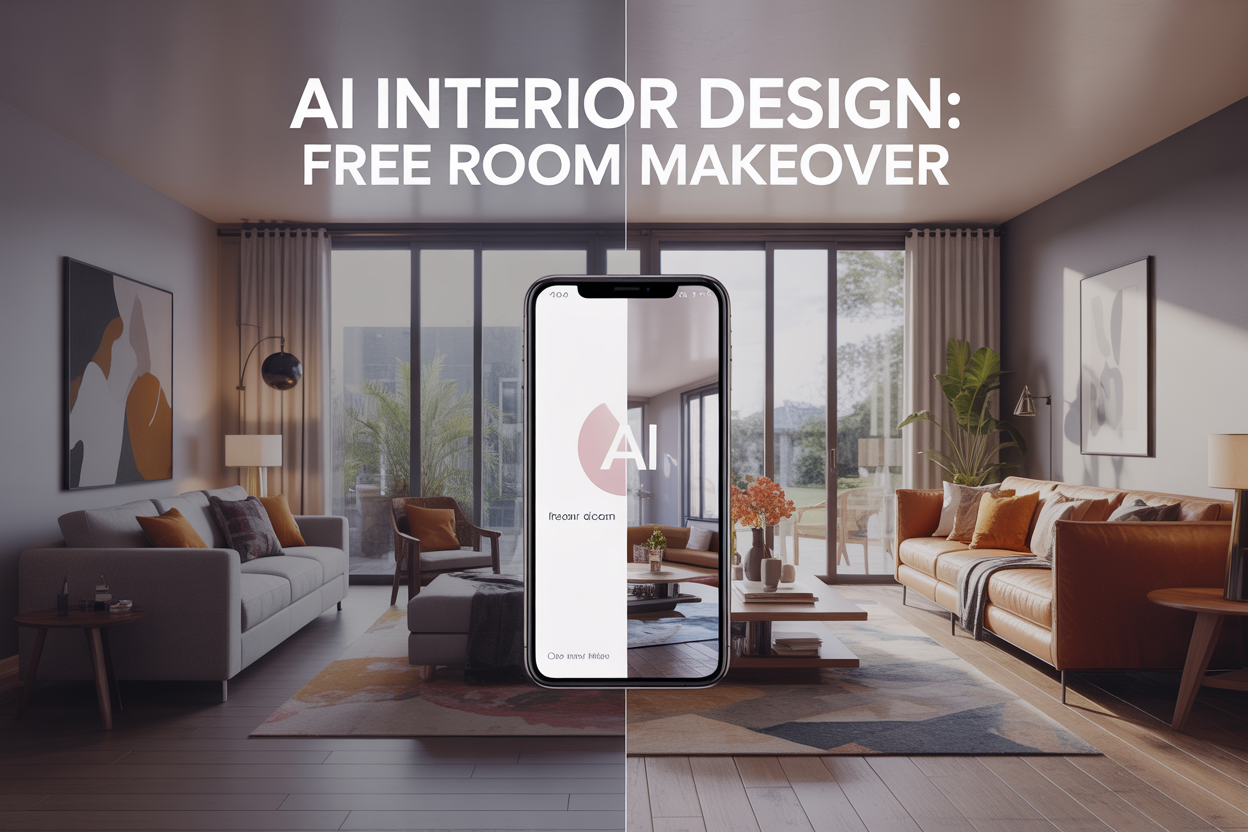
I completely transformed my cramped, outdated living room using nothing but my phone and some clever AI interior design apps—and didn’t spend a dime on the actual redesign process.
This guide is perfect for renters, budget-conscious homeowners, and design novices who want professional-looking results without hiring an expensive interior designer or committing to costly furniture purchases upfront.
You’ll learn how to find and use the best AI interior design apps that work with just your phone camera, plus I’ll walk you through the complete process from photographing your space like a pro to getting stunning design recommendations. I’ll also share my proven strategies for implementing these AI-generated ideas on any budget and reveal the biggest mistakes that can ruin your results (so you can avoid them completely).
Discover the Best AI Interior Design Apps for Your Phone
Top-rated free apps that transform spaces instantly
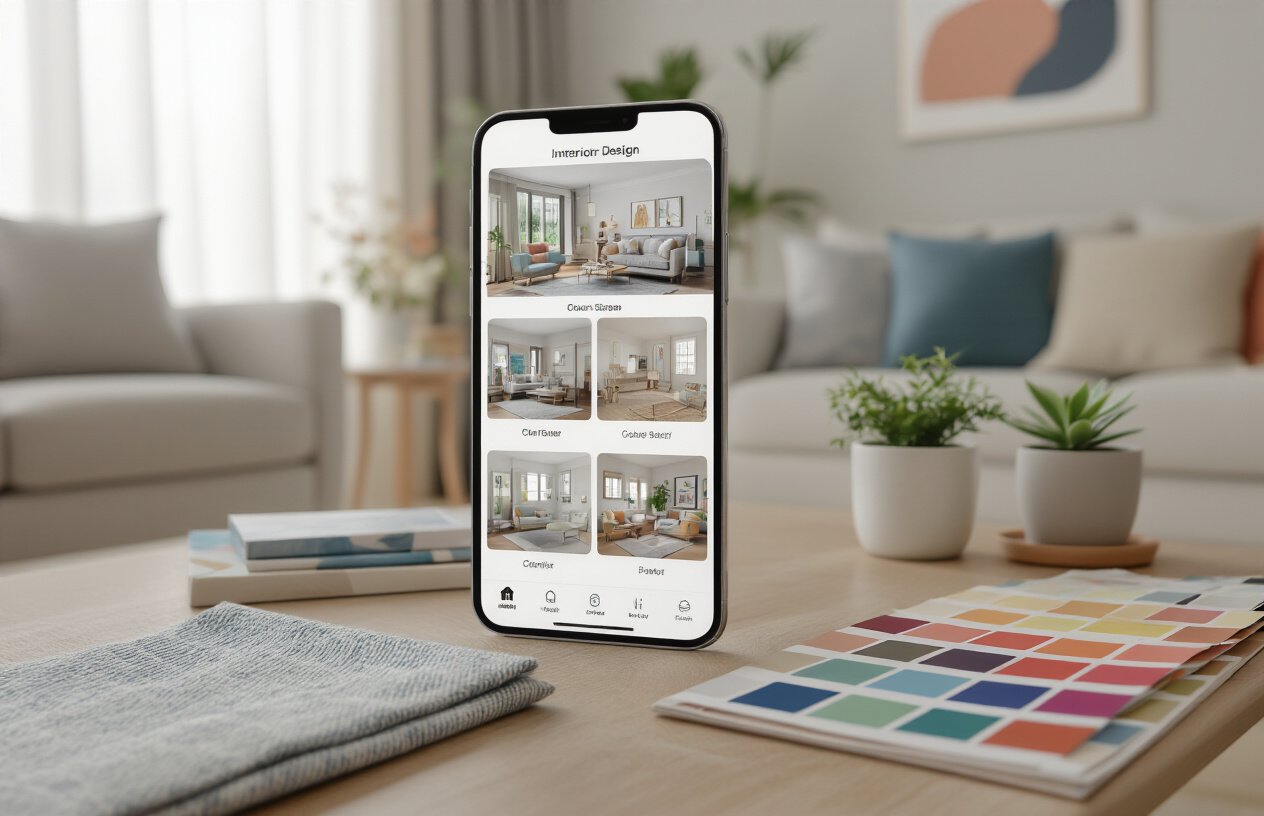
The market offers several powerful AI interior design apps that deliver professional results without charging a penny. IKEA Place stands out as the most reliable option, using advanced AR technology to let you place furniture virtually in your space with remarkable accuracy. The app’s measurement system is incredibly precise, showing you exactly how that IKEA sofa will look against your wall before you buy it.
Planner 5D takes a different approach, offering a comprehensive design suite that creates detailed floor plans and 3D visualizations. You can redesign entire rooms from scratch, experiment with different layouts, and even change wall colors instantly. The app’s AI suggests furniture arrangements based on your room’s dimensions and natural lighting.
Homestyler by Autodesk deserves special attention for its professional-grade capabilities. This app lets you take photos of your room and then overlay different design elements in real-time. The AI analyzes your space and recommends specific products from major retailers, complete with pricing information.
SketchUp Viewer rounds out the top choices with its powerful 3D modeling capabilities. While slightly more complex than others, it offers unmatched flexibility for creating custom designs and modifications.
Each of these apps handles room scanning differently, but all provide instant visual feedback that helps you make confident design decisions without spending money on mistakes.
Key features to look for in design AI tools
The most important feature in any AI design app is accurate room scanning technology. Look for apps that use your phone’s camera and sensors to measure spaces precisely. The best tools create detailed 3D models of your room within seconds, capturing everything from ceiling height to furniture placement.
Real-time rendering capabilities separate great apps from mediocre ones. You want to see changes instantly as you move furniture around or swap out colors. Apps with laggy rendering make the design process frustrating and less intuitive.
Extensive furniture databases give you more design options to work with. The top apps partner with major retailers and furniture manufacturers, offering thousands of accurate 3D models. This means you can virtually place actual products in your space and know exactly what to buy.
Smart suggestion algorithms represent the true AI magic. Look for apps that analyze your room’s lighting, dimensions, and existing furniture to recommend complementary pieces. The best algorithms consider your style preferences and budget constraints when making suggestions.
Export and sharing options help you implement your designs in the real world. Choose apps that let you save high-resolution images, create shopping lists, and share designs with family members or contractors.
Photo integration allows you to work with your existing space rather than starting from scratch. Apps that can analyze photos of your current room and suggest improvements save significant time during the design process.
Compatibility requirements for optimal performance
Most AI design apps require iOS 12.0 or Android 8.0 or later to function properly. However, the real performance bottlenecks come from your phone’s hardware capabilities rather than just software versions.
Camera quality directly impacts scanning accuracy. Your phone needs at least a 12MP rear camera for reliable room measurements. Phones with depth sensors or LiDAR technology (like newer iPhones) provide significantly better scanning results and faster processing times.
RAM requirements become critical when working with detailed 3D models. Apps like Homestyler and Planner 5D need at least 4GB of RAM to run smoothly. With less RAM, you’ll experience crashes when loading complex furniture models or rendering high-quality images.
Storage space fills up quickly with AI design apps. Each app typically requires 2-4GB of initial storage, but the real space consumption comes from downloading furniture catalogs and saving your design projects. Keep at least 10GB of free storage available for smooth operation.
Processing power affects rendering speed and overall app responsiveness. Phones with older processors (more than 3 years old) may struggle with real-time 3D rendering, making the design process slower and less enjoyable.
Internet connectivity is essential for accessing furniture databases and AI processing. Most apps require a stable WiFi connection for initial setup and periodic updates, though basic functionality often works with cellular data.
Check your phone’s specifications against these requirements before downloading multiple design apps, as running several simultaneously can overwhelm older devices.
Capture Your Living Room Like a Professional Designer

Essential photo angles that maximize AI accuracy
The secret to getting accurate AI design recommendations lies in capturing your room from multiple strategic angles. Start with the classic “real estate agent shot” – stand in the doorway and photograph the entire room straight ahead. This gives the AI a complete overview of your space’s layout and proportions.
Next, move to each corner of the room and take diagonal shots toward the opposite corners. These corner-to-corner angles reveal depth, show how furniture relates to each other, and capture architectural details that straight-on shots miss. AI systems use these perspective cues to understand spatial relationships and recommend appropriately sized furniture.
Don’t forget the overhead perspective. Climb on a sturdy chair or use your phone’s wide-angle feature to capture a bird’s-eye view. This angle helps AI understand traffic flow patterns and furniture arrangement possibilities.
For rooms with interesting architectural features like built-ins, fireplaces, or bay windows, take dedicated close-up shots from multiple angles. The AI needs to see these elements clearly to work around them in its recommendations.
Lighting tricks for perfect room documentation
Natural light is your best friend when photographing for AI analysis. Take photos during mid-morning or early afternoon when sunlight fills the room evenly without harsh shadows. Open all curtains and blinds, but avoid direct sunlight streaming through windows, which creates blown-out spots that hide important details.
Turn on all existing room lights – overhead fixtures, table lamps, and floor lamps. This layered lighting approach eliminates dark corners and ensures the AI can see every piece of furniture, wall color, and decorative element clearly.
If your room has poor natural light, use your phone’s flashlight sparingly. Hold it at arm’s length to the side rather than directly behind your phone to avoid harsh, flat lighting. Some phones have “room” or “indoor” photography modes that automatically adjust for interior lighting conditions.
Avoid taking photos at night with only artificial lighting, as this can distort colors and make the AI misinterpret your room’s actual color palette. The goal is to show your space as close to how you experience it daily.
Common photography mistakes that ruin AI analysis
Blurry photos are the number one enemy of AI accuracy. Even slightly out-of-focus images can cause the AI to misidentify furniture pieces or miss important spatial relationships. Hold your phone steady, use both hands, and take multiple shots of each angle to ensure at least one is perfectly sharp.
Cluttered surfaces confuse AI systems. Before photographing, clear coffee tables, remove personal items from shelves, and tidy up scattered belongings. The AI needs to see the actual furniture and architecture, not your collection of magazines and remote controls.
Extreme angles might seem artistic, but they distort room proportions and confuse AI spatial recognition. Avoid tilting your phone dramatically or taking photos from very low or very high positions unless you’re specifically capturing an overhead view.
Poor framing wastes the AI’s analytical power. Don’t crop out parts of furniture or cut off important architectural elements at the edges of your photos. If a sofa extends beyond your frame, step back and capture the entire piece, even if it means including some empty wall space.
Creating a comprehensive visual inventory of your space
Document every significant element in your room through dedicated detail shots. Photograph each major furniture piece individually – your sofa, coffee table, side chairs, entertainment center, and bookcases. These individual shots help the AI understand what you currently own and what you might want to keep in your redesign.
Capture your room’s “bones” – the permanent architectural features that will influence any design changes. Take clear photos of windows, doors, built-in storage, fireplaces, ceiling details, and any unique structural elements. Include shots of electrical outlets, light switches, and cable outlets, as these practical elements affect furniture placement.
Don’t overlook textiles and accessories. Photograph your current curtains, rugs, artwork, and decorative objects. Even if you plan to replace these items, the AI can use them to understand your style preferences and suggest complementary pieces.
Create a systematic approach by moving clockwise around your room, photographing each wall section thoroughly. This method ensures you don’t miss any important details and gives the AI a complete 360-degree understanding of your space. Include photos of any storage areas, closets, or alcoves that connect to your main living area.
Master the AI Design Process Step-by-Step

Upload techniques that generate better recommendations
The quality of your photo upload makes or breaks your AI design experience. Take multiple shots of your room from different angles – corner to corner, straight-on views, and even some detail shots of problem areas. Natural lighting works best, so open those curtains and snap away during daylight hours.
Clear away clutter before photographing. AI systems struggle to identify furniture and architectural features when your space looks like a tornado hit it. You don’t need to stage everything perfectly, but removing clothes from chairs and clearing coffee tables helps the AI understand your room’s true potential.
Capture the entire room in each shot. Stand in doorways or far corners to get maximum coverage. The AI needs to see how furniture relates to walls, windows, and traffic flow patterns. Partial views leave the system guessing about proportions and spatial relationships.
Take shots at eye level rather than from above or below. This mimics how you actually experience the space and gives the AI the most accurate perspective for generating realistic recommendations.
Input your style preferences for personalized results
Most AI design apps include style quizzes or preference settings that dramatically improve your results. Don’t rush through these sections – they’re your chance to communicate your taste directly to the algorithm.
Browse the style examples carefully. Apps typically show modern, traditional, bohemian, minimalist, and industrial options. Pick styles that genuinely appeal to you rather than what you think looks “right” or trendy. The AI uses these choices to filter thousands of design elements.
Set your budget parameters honestly. Many apps ask for spending ranges or categorize suggestions by cost. If you’re aiming for zero-cost changes, select the lowest budget options to prioritize rearranging existing pieces and DIY solutions.
Specify your must-keep items. Tag furniture pieces you love or can’t replace. This prevents the AI from suggesting you ditch your grandmother’s antique armoire or that expensive sofa you just bought.
Color preferences matter more than you might think. If you hate yellow, tell the AI. If you’re obsessed with navy blue, make that known. These inputs help narrow down paint colors, accent pieces, and overall palettes.
Navigate design options and filter suggestions effectively
AI apps typically generate multiple design scenarios for your space. Don’t settle for the first option that pops up. Scroll through at least 5-10 different concepts to see the full range of possibilities.
Use filtering tools to narrow down suggestions. Most apps let you filter by style, color scheme, or specific furniture types. If you’re working with existing pieces, filter for arrangements that incorporate your current furniture.
Pay attention to the reasoning behind each suggestion. Better AI apps explain why they recommend certain changes – “This arrangement improves traffic flow” or “Moving the sofa here maximizes natural light.” These explanations help you understand design principles you can apply elsewhere.
Save multiple options for comparison. Screenshot or bookmark 3-4 different concepts that appeal to you. This lets you mix and match elements from different designs rather than copying one solution exactly.
Focus on suggestions that work with your lifestyle. An AI might recommend a beautiful glass coffee table, but if you have toddlers, that’s not practical. Look for recommendations that match how you actually live in your space.
Test radical changes virtually before dismissing them. Sometimes the AI suggests moving your couch to what seems like a crazy location. View these recommendations with an open mind – the algorithm might see traffic flow or lighting advantages you haven’t considered.
Transform Your Space with Zero-Cost AI Recommendations
Furniture Arrangement Strategies the AI Suggests
AI apps excel at spotting furniture placement mistakes that most people miss. The technology analyzes your room’s traffic flow and suggests moving your sofa away from walls to create conversation areas. Instead of pushing everything against the perimeter, AI often recommends floating furniture pieces to make rooms feel larger and more dynamic.
Most AI tools will suggest creating focal points by angling chairs toward your main seating area rather than lining them up like a waiting room. They’re also great at identifying when coffee tables are too far from sofas – the ideal distance is 14-18 inches, something AI consistently catches.
The apps frequently recommend swapping furniture between rooms too. That accent chair collecting dust in your bedroom might be exactly what your living room needs to balance the space. AI analyzes proportions and often suggests moving larger pieces to corners where they won’t block natural pathways.
Color Palette Changes That Create Instant Impact
AI color recommendations focus on psychological impact rather than just trending hues. The apps analyze your existing furniture and suggest paint colors or accent pieces that complement what you already own, saving money on complete overhauls.
Most AI tools recommend the 60-30-10 rule: 60% dominant color (usually walls), 30% secondary color (larger furniture), and 10% accent color (pillows, artwork). They’re particularly good at suggesting which walls to accent for maximum visual impact without overwhelming the space.
| Color Strategy | AI Recommendation | Zero-Cost Implementation |
|---|---|---|
| Accent Walls | Darker shade of existing wall color | Use existing paint mixed with small amount of black paint |
| Color Coordination | Pull colors from existing artwork | Rearrange accessories to match dominant artwork tones |
| Seasonal Updates | Warm vs. cool undertones | Swap warm-toned accessories for cool ones using items from other rooms |
Lighting Adjustments That Enhance Room Atmosphere
AI apps consistently identify lighting as the fastest way to transform any space without spending money. They analyze your photos to spot harsh overhead lighting and suggest creating layered lighting using lamps you already own.
The technology often recommends moving table lamps to different heights and corners to eliminate dark spots. AI tools are excellent at suggesting lamp placement that creates ambient pools of light rather than trying to illuminate everything evenly.
Many apps suggest removing or repositioning lampshades that are too small or large for their bases. They can identify when lamp proportions are off and recommend swapping shades between different lamps in your home to achieve better balance.
String lights get frequent AI recommendations for adding warmth. The apps suggest draping them behind furniture or around windows to create soft background lighting that makes spaces feel cozy and intentional.
Accessory Placement Tips for Balanced Design
AI tools are masters at identifying cluttered surfaces and suggesting the “rule of three” for arrangements. They recommend grouping accessories in odd numbers and varying heights to create visual interest without spending anything.
The apps frequently catch when people place items too high on walls or shelves. AI suggests bringing artwork and decorative objects down to eye level, making rooms feel more intimate and properly scaled.
Most AI recommendations focus on negative space – the empty areas that make designs breathe. They’ll suggest removing half the items from crowded shelves and spreading remaining pieces out for better visual impact.
Book arrangements get special attention from AI tools. Instead of lining up books like soldiers, the apps suggest stacking some horizontally, leaving breathing room between groups, and using books as platforms for small decorative objects you already own.
Implement Your AI-Generated Design Without Spending Money
Rearrange Existing Furniture Using AI Layouts
Your AI app just served up the perfect floor plan, and the best part? You don’t need to buy a single new piece. Start by taking “before” photos from multiple angles—these become your reference points as you experiment with different configurations. Most AI design apps provide top-down layout views that show optimal furniture placement for traffic flow and visual balance.
Begin with your largest pieces first. That sofa blocking the natural light? Move it perpendicular to the window instead of directly in front. The AI might suggest floating your couch in the center of the room to create distinct zones—a conversation area here, a reading nook there. Don’t be afraid to pull furniture away from walls; this creates depth and makes rooms feel larger.
Use painter’s tape to mark the AI’s suggested furniture footprints on your floor before committing to heavy lifting. This trick saves your back and helps you visualize proportions. Many people discover their coffee table works better as a console behind the sofa, or that swapping the armchair and side table positions opens up the entire space.
DIY Decoration Projects Inspired by AI Suggestions
When the AI recommends adding texture through throw pillows or artwork, resist the urge to head straight to the store. Instead, raid your linen closet for fabric that can become custom pillow covers. Old sweaters, scarves, or even curtains can be transformed into unique textiles with basic sewing skills or fabric glue.
Create gallery walls using photos you already have printed but never displayed. The AI’s color palette suggestions help you choose which images work together—maybe those vacation photos share the same blue tones the app identified as perfect for your space. Print additional photos at your local pharmacy for under a dollar each, or use free printing promotions from photo apps.
Transform mason jars into pendant lights with battery-operated LED strings, or wrap them in twine for textured vases. Old books become decorative objects when you remove their covers and spray paint the pages in colors that match your AI-generated scheme. Wine bottles turn into elegant vases with a simple soak to remove labels.
Repurpose Items You Already Own Creatively
That dining chair with the wobbly leg doesn’t need to hit the curb—it might be perfect as a plant stand or bedside table. Look at every item through the lens of function rather than original purpose. Vintage suitcases become storage ottomans, ladder-back chairs transform into blanket displays, and old shutters create room dividers or headboards.
Kitchen items often work brilliantly in other rooms. Cutting boards become laptop stands or decorative trays, colanders turn into unique light fixtures, and cake stands display plants or books. The AI’s style suggestions help you see these transformations—if the app recommends industrial touches, those metal kitchen tools suddenly look like perfect wall art.
Clothing can become home decor too. Vintage band t-shirts stretch into throw pillow covers, leather belts become curtain tiebacks, and silk scarves drape beautifully over lampshades to create ambient lighting. The key is matching the AI’s recommended color story and style elements.
Source Free Materials from Unexpected Places
Your neighborhood is full of design treasures waiting to be discovered. Check local “Buy Nothing” groups on social media where neighbors give away everything from furniture to fabric. Many people offer items that need minor repairs—perfect for DIY projects that align with your AI design vision.
Construction sites (with permission) often have leftover materials like wood scraps, tiles, or hardware that contractors can’t use. These pieces work beautifully for accent walls, floating shelves, or decorative elements. Paint stores frequently give away “oops” paint—colors that were mixed wrong but might be exactly what your AI palette calls for.
University campuses at the end of semesters become goldmines of discarded furniture and decor. Students throw away perfectly good items they can’t transport. Similarly, wealthy neighborhoods on bulk trash days offer high-quality pieces that need only cleaning or minor repairs.
Nature provides endless free materials too. Branches become curtain rods, smooth stones turn into bookends, and interesting pieces of driftwood create sculptural elements. The AI’s recommendations for natural textures and organic shapes guide you toward the right outdoor finds that will enhance your newly designed space.
Maximize Your Results and Avoid Common AI Design Pitfalls
Fine-tune recommendations for your specific lifestyle
AI design apps often suggest picture-perfect spaces that look amazing in magazines but might not work for real life. Your algorithm doesn’t know you have three cats who love to climb curtains or that you work from home and need storage for office supplies. Start by evaluating each suggestion against your daily routines and habits.
Consider your family dynamics when reviewing AI recommendations. If you have young children, that beautiful white sofa the app suggests might become a canvas for sticky fingers within hours. Pet owners should question recommendations for delicate fabrics or low-sitting decor items that curious animals might destroy.
Think about your entertaining style too. Apps might recommend intimate seating arrangements when you regularly host large groups, or they might suggest formal dining setups when you prefer casual family meals. Take time to mentally walk through a typical day in your space and identify which AI suggestions would enhance your lifestyle versus create obstacles.
Blend AI suggestions with personal taste preferences
AI recommendations serve as a foundation, not a rulebook. The most successful room makeovers happen when you use technology as inspiration while maintaining your personality throughout the space. Maybe the app suggests a minimalist Scandinavian look, but you love bold colors and eclectic art pieces. You can adopt the clean lines and functional furniture suggestions while incorporating your vibrant artwork and colorful accessories.
Create a personal style filter before implementing suggestions. Write down five words that describe your ideal space – cozy, dramatic, playful, sophisticated, rustic – and use these as your guide. When the AI recommends a sleek metal coffee table but “warm and inviting” tops your list, consider wooden alternatives or ways to soften the metal with textured accessories.
Mix AI efficiency with emotional connection. That vintage chair inherited from your grandmother might not fit the algorithm’s perfect color scheme, but it brings joy and memories to your space. Smart design means finding ways to honor these meaningful pieces while incorporating fresh AI-generated ideas around them.
Recognize when to ignore certain AI recommendations
Not every AI suggestion deserves your attention, especially when apps push expensive solutions or impractical layouts. Be skeptical of recommendations that require major structural changes like removing walls or installing built-in storage systems. These suggestions often appear because the AI recognizes optimal space usage patterns, but they ignore budget constraints and rental limitations.
Question recommendations that seem generic or cookie-cutter. If multiple design apps suggest identical solutions, they might be pulling from limited databases rather than analyzing your unique space characteristics. Trust your instincts when something feels wrong for your room, even if the AI seems confident about the suggestion.
Watch for recommendations that prioritize aesthetics over functionality. Apps might suggest removing your only storage ottoman because it disrupts visual flow, but if you need that storage, keep it. Similarly, be cautious about suggestions to relocate furniture in ways that block natural traffic patterns or create awkward conversation arrangements. The most beautiful room means nothing if it doesn’t work for daily life.
AI interior design apps have completely changed how we approach home decorating, and the best part is you can access professional-level design advice right from your phone. These tools let you capture your space, experiment with different layouts, and get personalized recommendations without spending a dime on consultations or expensive design services.
The key to success lies in taking quality photos, following the AI’s step-by-step guidance, and being smart about implementing the suggestions you receive. You don’t need to buy everything the app recommends – focus on the changes that make the biggest visual impact and work with what you already have. With a little patience and creativity, you can transform your living room into a space that feels completely fresh and professionally designed, all while keeping your budget intact.