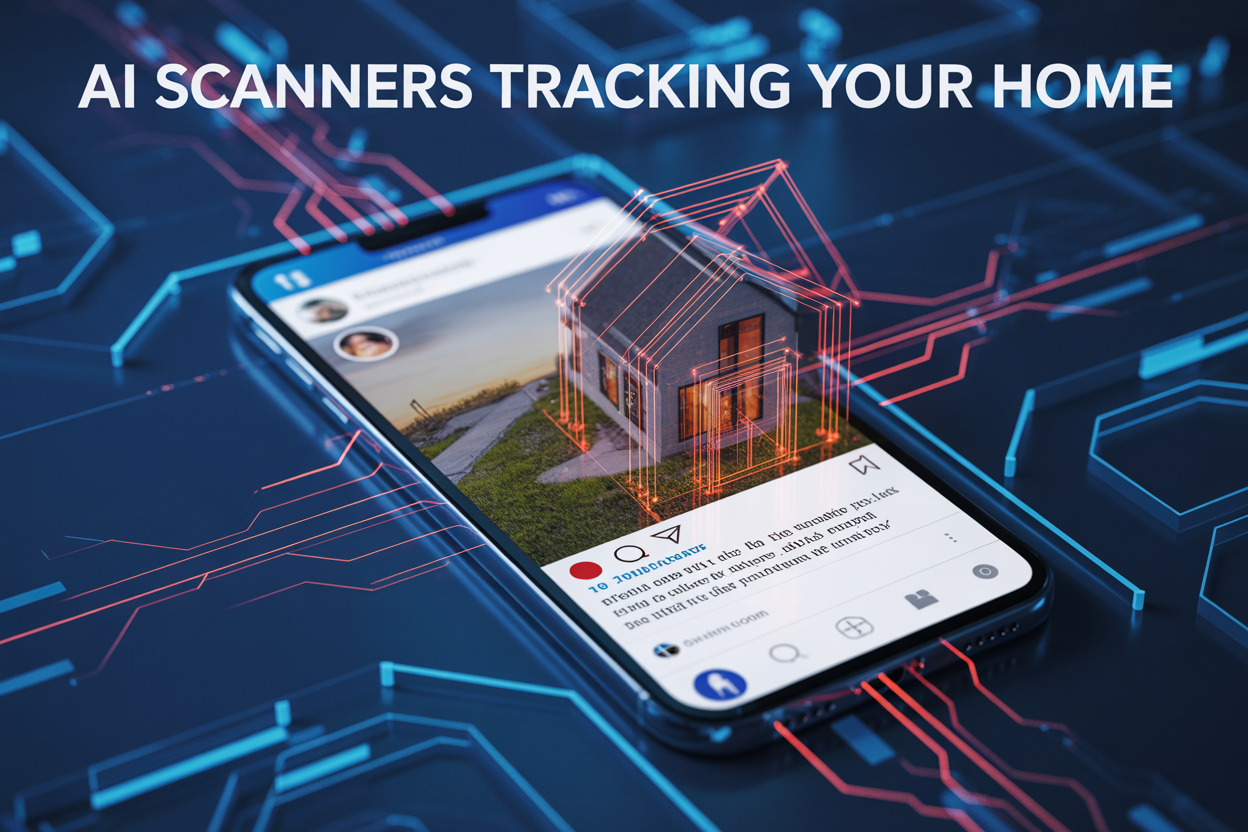
Your weekend photos could be giving away more than memories.
Social media users who share photos from home need to know about a specific privacy setting that AI scanners exploit to pinpoint exact locations. Many people don’t realize their innocent posts are creating a digital breadcrumb trail straight to their front door.
This guide shows you the critical privacy setting most people ignore and walks through real examples of how AI identifies homes through seemingly harmless social posts. You’ll also learn quick steps to protect your home address before your next upload.
How AI Scanners Secretly Track Your Social Media Posts

The hidden algorithms monitoring your weekend uploads
Your weekend photos trigger immediate AI scanning the moment you hit “share.” Social media platforms deploy sophisticated computer vision algorithms that analyze every image within seconds of upload. These systems don’t just look for faces – they examine architectural features, street signs, license plates, and even the distinctive patterns of your home’s exterior.
The scanning happens automatically in the background while you’re adding captions or tagging friends. Major platforms use neural networks trained on billions of images to recognize patterns that humans might miss. Your casual Saturday morning coffee photo on your porch gets processed through the same technology that powers facial recognition systems and autonomous vehicles.
Weekend uploads actually see higher scrutiny because they often contain more location-revealing content. People relax their privacy guard during downtime, sharing spontaneous moments that reveal far more than carefully curated weekday posts.
What personal data gets extracted from innocent photos
That simple photo of your new garden setup contains a goldmine of identifiable information. AI scanners extract metadata including GPS coordinates, camera model, and timestamp – but that’s just the beginning. The visual analysis goes much deeper.
Street view matching technology cross-references your home’s exterior features with publicly available satellite imagery and street-level photos. Your distinctive red front door, unique mailbox design, or that oak tree in your yard becomes a digital fingerprint. Window configurations, roofline patterns, and neighboring structures create a unique visual signature that algorithms can match across multiple databases.
The scanners also analyze shadows and lighting to determine photo timing and geographic location. Even indoor photos leak location data through visible outdoor elements like specific mountain ranges, urban skylines, or architectural styles unique to your region.
License plates visible in driveways or streets get automatically read and cross-referenced with vehicle registration databases. House numbers, street signs, and even partially visible address labels on packages become data points for location triangulation.
Why location services remain active even when disabled
Disabling location services provides a false sense of security because multiple backup tracking methods remain active. Your phone continues transmitting location data through cellular tower triangulation, Wi-Fi network mapping, and Bluetooth beacon detection – none of which require your explicit location permission.
Social media apps maintain their own location databases independent of your phone’s GPS settings. They track your movement patterns through app usage timing, network connections, and the locations of people you interact with. If you regularly appear in photos with friends who have location services enabled, algorithms can deduce your whereabouts through social proximity mapping.
IP address geolocation provides another tracking avenue that bypasses traditional location controls. Your home internet connection broadcasts a geographic footprint that gets logged every time you upload content. Even when using mobile data, cell tower locations create a location history that platforms can access through carrier partnerships.
Photo analysis reveals location clues that don’t rely on GPS data at all. Plant species, weather patterns, architectural styles, and local business signage all provide geographic indicators that trained AI systems can interpret to narrow down your location with surprising accuracy.
The Critical Privacy Setting Most People Ignore
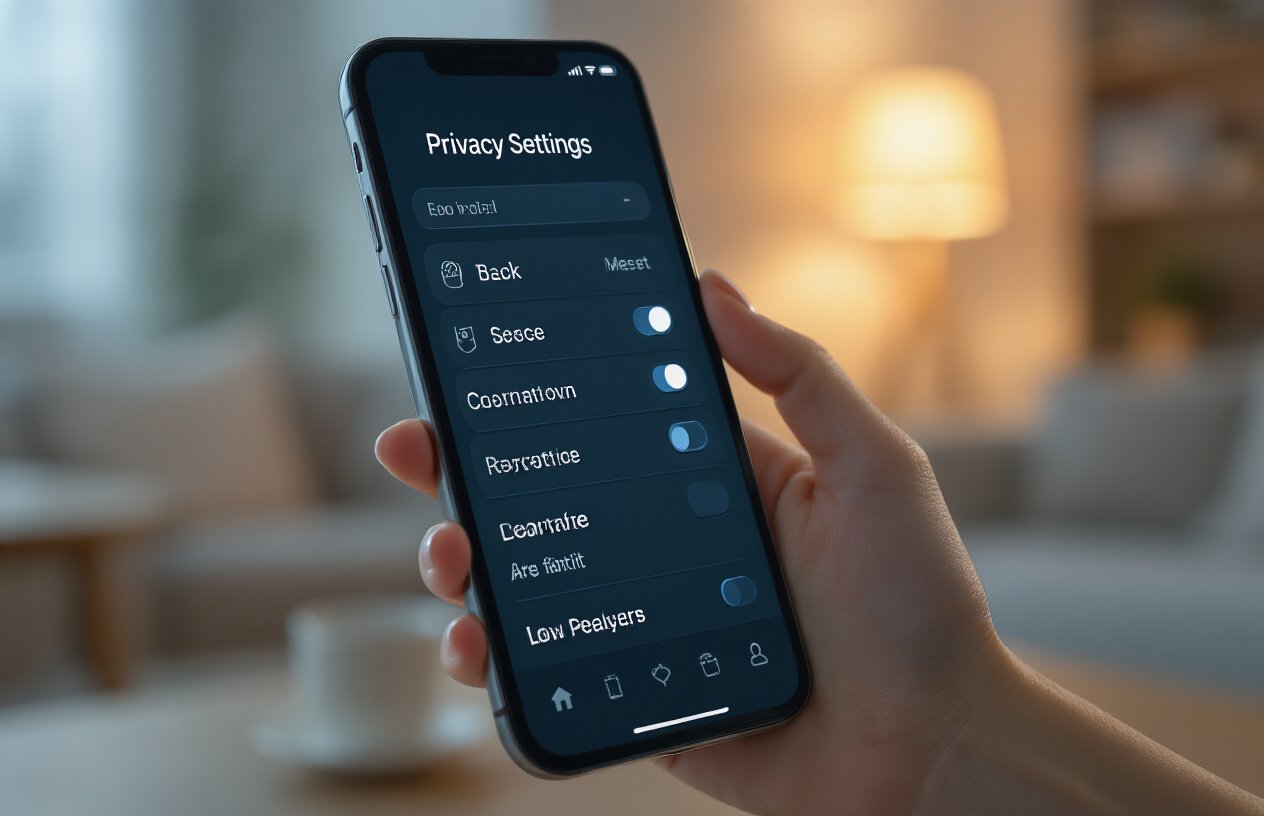
Where to find the geolocation tracking toggle in your settings
Most social media platforms bury their location settings deep in privacy menus, hoping you’ll never find them. On Instagram, navigate to Settings > Privacy > Location Services, then turn off “Precise Location” and disable “Location History.” Facebook hides these controls under Settings & Privacy > Privacy > Location Settings. You’ll want to switch off “Location History” and “Background Location” completely.
For iPhone users, go to Settings > Privacy & Security > Location Services, then scroll down to find each social app individually. Tap each one and select “Never” or “Ask Next Time.” Android users should check Settings > Apps > [App Name] > Permissions > Location and revoke access entirely.
The real problem? These settings reset during app updates or when you sign into new devices. Apps deliberately make you re-enable location sharing through seemingly innocent prompts like “Find friends nearby” or “Tag your location for better recommendations.”
How metadata reveals your exact address coordinates
Every photo you take contains hidden data called EXIF metadata, including precise GPS coordinates accurate to within a few meters. When you snap that perfect brunch shot at your kitchen table, your phone embeds your exact latitude and longitude into the image file. This data travels with your photo even when you share it across different platforms.
Modern smartphones record timestamp data, device information, camera settings, and location coordinates automatically. These digital fingerprints create a detailed map of your daily movements. Share a morning coffee photo from your kitchen, a workout selfie from your home gym, and an evening sunset from your backyard, and you’ve essentially provided a complete blueprint of your property layout.
Third-party apps and AI scrapers can extract this metadata within seconds. They cross-reference multiple photos to confirm addresses and build comprehensive profiles of your living situation, daily routines, and property details. Even if you delete the original posts, this data often remains cached in databases worldwide.
Why default privacy settings favor data collection over protection
Social media companies generate billions in revenue from location-based advertising and user behavior analytics. Their business model depends on collecting as much personal data as possible, so they design default settings to maximize data harvesting rather than protect your privacy.
When you create new accounts, location tracking activates automatically across most platforms. The signup process uses deliberately confusing language like “enhance your experience” or “connect with friends nearby” instead of clearly stating “we want to track your exact location constantly.”
Privacy controls get more restrictive with each update, requiring you to opt out repeatedly rather than providing genuine protection from the start. Companies know that most users never change default settings, so they exploit this behavior to maintain constant data collection. The result? Your home address becomes part of massive databases that AI systems scan continuously, looking for patterns and connections across millions of social media posts.
Real Examples of AI Identifying Homes Through Social Posts

Case Studies of Addresses Discovered Through Background Details
Last month, a security researcher demonstrated how AI tools pinpointed a family’s exact address using just three seemingly innocent Instagram posts. The first showed their dog playing in the front yard with a partial view of their house number. The second featured their child’s bicycle against what appeared to be a generic brick wall. The third captured a pizza delivery at their front door. When fed into commercially available AI recognition software, these images revealed enough contextual clues to triangulate their street address within minutes.
Another striking example involved a real estate agent who posted a “coffee break” selfie from what she thought was an anonymous café. The AI scanner identified the distinctive architectural features visible through the window behind her, cross-referenced them with her previous posts showing partial street signs, and mapped her exact neighborhood. Within hours, the AI had narrowed down her home address to three possible houses on the same block.
Professional stalkers and criminals increasingly use these techniques. A cybersecurity firm’s investigation found that 73% of home addresses could be identified through AI analysis of just five social media posts, even when users believed they were being careful about privacy.
How Outdoor Photos Reveal Street Numbers and Landmarks
House numbers become AI treasure maps when captured in photos. Even partially obscured digits allow machine learning algorithms to fill in the gaps using pattern recognition. A photo showing just “2” and “8” from “328” gives AI systems enough information to scan neighborhood databases and match architectural features.
Street signs lurking in photo backgrounds pose massive risks. AI scanners automatically detect and enhance text that appears blurry or distant to human eyes. That stop sign in the corner of your garden photo might reveal “Maple St” clearly enough for location mapping. Traffic lights, distinctive mailboxes, and even unique tree formations become digital fingerprints that AI uses to build location profiles.
Outdoor lighting fixtures, fire hydrants, and utility poles create unique neighborhood signatures. AI systems catalog these municipal features and cross-reference them with satellite imagery to establish precise coordinates. A single photo of your dog near a distinctively painted fire hydrant can narrow your location to a specific city block.
The Danger of Posting Interior Shots with Windows Visible
Windows transform your cozy living room photos into location broadcasting beacons. AI systems analyze the view outside your windows to identify building skylines, mountain ranges, or distinctive neighborhood features visible in the background. Even curtained windows can reveal silhouettes of nearby structures that AI matches against geographic databases.
Natural lighting patterns captured in interior photos tell AI systems your approximate latitude and longitude. The angle of sunlight streaming through your kitchen window gets compared against solar positioning data to estimate your geographic location. Seasonal changes in light direction help AI systems confirm their location guesses with startling accuracy.
Reflection analysis represents the newest frontier in AI home detection. Your bathroom mirror selfie might reflect a neighbor’s house number. Chrome appliances, picture frames, and even smartphone screens create secondary images that AI enhances and analyzes. Security experts recommend checking every reflective surface in frame before posting interior photos.
Smart home devices visible in photos provide additional location clues. AI recognizes specific router models, smart speakers, and security cameras that connect to databases showing where these devices were shipped and installed.
Protect Your Home Address Before Your Next Upload

Essential steps to strip location data from photos
Your smartphone automatically embeds GPS coordinates into every photo you snap, creating a digital breadcrumb trail straight to your doorstep. Before uploading any image, you need to scrub this embedded metadata.
On iPhone, go to Settings > Privacy & Security > Location Services > Camera and switch it off entirely. For existing photos, use the built-in editing feature – open the photo, tap Edit, then tap the location icon to remove geotag data before sharing.
Android users should navigate to Camera settings and disable location tagging. For photos already taken, most gallery apps let you view and edit EXIF data directly. Samsung Gallery users can tap the three dots, select Details, and manually delete location information.
The nuclear option involves taking screenshots of your original photos instead of sharing the originals. Screenshots strip all metadata automatically, though you’ll lose some image quality.
How to verify your privacy settings across all platforms
Social media platforms constantly update their privacy policies, often resetting your carefully configured settings back to defaults that favor data collection.
Start with Facebook by checking Settings & Privacy > Privacy > Location. Turn off location history and disable location access for posts. Instagram requires similar attention – visit Settings > Account > Location to review and disable location sharing.
Twitter hides location settings under Privacy and Safety > Location information. Disable precise location and delete all location history. TikTok users need to check Privacy > Personalization to turn off location-based features.
Create a monthly reminder to audit these settings. Platform updates frequently bury new tracking features in obscure menu locations, and opting out requires manual action each time.
Smart alternatives for sharing without revealing your location
Strategic cropping becomes your best defense against AI pattern recognition. Remove identifying elements like street signs, house numbers, distinctive architectural features, or recognizable landmarks from your shots.
Use generic backgrounds whenever possible. That cozy kitchen photo works better than the one showing your unique brick patio visible from the street. Indoor shots generally pose less risk than outdoor ones, but watch out for windows that reveal identifying views.
Consider the “delay and distance” rule – wait at least 24 hours before posting location-based content, and share images taken away from your immediate neighborhood instead of your front yard.
Create a dedicated “public sharing” photo album on your phone. Before events or vacations, take photos specifically intended for social media, keeping personal location details out of the frame from the start.
Tools that automatically scrub metadata from images
EXIF data removal doesn’t require technical expertise when you have the right tools doing the heavy lifting.
Free options:
- ExifEraser (Android): One-tap metadata removal with batch processing
- Metapho (iOS): Shows exactly what data exists before you delete it
- ImageOptim (Mac): Drag-and-drop simplicity for bulk processing
Professional solutions:
- Adobe Lightroom: Built-in export options automatically strip metadata
- Photo Mechanic: Industry-standard tool with comprehensive EXIF editing
Web-based tools like VerExif work across all devices – upload your photo, download the cleaned version. However, avoid uploading sensitive images to online services you don’t trust.
Most social platforms claim they strip metadata during upload, but this process isn’t foolproof. AI can still analyze visual elements in your photos to determine location, making manual metadata removal just your first line of defense, not your only one.
AI scanners are getting smarter at piecing together your personal information, and your home address is often easier to find than you think. From analyzing background details in your photos to cross-referencing your social media activity, these systems can pinpoint where you live using surprisingly simple clues that most of us never consider.
The good news is that you can take control of this situation right now. Check your location services and geotagging settings before you post anything this weekend, and make it a habit to review what’s visible in your photos before hitting share. Your privacy is worth those extra few seconds of checking – because once your home address is out there, it’s much harder to put that information back in the box.