Tired of weekend Netflix binges that leave your bank account unchanged? Your weekend side hustle secret lies in combining Canva AI with digital product creation to build a profitable income stream in just 48 hours.
This guide is perfect for busy professionals, stay-at-home parents, students, and anyone wanting to create multiple income streams without massive time investment or technical skills.
You’ll discover how to identify and create five high-demand digital products using Canva’s powerful AI features, plus learn a proven weekend production schedule that gets your products from concept to cash-generating sales by Monday morning. We’ll also cover smart pricing strategies that attract buyers quickly and the best platforms to launch your digital products for maximum visibility and sales.
Ready to turn your weekend downtime into profit? Let’s transform those two days into your most productive money-making hours yet.
Essential Canva AI Tools and Features for Digital Product Creation
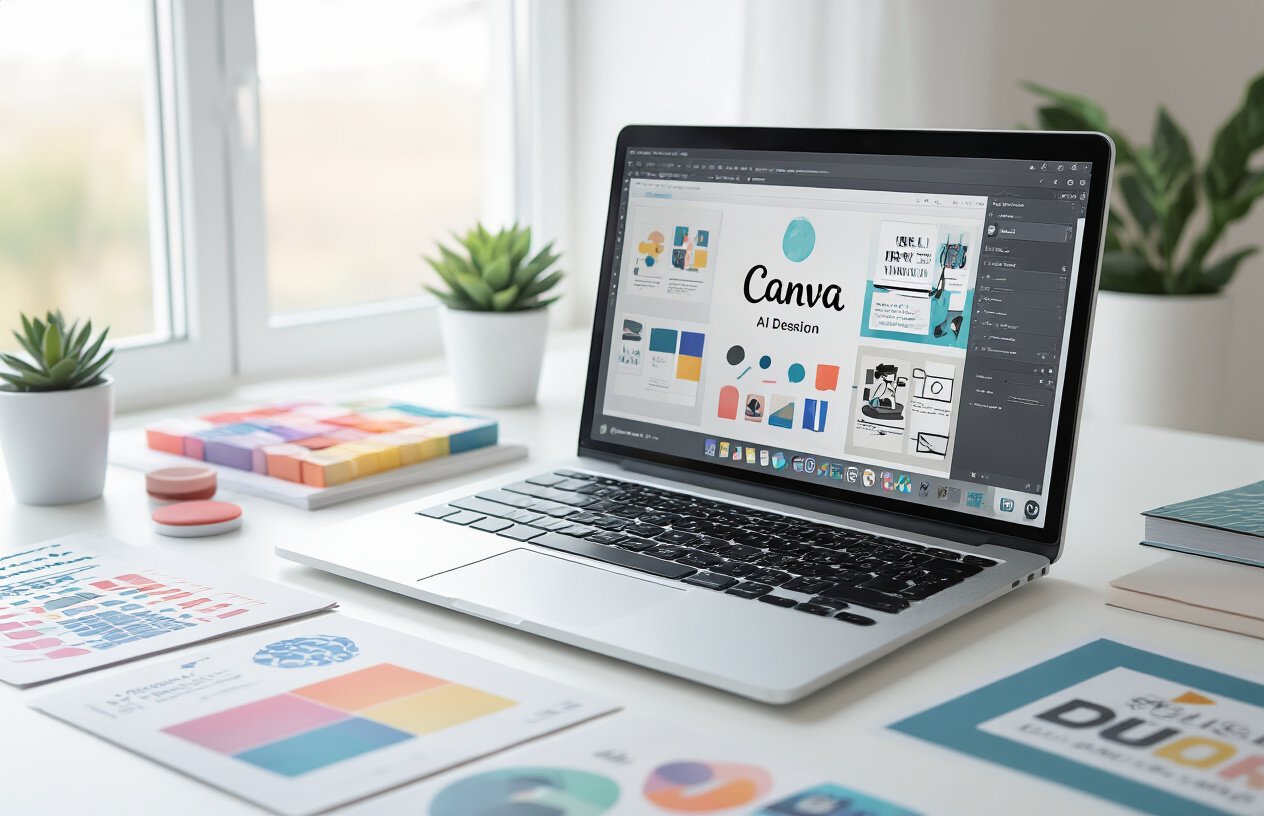
Navigate Canva’s AI-powered design suite effectively
Canva’s AI suite transforms digital product creation from a time-consuming process into a streamlined weekend project. The Magic Studio serves as your command center, housing all AI tools in one accessible location. Start by familiarizing yourself with the Magic Design feature, which generates complete layouts based on your content type and style preferences.
The AI assistant becomes your creative partner, understanding natural language prompts like “create a minimalist social media template for wellness coaches” or “design a bold presentation slide for real estate agents.” This conversational approach eliminates the need to learn complex design terminology.
Access these tools through the left sidebar or by typing “/” followed by your command directly on the canvas. The search function recognizes AI features, making tool discovery effortless even for beginners.
Master text-to-image generation for unique visuals
Magic Media revolutionizes how you create custom visuals for digital products. Instead of spending hours searching stock photo libraries, describe your vision in plain English. Type “watercolor illustration of a peaceful morning routine” or “geometric pattern in sage green and gold” to generate unique artwork.
The key to exceptional results lies in specific, descriptive prompts. Include style references like “in the style of modern minimalism” or “inspired by vintage botanical illustrations.” Specify colors, moods, and composition details for precise outcomes.
| Prompt Type | Example | Best For |
|---|---|---|
| Descriptive | “Cozy home office with plants and natural light” | Background images |
| Style-specific | “Art deco pattern in navy and gold” | Design elements |
| Mood-focused | “Calming sunset over mountains, peaceful atmosphere” | Emotional connection |
Generate multiple variations by adjusting your prompts slightly. This creates a cohesive visual library while maintaining uniqueness across your product line.
Leverage Magic Resize for multiple product formats
Magic Resize eliminates the tedious task of recreating designs for different platforms and products. Create your primary design in one format, then instantly adapt it for various uses without losing quality or design integrity.
Transform a single Instagram post into a Pinterest pin, Facebook cover, business card, and presentation slide with one click. The AI intelligently repositions elements, adjusts text sizes, and maintains visual hierarchy across all formats.
This feature proves invaluable for digital product creators selling template bundles. Design once in your preferred format, then resize to create comprehensive packages that appeal to diverse customer needs. A social media template set becomes exponentially more valuable when it includes stories, posts, covers, and highlight icons.
Plan your weekend efficiently by starting with the most complex format first. Create detailed designs for larger canvases like presentations or posters, then resize down to smaller formats. This approach preserves detail and ensures all elements remain visible and impactful.
Use Brand Kit automation for consistent designs
Brand Kit automation ensures professional consistency across your entire digital product line. Upload your logo, select brand colors, and define fonts once to create templates that automatically apply your branding to new designs.
The AI learns your brand preferences and suggests complementary colors, fonts, and design elements that align with your established aesthetic. This feature proves essential when creating product series or themed collections that need visual cohesion.
Set up multiple brand kits for different niches or client types. A wellness coach might maintain separate kits for fitness content versus meditation themes, each with appropriate color palettes and typography choices.
The magic happens when you combine Brand Kit with other AI features. Magic Design pulls from your brand elements automatically, while Magic Resize maintains brand consistency across all format variations. This integration creates a professional design system that works seamlessly throughout your weekend production schedule.
Five High-Demand Digital Products You Can Create This Weekend
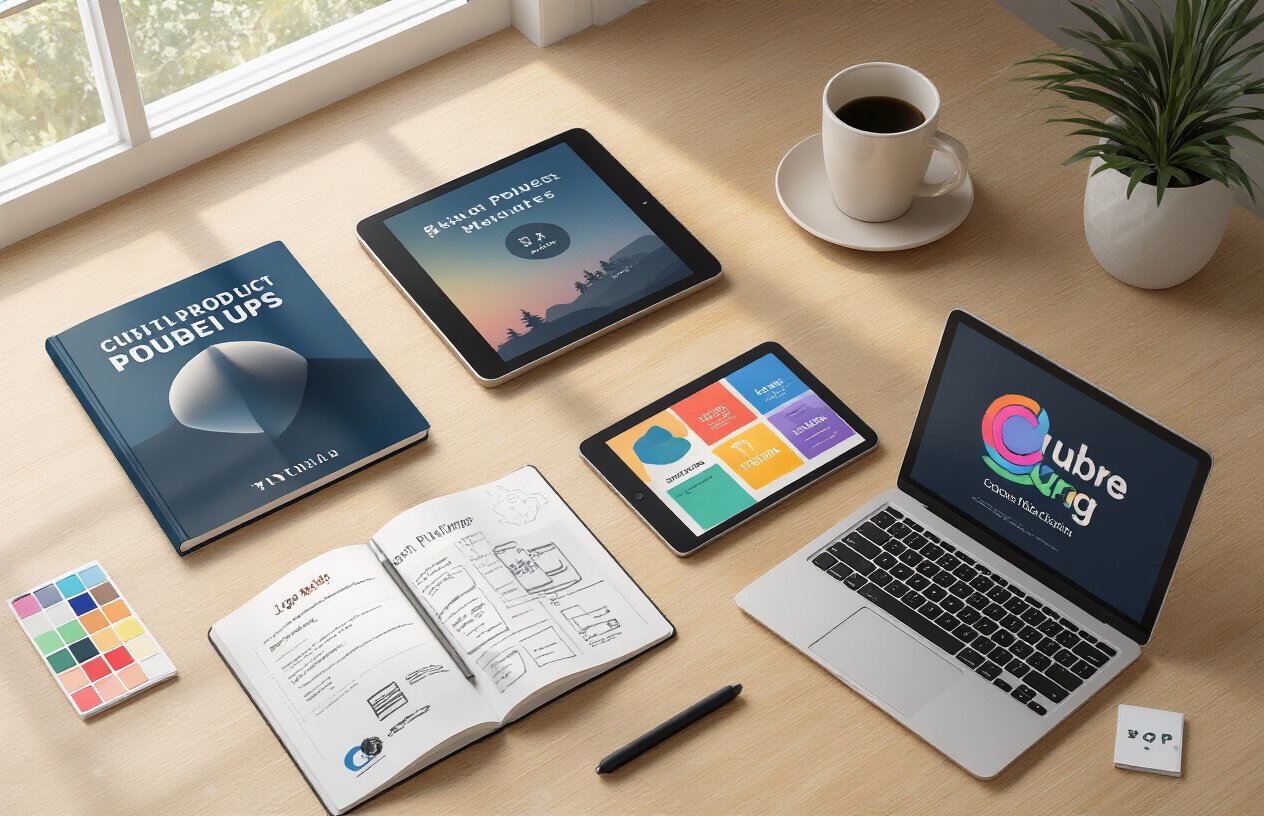
Social media templates that sell consistently
Instagram story templates dominate the digital marketplace right now. Canva AI makes creating these incredibly straightforward – simply input your style preferences and watch as it generates dozens of cohesive template sets. Focus on trending niches like wellness quotes, business tips, or recipe layouts. Each template pack should include 10-15 designs with consistent branding elements.
Pinterest pin templates are goldmines for passive income. Create sets targeting specific industries like real estate, fitness coaching, or food blogging. The key is understanding that busy entrepreneurs need ready-made solutions that maintain their brand consistency while saving hours of design work.
LinkedIn carousel templates tap into the professional market hungry for engaging content formats. Design templates for industry insights, company announcements, or educational series. These typically sell for $15-35 per pack because business professionals value time-saving tools that enhance their online presence.
Printable planners and organizational tools
Weekly and monthly planners never go out of style. Canva AI excels at generating layout variations once you establish the basic structure. Create planners for specific audiences – student study schedules, meal prep organizers, or budget trackers. The beauty lies in creating one master design then letting AI generate seasonal variations.
Goal-setting worksheets perform exceptionally well at the start of each month and new year periods. Design clean, motivational layouts with space for objectives, action steps, and progress tracking. Parents also love printable chore charts and homework planners for their kids.
Habit trackers appeal to the growing wellness and productivity communities. Create visually appealing grids that people actually want to use daily. Include themed versions like fitness tracking, reading logs, or gratitude journals.
Digital art prints for home decor markets
Abstract art prints generated through Canva AI can look surprisingly sophisticated when you know which prompts to use. Focus on neutral color palettes, geometric patterns, and minimalist designs that complement modern home aesthetics. These prints work perfectly for living rooms, bedrooms, and office spaces.
Motivational quote prints remain bestsellers across all demographics. Combine inspirational text with AI-generated backgrounds or botanical elements. Create sets that work together as gallery walls – customers love buying coordinated pieces.
Seasonal and holiday prints provide recurring income opportunities. Design autumn leaf collections, winter wonderland scenes, or spring botanical sets. The trick is creating timeless designs that people want to display year after year, not just trendy pieces that quickly become outdated.
Business presentation templates for professionals
Corporate presentation templates command premium prices because businesses need polished, professional designs for client meetings and internal communications. Focus on creating clean, modern layouts with placeholder content that’s easy to customize.
Pitch deck templates specifically target startups and entrepreneurs. Include slides for problem statements, solutions, market analysis, and financial projections. Make sure the design feels current and trustworthy – first impressions matter tremendously in business contexts.
Training and workshop templates serve the growing online education market. Design layouts for webinars, course materials, and employee onboarding presentations. Include interactive elements and clear visual hierarchies that keep audiences engaged.
Educational worksheets and activity pages
Math worksheets for different grade levels always have steady demand from homeschooling parents and teachers. Create visually appealing practice sheets that make learning fun rather than intimidating. Include answer keys and progress tracking sheets.
Reading comprehension activities work well for elementary through middle school levels. Design engaging layouts with space for short stories, questions, and creative responses. Teachers constantly search for fresh materials that align with curriculum standards.
Science experiment worksheets tap into the hands-on learning trend. Create step-by-step activity guides with observation charts and conclusion sections. These materials appeal to both classroom teachers and parents looking for educational weekend projects.
Step-by-Step Weekend Production Schedule
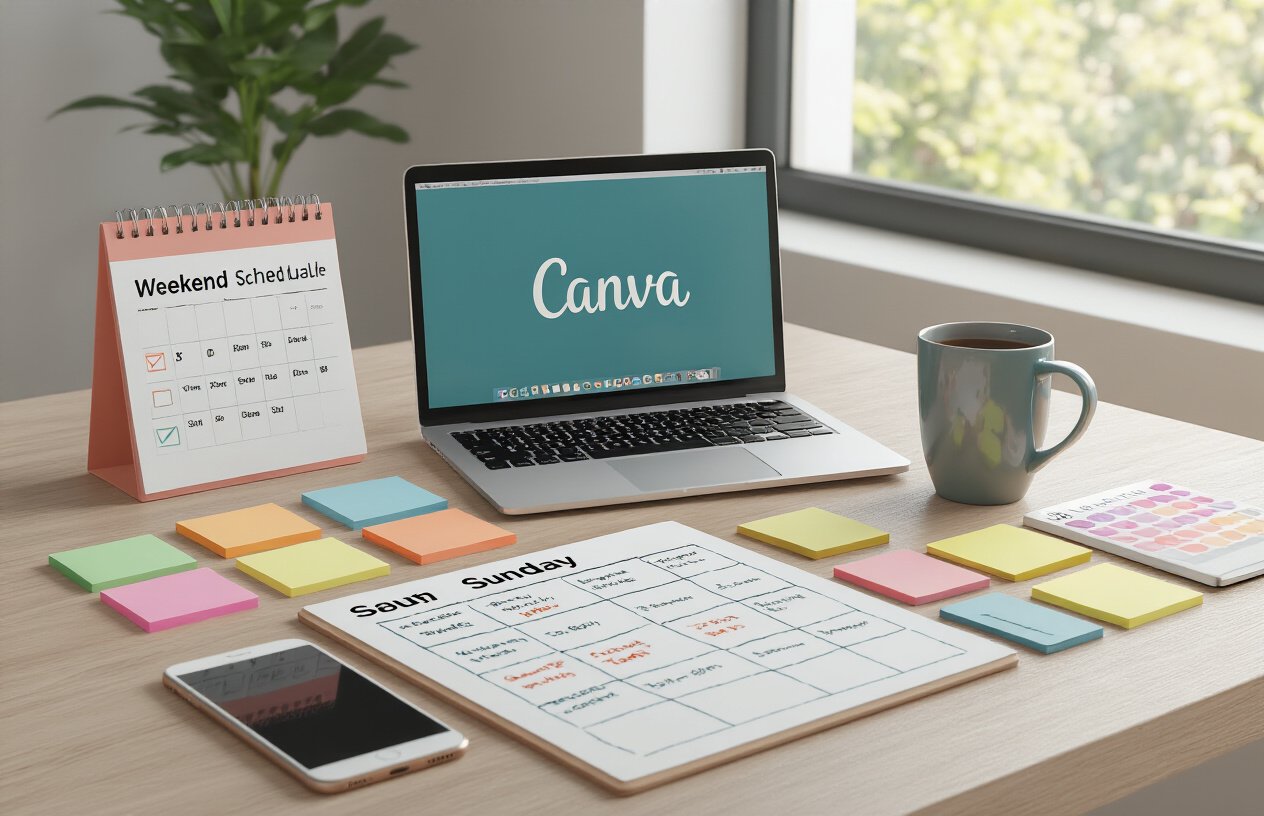
Friday Evening Setup and Market Research
Start your weekend hustle by dedicating 2-3 hours on Friday evening to laying the groundwork. Begin by researching trending digital products on platforms like Etsy, Creative Market, and Gumroad. Look for products with high sales volumes but relatively simple designs – these represent your sweet spot for quick weekend creation.
Create a dedicated workspace on your computer with organized folders for each product you plan to develop. Set up your Canva workspace by bookmarking templates that align with your chosen products and creating brand kits with color palettes that work across multiple designs.
Research your target keywords using tools like eRank or Marmalead to understand what buyers are searching for. Write down 10-15 high-performing keywords for each product category you’re targeting. This research becomes your roadmap for Sunday’s SEO optimization.
End Friday by creating a detailed action plan for Saturday, including specific time blocks for each product and realistic milestones. Having this blueprint ready means you can dive straight into creation mode without decision fatigue.
Saturday Morning Design Sprint Strategies
Transform Saturday into your power production day using focused design sprints. Start at 8 AM with a 90-minute sprint dedicated to your first product. Use Canva’s AI-powered Magic Design feature to generate initial concepts, then customize them to match your brand aesthetic.
Work in batches by product type – create all your social media templates first, then move to planners, then digital art prints. This batch approach keeps you in the same creative mindset and speeds up the design process significantly.
Take advantage of Canva’s Brand Hub to maintain consistency across all products. Upload your logo, choose 3-4 complementary colors, and select 2-3 fonts that work well together. This preparation prevents design decisions from slowing you down mid-sprint.
Schedule 15-minute breaks between each 90-minute sprint to prevent creative burnout. Use these breaks to save your work to cloud storage and do quick market checks to ensure your designs align with current trends.
By noon, aim to have rough drafts of all five products completed. Spend your afternoon refining designs, adjusting layouts, and creating variations of your best-performing concepts.
Sunday Product Finalization and Quality Checks
Sunday becomes your quality assurance and preparation day. Start by reviewing each design with fresh eyes, checking for spelling errors, alignment issues, and overall visual appeal. Print test pages of any printable products to ensure they look professional in physical format.
Create compelling product mockups using Canva’s mockup templates or AI background remover to showcase your products in realistic settings. These mockups significantly impact sales conversion rates, so invest time in making them look professional and appealing.
Prepare all your product descriptions, titles, and tags using the keywords you researched Friday evening. Write descriptions that focus on benefits rather than features – explain how your planner will help someone stay organized rather than simply listing its components.
Optimize file formats for each platform where you’ll sell. Create high-resolution PNG files for print products, properly sized JPEGs for digital downloads, and PDF versions when necessary. Organize these files in clearly labeled folders with consistent naming conventions.
Complete your quality checklist by testing all download links, ensuring file sizes are reasonable for quick downloads, and creating simple instruction sheets for products that might need them. Package everything into professional-looking ZIP files with clear folder structures that make sense to your customers.
Maximizing Canva AI for Professional-Quality Results
Prompt Engineering Techniques for Better AI Outputs
Getting spectacular results from Canva AI starts with mastering the art of prompt crafting. Think of AI prompts like ordering at a restaurant – the more specific you are, the better your meal turns out.
Start with descriptive action words that paint a clear picture. Instead of typing “make a poster,” try “create a minimalist poster featuring geometric shapes in pastel colors with bold sans-serif text.” The AI responds much better to visual details and specific style directions.
Layer your prompts with emotional context too. Words like “energetic,” “sophisticated,” or “playful” help the AI understand the mood you’re aiming for. If you’re designing a wellness planner, add terms like “calming,” “zen,” or “peaceful” to guide the aesthetic direction.
Use negative prompts to exclude unwanted elements. Adding “no cluttered backgrounds” or “avoid busy patterns” helps refine the output. This technique works especially well for creating clean, professional-looking templates that customers love.
Color Palette Optimization Using AI Suggestions
Canva’s AI color recommendations take the guesswork out of creating harmonious designs that sell. The smart color picker analyzes your content and suggests palettes that work beautifully together.
Start by uploading a reference image that captures your desired vibe – maybe a sunset photo for warm tones or a forest scene for earthy greens. The AI extracts the perfect color combination automatically.
Pay attention to the suggested color variations. The AI often provides multiple shades of each core color, giving you options for creating depth and hierarchy in your designs. Use the darkest shade for headings, medium tones for body text, and lighter versions for backgrounds or accent elements.
Test the accessibility features built into Canva’s color tools. The AI flags combinations that might be hard to read, helping you create designs that work for everyone. This attention to accessibility actually boosts sales since your products appeal to a wider audience.
Typography Pairing with Intelligent Font Recommendations
Smart font pairing can make or break your digital products. Canva’s AI analyzes your design elements and suggests font combinations that create visual harmony and professional polish.
The AI considers factors like readability, style compatibility, and brand personality when making recommendations. When you select a bold display font for headers, it might suggest a clean sans-serif for body text that complements without competing.
Experiment with the contrast suggestions. The AI often pairs decorative fonts with simple ones, creating that perfect balance between personality and readability. For planners and worksheets, this means headers that grab attention while keeping the functional text easy to read.
Don’t ignore the spacing recommendations either. The AI suggests optimal line spacing and character spacing based on your font choices, creating that polished look customers associate with premium products.
Background Removal and Enhancement Tricks
Master Canva’s background removal tools to create versatile design elements that work across multiple products. The AI-powered background remover handles complex edges and fine details with impressive accuracy.
Use the “refine edges” feature after initial removal. This AI enhancement smooths rough cuts and handles tricky areas like hair or fabric textures. The result looks professionally edited without the technical skills traditionally required.
Create transparent PNGs of your best elements for reuse across different products. A beautifully isolated floral element can work on journal covers, planner pages, and social media templates, maximizing your weekend design time.
Experiment with the background replacement suggestions. The AI recommends backgrounds that complement your isolated elements, often suggesting textures or gradients you might not have considered. These combinations frequently result in more sophisticated designs that command higher prices.
Pricing Strategies That Generate Quick Sales

Competitive analysis for optimal price points
Start by researching similar digital products in your niche across platforms like Etsy, Creative Market, and Gumroad. Look for products that match your quality level and target audience. Create a simple spreadsheet tracking competitor prices, product features, and customer reviews.
Most successful weekend creators price their first digital products between $3-15. This sweet spot attracts impulse buyers while maintaining profit margins. Templates and printables work well at $5-8, while comprehensive design bundles can command $12-18.
Check the top sellers in your category and note their pricing patterns. Products priced too low (under $2) often signal poor quality, while anything over $20 requires extensive marketing and social proof that new sellers don’t have yet.
Pay attention to psychological pricing triggers. $7 converts better than $8, and $9.99 feels more accessible than $10. Round numbers like $5 and $10 work well for bundle pricing.
Bundle creation techniques for higher revenue
Smart bundling can triple your revenue without extra design work. Create your five products as individual items, then package them into strategic combinations that offer genuine value.
The most effective bundle structure includes:
- Individual products at base price
- 3-pack bundle with 20% savings
- Complete 5-product bundle with 35% savings
Name your bundles with benefit-focused titles like “Complete Wedding Planning Kit” instead of generic names like “Bundle #1.” This helps customers visualize the complete solution you’re providing.
Cross-category bundling works exceptionally well. Combine a social media template with a matching email header and business card design. This approach increases perceived value and justifies higher prices.
Offer exclusive bonus items only available in bundles – perhaps color variations, bonus sizes, or complementary designs. These extras cost you nothing to create but significantly boost bundle appeal.
Limited-time launch strategies for urgency
Launch week urgency drives immediate sales from hesitant buyers. Start with a 48-hour “early bird” discount of 40% off, followed by a gradual price increase every day until reaching full price by Thursday.
Create scarcity through limited quantities. Even digital products can have artificial limits like “First 100 customers only” or “This week only.” Display countdown timers on your product listings where platforms allow.
Use social proof urgency by highlighting real-time purchases. Post screenshots of sales notifications on social media with captions like “Another happy customer just grabbed the bundle!”
Weekend flash sales work particularly well for digital products. Friday evening announcements about weekend-only pricing create perfect timing for your Monday launch momentum. People browse and buy digital products heavily on weekends when they have time for personal projects.
Stack urgency elements without being pushy. Combine limited-time pricing with bonus inclusions that expire, creating multiple reasons to buy now rather than later.
Platform Selection and Upload Process for Monday Launch
Etsy optimization for immediate visibility
Your Etsy shop needs strategic optimization to cut through millions of listings. Start by researching trending keywords using Etsy’s search bar – type your product category and note the auto-complete suggestions. These reveal what buyers actively search for.
Craft compelling titles using this formula: Primary keyword + Secondary keyword + Style descriptor + Target audience. For example: “Social Media Templates | Instagram Stories | Minimalist Design | Small Business Owners.”
High-quality mockups make products irresistible. Show your digital planners in tablet screenshots, display social media templates on phone screens, and present printables in realistic home settings. Include at least 8-10 images showcasing different angles and use cases.
Price competitively by checking similar products in your niche. New shops often benefit from introductory pricing – start 20-30% below established sellers to gain initial traction and reviews.
Upload your products Sunday evening to capture Monday morning shoppers. Etsy’s algorithm favors fresh listings, giving you a visibility boost during peak browsing hours.
Creative Market submission requirements
Creative Market operates on a curated marketplace model, meaning quality standards are exceptionally high. Your submission package must include vector files, high-resolution previews, and comprehensive documentation.
Technical requirements are non-negotiable: minimum 300 DPI resolution, CMYK color profiles for print products, and RGB for digital items. Include both AI and EPS file formats when possible, plus a PDF preview for buyers.
Create professional preview images that tell a story. Show your fonts in action across business cards, websites, and signage. Display graphics within real-world contexts like magazine layouts or packaging designs.
Documentation separates amateur submissions from professional ones. Include a detailed readme file explaining licensing terms, installation instructions, and suggested use cases. List all included files and their purposes.
Creative Market reviews submissions within 5-7 business days, so submit by Wednesday to ensure Monday approval. Focus on unique, trend-forward designs that solve specific creative problems.
Gumroad setup for instant digital delivery
Gumroad excels at automated digital delivery, making it perfect for weekend launches. The platform handles payment processing, file delivery, and customer support, freeing you to focus on product creation.
Set up your seller profile with a professional bio, clear contact information, and links to your social media accounts. Upload a high-quality profile picture and banner that reflects your brand aesthetic.
Product pages require compelling descriptions that focus on benefits over features. Instead of “20 Instagram templates,” write “Transform your Instagram feed into a professional brand showcase with 20 ready-to-use templates that take minutes to customize.”
Enable ratings and reviews to build social proof. Encourage satisfied customers to leave feedback by including a follow-up email sequence with gentle review requests.
Gumroad’s analytics dashboard tracks sales patterns, popular products, and customer demographics. Monitor this data to optimize pricing and identify which products deserve expanded collections.
Social media marketing for launch day momentum
Launch day success depends on building anticipation before Monday arrives. Start your social media campaign on Friday with behind-the-scenes content showing your weekend creation process.
Instagram Stories work perfectly for real-time updates. Share time-lapse videos of your design process, quick tutorials using your products, and sneak peeks of upcoming releases. Use polls and questions to engage your audience and gather feedback.
Create a branded hashtag for your launch and encourage followers to share their own creations using your products. User-generated content provides authentic social proof that drives more sales than polished promotional posts.
LinkedIn targets professional audiences perfectly for business-focused digital products. Share the story behind your weekend hustle, highlighting the problem your products solve and the results they deliver.
Pinterest drives long-term traffic through rich pins that link directly to your product pages. Create multiple pin designs for each product, focusing on lifestyle imagery that shows your products in use.
Time your social media posts strategically across time zones. Schedule Instagram posts for 11 AM and 7 PM EST when engagement peaks. Twitter performs best during commute hours, while LinkedIn sees highest activity during business hours.
Cross-promote across platforms without being repetitive. Share design tips on Twitter, showcase finished products on Instagram, and provide business insights on LinkedIn. Each platform gets unique content that feels native to its audience.
Canva AI has transformed what’s possible for weekend entrepreneurs. You now have access to professional design tools that can help you create planners, social media templates, printables, logos, and course materials without years of design experience. The key is following a structured weekend schedule and letting AI handle the heavy lifting while you focus on market research and strategy.
Success comes down to smart pricing and choosing the right platforms for your launch. Start with competitive pricing to build momentum, then gradually increase as you gain reviews and credibility. Upload to multiple platforms like Etsy, Creative Market, and Gumroad to maximize your reach. Your Monday launch doesn’t have to be perfect – it just needs to be live. The real magic happens when you consistently create and improve your products week after week, turning your weekend side hustle into a reliable income stream.