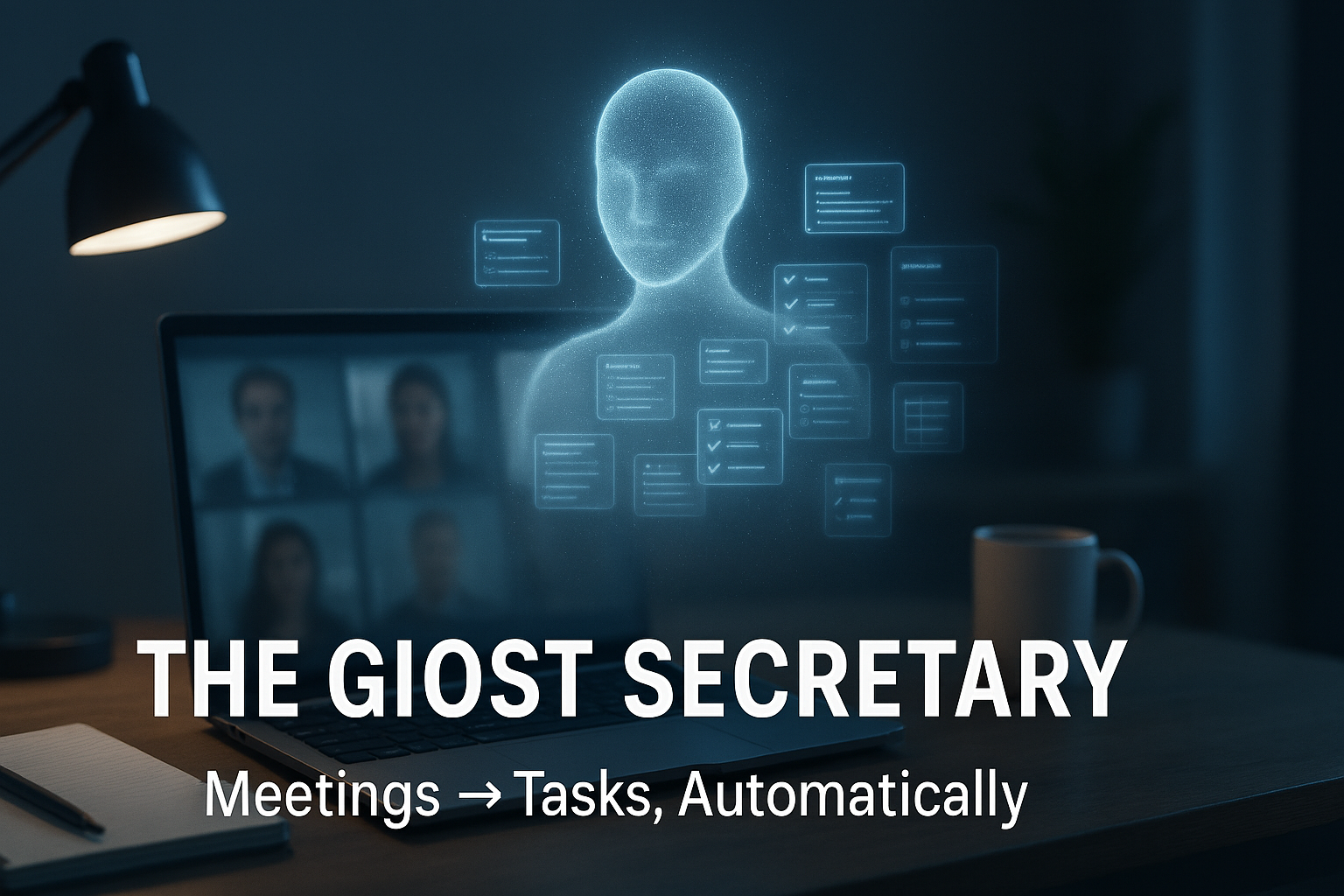
The paradox of the modern virtual meeting is that participants are tasked with two conflicting cognitive functions: deep engagement and detailed documentation. Excelling at one almost guarantees failure at the other. This cognitive split-tasking means key insights are missed, action items are forgotten, and momentum is lost in the post-meeting scramble to compile coherent notes.
What if you could resolve this conflict with an invisible assistant dedicated solely to the administrative work? This is the concept behind the AI-powered “Ghost Secretary,” a new class of productivity tools designed to handle the logistical burden of meetings so your team can focus on the human element of collaboration.
This evolution from passive recorder to active participant is fundamentally changing how we approach virtual work. To illustrate this shift, let’s examine three game-changing features of a specific tool leading this charge: OtterPilot.
1. Your AI Assistant Has Its Own Seat at the Table
One of the most striking features of this technology is how it integrates into your workflow. Instead of being a hidden background app, OtterPilot can be set to automatically join scheduled Zoom meetings. When it does, it appears right in the participant list under its own name, “OtterPilot,” making its presence clear to all attendees.
This seemingly small detail represents a profound psychological and cultural shift. Making the AI a visible participant normalizes its role, fosters transparency, and transforms the team’s mindset from “we are being recorded” to “we have a dedicated assistant capturing our work.” The tool is no longer a passive surveillance device you activate; it’s an autonomous collaborator that shows up to the meeting on its own, ready to fulfill its designated role.
2. It Doesn’t Just Summarize—It Creates Your Action Plan
After a meeting ends, most AI tools provide a raw transcript or a basic summary. This is where an intelligent assistant proves its value by going a critical step further. It processes the entire conversation to generate not just a summary and a list of key takeaways, but also to identify all actionable tasks discussed.
Crucially, it then automatically assigns these tasks to the specific participants who were mentioned in connection with them. This function is a direct solution to “post-meeting drift,” the common business problem where momentum is lost because action items are vague or unassigned. By instantly creating a clear, assigned to-do list, the AI acts as the single source of truth that closes the gap between discussion and execution, converting conversational consensus into a documented, actionable project plan.
3. You Can Stop Taking Notes and Start Collaborating
The most immediate benefit of having an AI assistant in your meeting is its real-time, live transcription. As the conversation unfolds, the tool captures every word, creating a running log that participants can reference without breaking their focus.
This liberates every person in the meeting from the need for manual note-taking. The impact is profound, as this frees up the cognitive load previously spent on transcription for more valuable human tasks: asking probing questions, challenging assumptions, and engaging in the creative friction that leads to breakthrough ideas. Afterward, these detailed notes, summaries, and action items can be easily shared with the team or integrated with other tools like Slack and project management tools to keep everyone aligned.
The Future of Productive Work
AI tools are rapidly evolving from passive services that transcribe our words into active, intelligent assistants that manage our administrative workflow. This evolution marks a pivotal shift where AI handles the logistics of collaboration, freeing humans to focus exclusively on the art of collaboration—the strategic, creative, and interpersonal work that drives innovation.
As AI increasingly handles the “who, what, and when” of our work, how will our role in meetings need to evolve?