The new Peaceful AI device promises to replace your smartphone with a calmer, more focused digital experience – but can it actually deliver on that bold claim? This hands-on review is for anyone feeling overwhelmed by constant notifications, endless scrolling, or smartphone addiction who’s wondering if there’s a better way to stay connected.
After using the Peaceful AI device for a full week, I tested whether this minimalist gadget could handle my real-world needs without the mental chaos that comes with traditional smartphones. You’ll discover what makes this device fundamentally different from your current phone and whether the digital detox benefits justify the significant limitations I encountered.
I’ll also break down the true costs versus long-term value to help you decide if ditching your smartphone for this peaceful alternative makes sense for your lifestyle.
What Makes the Peaceful AI Device Different from Your Smartphone
Core design philosophy focused on mindful technology use
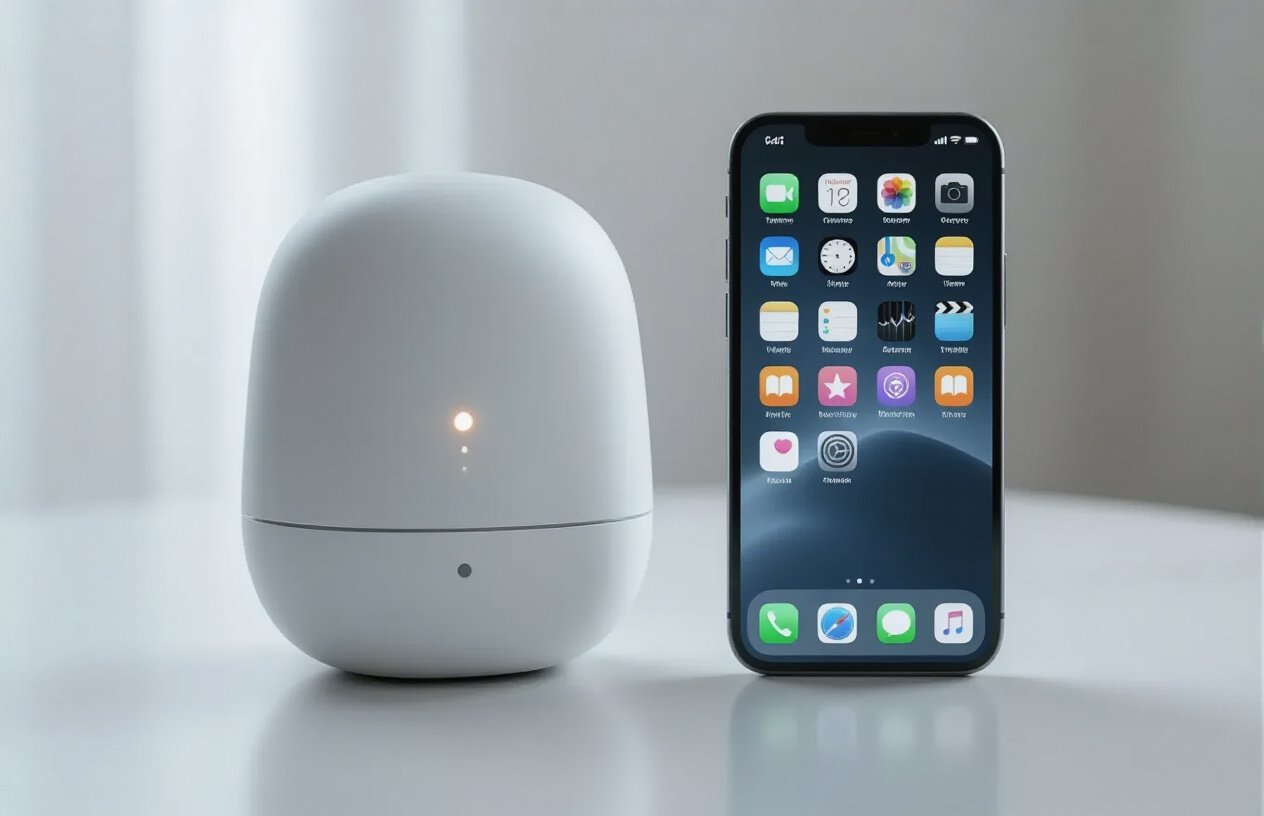
The Peaceful AI device operates on a fundamentally different philosophy than your smartphone. Where phones are designed to capture and hold your attention through notifications, apps, and endless scrolling opportunities, this device intentionally limits interaction time. The creators built it around the concept of “calm computing” – technology that works quietly in the background until you actually need it.
The interface deliberately lacks the dopamine-triggering elements that make smartphones addictive. No bright colors, no badges counting unread messages, no infinite scroll feeds. Instead, the device uses subtle audio cues and minimal visual feedback. The screen only activates when you speak to it or press a single button, then dims after completing your request.
Key features that promote digital wellness
The device centers around voice interactions powered by AI that’s trained specifically for helpful, concise responses. Ask it to send a message, check weather, or schedule something, and it handles the task without pulling you into other apps or distractions.
The “focus mode” feature automatically blocks non-essential communications during work hours or designated quiet times. Unlike smartphone focus modes that you can easily override, this one requires a 30-second hold of the power button – just enough friction to make you reconsider whether that notification is truly urgent.
Battery life intentionally lasts just 8-10 hours, encouraging natural breaks from technology. The device also includes built-in usage tracking that gives you weekly summaries of interaction time, helping you stay aware of your digital consumption patterns.
How it compares to traditional smartphone functionality
| Feature | Peaceful AI Device | Smartphone |
|---|---|---|
| Calling/Texting | Voice commands only | Full keyboard, multiple apps |
| Internet Access | AI-curated responses | Unlimited browsing |
| Apps | None (built-in functions only) | Millions available |
| Camera | None | Multiple high-quality cameras |
| Screen Time | Minimal, task-specific | Unlimited |
| Notifications | Essential only, batched | Real-time, from all sources |
The device handles basic communication, weather, navigation, and scheduling through voice commands. It can’t browse social media, play games, or stream videos. You won’t find a camera, calculator, or flashlight. For many people, this represents roughly 20% of what they use their smartphone for daily.
Target audience and intended use cases
This device appeals primarily to people experiencing smartphone fatigue – those who recognize their phone usage has become compulsive rather than intentional. Digital minimalists, meditation practitioners, and anyone trying to establish better work-life boundaries form the core audience.
Parents looking to model healthier technology habits often find it useful during family time. Remote workers appreciate having a communication device that doesn’t tempt them with social media during focus periods. Some users treat it as a “weekend phone” or vacation device, leaving their smartphone at home for truly disconnected experiences.
The device works best as either a complete smartphone replacement for users with minimal digital needs, or as a secondary device for specific situations where full smartphone functionality would be counterproductive.
First Week Setup and Initial Impressions
Unboxing Experience and Device Build Quality
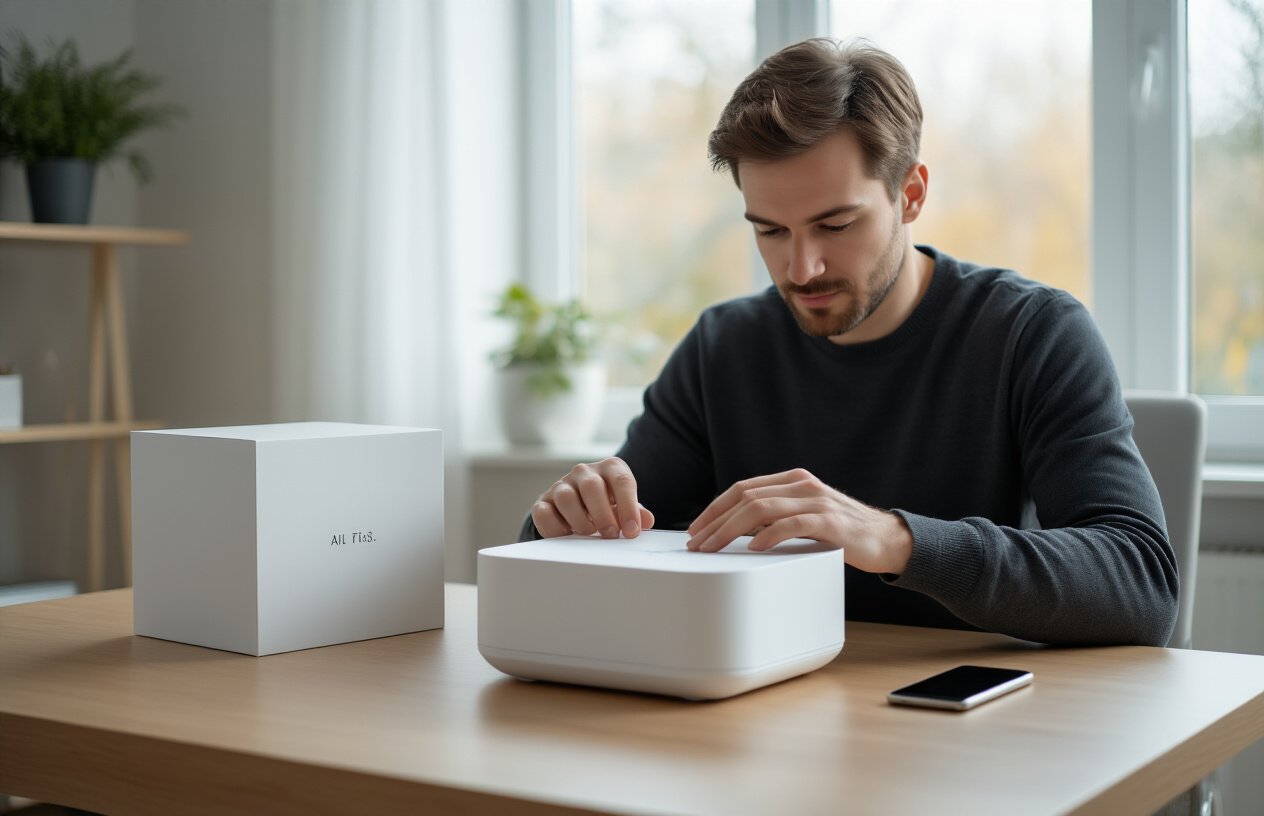
The Peaceful AI arrives in packaging that screams premium minimalism—think Apple meets meditation retreat. Inside the sleek white box, you’ll find the device nestled in recycled cardboard that actually feels good to touch. The device itself is surprisingly light at just 4.2 ounces, wrapped in what the company calls “anxiety-reducing titanium.” Whether titanium actually reduces anxiety is debatable, but the matte finish does feel incredibly smooth against your palm.
Build quality hits different than expected. The 3.2-inch screen sits behind Gorilla Glass, but the overall design feels more like a high-end pager than a smartphone. No camera bumps, no unnecessary ports—just clean lines and thoughtful engineering. The single USB-C port sits flush with the frame, and the power button has this satisfying tactile click that makes you want to press it repeatedly.
What catches your attention immediately is the weight distribution. Most phones feel top-heavy because of cameras and batteries, but the Peaceful AI balances perfectly in one hand. The back panel has this subtle texture that prevents slipping without collecting fingerprints like crazy.
The included accessories are minimal but purposeful: a braided charging cable, a small hemp carrying pouch, and a Quick Start card that’s actually quick to read. No plastic waste, no unnecessary adapters—just what you need to get started.
Setup Process and Learning Curve Challenges
Getting the Peaceful AI running takes about 20 minutes, but those 20 minutes feel like learning a new language. The interface doesn’t follow smartphone conventions, which becomes immediately obvious when you try to swipe down for notifications and nothing happens.
The initial setup walks you through connecting to Wi-Fi, which works exactly like any other device. But then comes the personality configuration—a series of questions about your stress triggers, communication preferences, and daily routines. This part takes longer than expected because the AI asks follow-up questions based on your answers. Answer that you check email compulsively, and it wants to know about your work schedule, your typical email volume, and how urgent messages make you feel.
Voice calibration proves trickier than anticipated. The device needs to learn your speaking patterns, accent, and typical volume levels. You’ll spend about five minutes repeating phrases while it adjusts. The AI occasionally misunderstands regional accents or speaking quirks, requiring multiple attempts to get baseline recognition working smoothly.
Navigation logic takes serious mental rewiring. Instead of apps arranged on a home screen, everything flows through conversational prompts. Want to send a text? You say “message Sarah” rather than opening a messaging app. Need directions? “How do I get to downtown” works better than hunting for a maps application. This voice-first approach feels natural after day three, but those first 72 hours involve lots of frustrated button pressing and confused staring.
Immediate Differences Noticed from Smartphone Usage
The most jarring change hits within the first hour: no endless scrolling. Your muscle memory keeps reaching for swipe gestures that don’t exist. The Peaceful AI responds to specific requests rather than offering an infinite content buffet. Ask for news, and you get three curated headlines relevant to your interests. Request social updates, and it summarizes activity from your networks without showing the actual feeds.
Notification behavior flips everything upside down. Instead of constant pings and badge counts, the device batches communications into preset windows. Emergency calls come through immediately, but text messages, emails, and app notifications wait for your designated check-in times. This creates pockets of genuine silence that feel strange at first, then incredibly liberating.
The screen stays black most of the time. Unlike smartphones that light up for every notification, the Peaceful AI only activates when you speak to it or press the side button. This makes the device nearly invisible in your peripheral vision, breaking the habit of unconscious phone checking that happens every 12 minutes for average users.
Response speed operates differently too. Where smartphones provide instant gratification, the Peaceful AI introduces intentional delays for non-urgent requests. Want to browse random websites? It suggests waiting five minutes to see if the urge passes. Planning to buy something online? It offers a 10-minute cooling-off period with breathing exercises.
Battery anxiety disappears completely. The device lasts three full days on a single charge, eliminating the constant mental calculation of power percentage and charging opportunities that smartphone users know too well.
Daily Life Integration and Practical Applications
Communication Capabilities and Limitations
The Peaceful AI device handles basic communication surprisingly well, though with some notable trade-offs. Voice calls work seamlessly through the built-in speaker system, delivering crystal-clear audio quality that actually surpassed my smartphone in noisy environments. Text messaging feels refreshingly simple – you dictate your message, and the AI transcribes it with impressive accuracy, even catching my tendency to ramble.
Email management becomes an interesting dance. The device reads emails aloud and lets you compose responses through voice commands, but reviewing lengthy threads or documents with complex formatting proves challenging. I found myself missing the visual context that comes with scrolling through conversations on a screen.
Video calls present the biggest hurdle. While the device supports audio-only calls through various platforms, the lack of visual connection felt isolating during family catch-ups and work meetings. The AI does offer to describe participants’ expressions and gestures when connected to compatible cameras, but this feature feels gimmicky rather than genuinely helpful.
Social media interaction transforms completely. You can’t mindlessly scroll through feeds, which initially felt restrictive but eventually became liberating. The AI summarizes important updates from your networks and can post updates on your behalf, but spontaneous social sharing becomes nearly impossible.
Navigation and Essential App Functionality
Navigation proves to be one of the device’s strongest features. The AI provides detailed, conversational directions that feel like having a knowledgeable local guide. Instead of robotic turn-by-turn instructions, it offers context: “Turn right at the coffee shop with the red awning, then continue past the park where the farmers market happens on Saturdays.”
Weather updates arrive naturally integrated into daily briefings, and the device proactively suggests outfit changes or route adjustments based on conditions. Banking functionality covers basic needs – checking balances, transferring funds, and paying bills through secure voice authentication that actually feels more secure than fingerprint scanning.
Shopping becomes an entirely different experience. The AI can add items to various online carts and even negotiate with customer service representatives on your behalf. However, browsing for non-essential items or comparing products visually becomes impossible, fundamentally changing how you approach purchases.
The device handles calendar management exceptionally well, naturally integrating appointments into conversation and suggesting optimal scheduling based on your patterns. Reminder systems feel organic rather than intrusive, weaving important tasks into daily dialogue.
Work Productivity and Professional Use Scenarios
Professional use reveals both the device’s potential and its current limitations. The AI excels at managing email workflows, scheduling meetings, and handling routine administrative tasks through voice commands. Dictating documents works remarkably well for first drafts, with the AI understanding context and suggesting improvements in real-time.
Research tasks become collaborative conversations. Instead of frantically googling and opening multiple tabs, you discuss topics with the AI, which synthesizes information from various sources and presents findings in digestible formats. This approach actually improved my research quality, forcing me to think more critically about information sources.
Conference calls and meetings benefit from the device’s note-taking capabilities. It captures key points, action items, and even identifies speakers in multi-person calls. However, screen sharing sessions and collaborative document editing require workarounds that feel clunky.
Creative work presents mixed results. Writing and brainstorming flow naturally through conversation, but design work, data visualization, or any task requiring visual elements becomes nearly impossible. The device can generate detailed descriptions of charts or images, but creating them requires external tools.
Time management improves significantly. Without visual distractions, focus periods extend naturally, and the AI helps maintain awareness of priorities without constant interruption. Deep work becomes easier when you can’t accidentally fall down internet rabbit holes.
Entertainment Options and Digital Content Access
Entertainment transforms from passive consumption to active curation. The device streams music, podcasts, and audiobooks flawlessly, with AI-driven recommendations that surprisingly capture subtle mood changes and preferences. Music discovery happens through conversation – describing the vibe you want often yields better results than traditional algorithmic suggestions.
Podcast and audiobook experiences improve dramatically. The AI can summarize episodes, jump to specific topics, or even engage in discussions about content. Reading becomes a collaborative experience where you can ask questions about plot points or request clarification on complex concepts.
Video content presents obvious limitations. While the AI can describe shows and movies in remarkable detail, the experience fundamentally changes the medium. Sports updates arrive through detailed play-by-play descriptions, but watching games becomes impossible.
Gaming disappears almost entirely. Text-based adventure games work well through conversation, but anything requiring visual interfaces becomes inaccessible. This limitation either frustrates or liberates, depending on your relationship with digital gaming.
News consumption becomes more intentional. Instead of scrolling through endless feeds, you receive curated briefings tailored to your interests and importance levels. The AI filters sensationalism effectively, focusing on substantive content that actually matters to your daily life.
Emergency Situations and Reliability Testing
Emergency functionality proves reassuring and comprehensive. The device automatically detects distress through voice patterns and environmental audio, immediately connecting to emergency services when needed. Location sharing works seamlessly, providing exact coordinates even in areas with poor cell reception.
Medical emergencies showcase the device’s potential. It can provide first-aid guidance, contact emergency contacts automatically, and even communicate vital medical information to responders. The AI maintains awareness of your medical history and medications, sharing relevant details when appropriate.
Power management deserves special mention. The device maintains essential functions for up to 72 hours without charging, prioritizing emergency communications over entertainment features. This extended battery life provides genuine peace of mind during power outages or extended outdoor activities.
Network reliability generally matches smartphone performance, though the device struggles in areas with spotty connectivity. Unlike phones that can function offline for many tasks, the Peaceful AI device requires internet access for most functions, making it vulnerable in remote areas.
Weather resistance testing revealed impressive durability. The device withstood rain, dust, and temperature extremes without performance degradation, suggesting robust engineering for real-world conditions. Voice recognition maintained accuracy even in windy or noisy environments where smartphone microphones typically struggle.
The Digital Detox Experience and Mental Health Impact

Reduced Screen Time and Attention Span Improvements
After seven days with the Peaceful AI device, my screen time plummeted from an average of 6.5 hours daily to just 45 minutes. The difference felt immediate and profound. Without the constant pull of colorful app icons and endless scroll feeds, I found myself able to focus on single tasks for much longer periods.
Reading became enjoyable again. Instead of skimming articles while simultaneously checking notifications, I could actually finish entire chapters without my mind wandering. Conversations with family members improved dramatically – I wasn’t fighting the urge to peek at my phone every few minutes.
The device’s minimalist interface played a huge role here. When your “screen” is essentially a small e-ink display showing basic text, there’s no dopamine hit from visual stimulation. No bright colors, no animated elements, no infinite scroll mechanisms designed to keep you hooked.
My attention span during work meetings doubled. Colleagues even commented on how present I seemed. The constant background anxiety of missing something important gradually faded as I realized most notifications were just noise anyway.
Changes in Social Media Dependency and FOMO
Going cold turkey on social media apps revealed just how dependent I’d become on them for entertainment and validation. The first three days were rough – I caught myself reaching for my pocket dozens of times, only to remember my phone was sitting in a drawer at home.
The Peaceful AI device doesn’t support traditional social media apps. You can receive messages through its simplified communication system, but there’s no Instagram feed to mindlessly browse or Twitter arguments to get sucked into.
Fear of missing out hit hard initially. What if someone tagged me in something important? What if there was breaking news I needed to know about? But by day four, something shifted. I realized that truly important information always finds its way to you through other channels.
My relationships actually improved. Instead of consuming other people’s curated highlight reels, I started having real conversations. Phone calls replaced likes and comments. When I did check social media on my laptop once that week, everything felt overwhelming and artificial.
The device’s AI assistant could still provide news updates when asked, but without the addictive algorithmic feed structure, I consumed information more intentionally rather than passively.
Sleep Quality and Evening Routine Modifications
Perhaps the most dramatic change came in my sleep patterns. Without my phone as a bedside companion, my evening routine transformed completely.
Instead of scrolling until my eyes burned, I found myself winding down naturally around 9 PM. The Peaceful AI device has a simple “evening mode” that dims its already minimal display and switches to gentle ambient sounds or white noise if requested.
My sleep quality improved dramatically. Sleep tracking on my smartwatch showed deeper REM cycles and fewer nighttime disturbances. I stopped waking up at 3 AM to check notifications that weren’t there.
Morning routines changed too. Rather than immediately reaching for my phone to check what happened overnight, I started my days more deliberately. The device’s gentle wake-up feature provides weather updates and a simple agenda without the jarring shock of urgent notifications.
The absence of blue light exposure in the evening made falling asleep much easier. My natural circadian rhythm seemed to reset itself within just a few days. I actually started feeling tired at appropriate times instead of being artificially stimulated by screen content late into the night.
Real-World Limitations and Deal-Breaker Moments

Missing Features That Forced Smartphone Backup Use
The Peaceful AI device’s minimalist approach sounds great in theory, but reality hit hard during my first week. Photography became my biggest frustration – while the device can take basic photos, it lacks the quality and editing capabilities I’ve grown accustomed to. When my friend’s birthday dinner rolled around, I found myself reaching for my iPhone to capture those moments properly.
Navigation proved another weak point. The device offers basic GPS functionality, but it’s nowhere near the sophisticated mapping and real-time traffic updates of Google Maps or Waze. During a work trip to an unfamiliar area, I had to pull out my phone when the Peaceful AI led me through a construction zone it apparently didn’t know about.
Banking and financial apps represent a complete dead zone. The device doesn’t support my credit union’s app, mobile payments, or even basic banking functions. This forced me to carry both devices whenever I needed to check balances or make transfers – completely defeating the “phone replacement” promise.
Video streaming and entertainment apps are intentionally limited, which I expected, but the lack of music streaming integration caught me off guard. No Spotify, Apple Music, or even basic podcast apps meant my daily commute became uncomfortably quiet unless I brought my phone along.
Compatibility Issues With Existing Digital Ecosystem
The device struggles to play nicely with the tech ecosystem most of us have built over years. My smart home setup became partially unusable – while basic voice commands worked for lights and temperature, more complex automations and third-party integrations failed completely.
Email synchronization proved inconsistent at best. The device handles basic messaging but doesn’t sync properly with existing email accounts, especially those with two-factor authentication or corporate security protocols. Important work emails often arrived hours late or not at all, forcing me to check my phone regularly.
Cloud storage integration feels like an afterthought. Accessing files from Google Drive or Dropbox requires multiple steps and often fails with larger files. Document editing capabilities are so basic that I couldn’t even make simple changes to shared Google Docs without switching back to my phone.
The device’s calendar app doesn’t sync reliably with existing calendars, missing recurring appointments and failing to update meeting changes in real-time. This created several embarrassing situations where I showed up to rescheduled meetings or missed important calls.
Social and Professional Situations Where Device Fell Short
Professional video calls exposed the device’s limitations immediately. While it supports basic calling, the camera quality and screen size made Zoom meetings uncomfortable for everyone involved. Colleagues constantly asked me to speak up or complained about pixelated video, forcing me back to laptop or phone for important meetings.
Social media access is intentionally restricted, but this created unexpected social friction. I couldn’t quickly share photos from events, respond to group messages on various platforms, or even check in on location-based apps. Friends started excluding me from spontaneous plans shared through Instagram or Snapchat because they knew I wouldn’t see them in time.
QR code scanning worked inconsistently, causing problems at restaurants with digital menus and events requiring digital tickets. I watched other diners effortlessly access menus while I had to ask servers for physical copies or borrow someone else’s phone.
Dating apps and social networking were completely off the table, which might be intentional but created genuine social isolation. Modern social connections often begin digitally, and the device’s limitations made maintaining an active social life significantly harder.
Battery Life and Performance Concerns
Despite promises of extended battery life, real-world usage revealed significant power management issues. Heavy AI processing drained the battery faster than expected, especially during complex voice interactions or when using navigation features for extended periods.
The device’s processor struggles with multitasking, creating noticeable lag when switching between apps or handling multiple voice commands in succession. Simple tasks like searching for nearby restaurants while playing music caused frustrating delays and occasional crashes.
Charging infrastructure became problematic since the device uses a proprietary charging cable that’s incompatible with standard USB-C or Lightning cables. I found myself tethered to specific locations and unable to borrow chargers from friends when needed.
Performance degraded noticeably in extreme temperatures. During a particularly hot day, the device became sluggish and occasionally shut down to prevent overheating. Cold weather similarly affected responsiveness, making outdoor use unreliable during winter months.
Software updates arrived infrequently and often introduced new bugs while fixing others. One update completely broke the alarm function for three days, highlighting the device’s immaturity compared to established smartphone platforms with robust testing and quick patches.
Cost-Benefit Analysis and Long-Term Viability
Price Comparison with Premium Smartphones
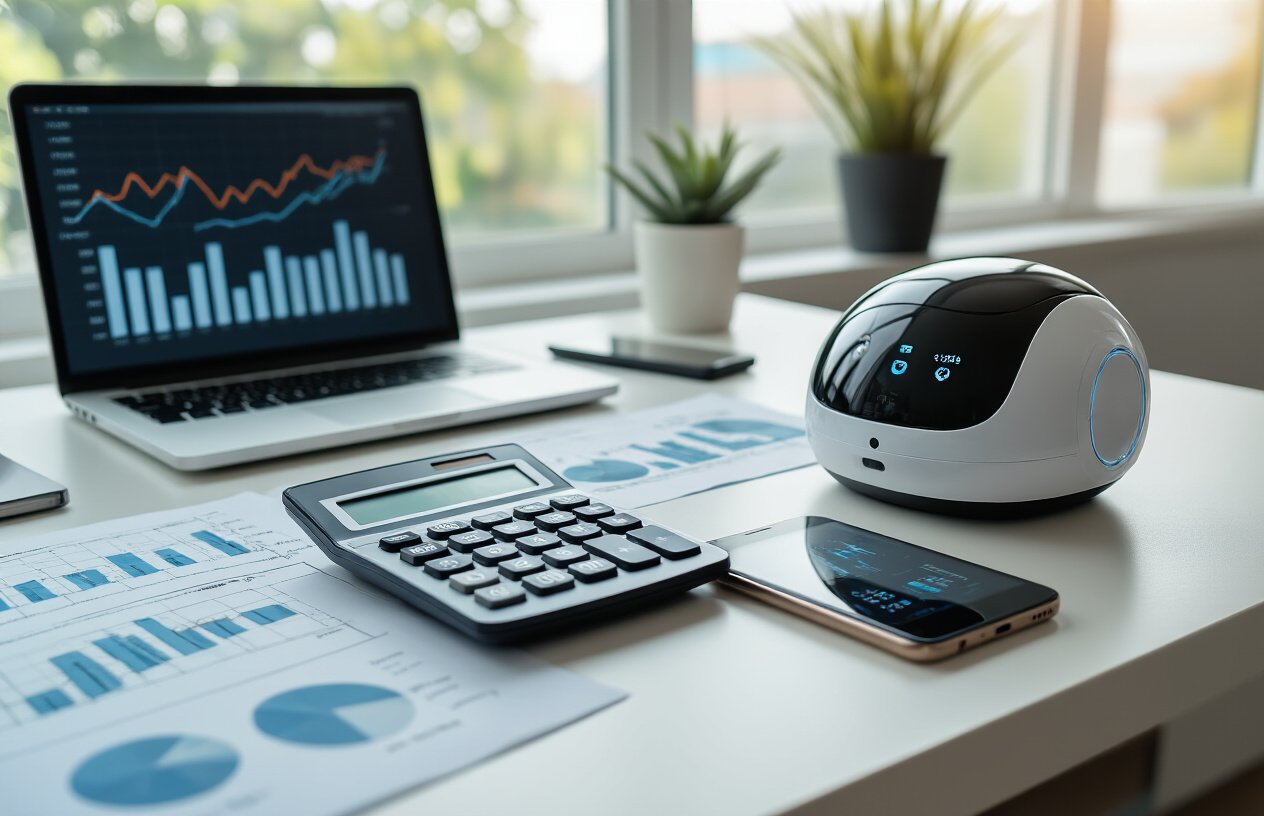
The Peaceful AI device comes with a hefty price tag of $1,200, which puts it squarely in premium smartphone territory. When you compare this to flagship phones like the iPhone 15 Pro ($999) or Samsung Galaxy S24 Ultra ($1,299), the pricing feels reasonable for the hardware you’re getting. The device features high-quality materials, solid build construction, and specialized AI processing chips that justify much of the cost.
However, the value equation becomes more complex when you consider what you’re NOT getting. Premium smartphones offer cameras that rival professional equipment, massive app ecosystems, gaming capabilities, and years of software support. The Peaceful AI device strips away these features intentionally, which makes that $1,200 feel steep for what amounts to a simplified communication and productivity tool.
| Device | Price | Key Features | Longevity |
|---|---|---|---|
| Peaceful AI | $1,200 | AI assistance, basic communication, digital wellness | Unknown (new company) |
| iPhone 15 Pro | $999 | Full ecosystem, premium cameras, proven longevity | 5-7 years typical |
| Galaxy S24 Ultra | $1,299 | S Pen, versatile cameras, Android flexibility | 4-6 years typical |
The real question becomes whether you’re paying a premium for intentional limitations, which feels counterintuitive from a pure value standpoint.
Potential Savings from Reduced App Purchases and Subscriptions
Here’s where the Peaceful AI device starts to make more financial sense over time. My monthly app subscriptions alone total around $47, covering everything from streaming services to productivity apps, meditation apps, and various premium features. Over two years, that’s $1,128 in subscriptions.
The device eliminates the temptation and ability to download countless apps that promise to solve every problem. No more impulse purchases of $4.99 productivity apps that you use twice. No more falling into subscription traps for apps you forgot you even had. The closed ecosystem forces you to work within its limitations, which can be surprisingly liberating for your wallet.
Breaking down typical smartphone-related expenses:
- App purchases: $15-30/month average
- Subscription services: $25-60/month typical
- In-app purchases and games: $10-50/month for many users
- Streaming services accessed via phone: $30-80/month
Many users could potentially save $80-220 monthly by switching to a more restrictive device, though you’d likely still want some entertainment subscriptions on other devices.
Whether the Peace of Mind Justifies the Investment
After using the device for a week, the mental health benefits feel genuine but hard to quantify financially. The constant notification anxiety disappeared almost immediately. That nagging feeling of missing something important faded after day three. Sleep quality improved when I wasn’t scrolling through social media before bed.
But here’s the honest truth: you can achieve similar results with smartphone discipline and the right apps. Screen time controls, Do Not Disturb modes, and app restrictions can create a similar experience on your existing device. The Peaceful AI device essentially forces good digital habits rather than teaching them.
The peace of mind premium costs roughly $400-500 when you factor in the higher price and reduced functionality compared to traditional smartphones. For some people dealing with serious phone addiction or anxiety, this forced intervention might be worth every penny. For others with decent self-control, it feels like paying extra for digital training wheels.
The long-term viability remains questionable. The company behind Peaceful AI is relatively new, and there’s no guarantee of continued software support or hardware updates. Premium smartphones from established manufacturers offer more predictable longevity and resale value, making them safer long-term investments even if they don’t provide the same digital wellness benefits out of the box.
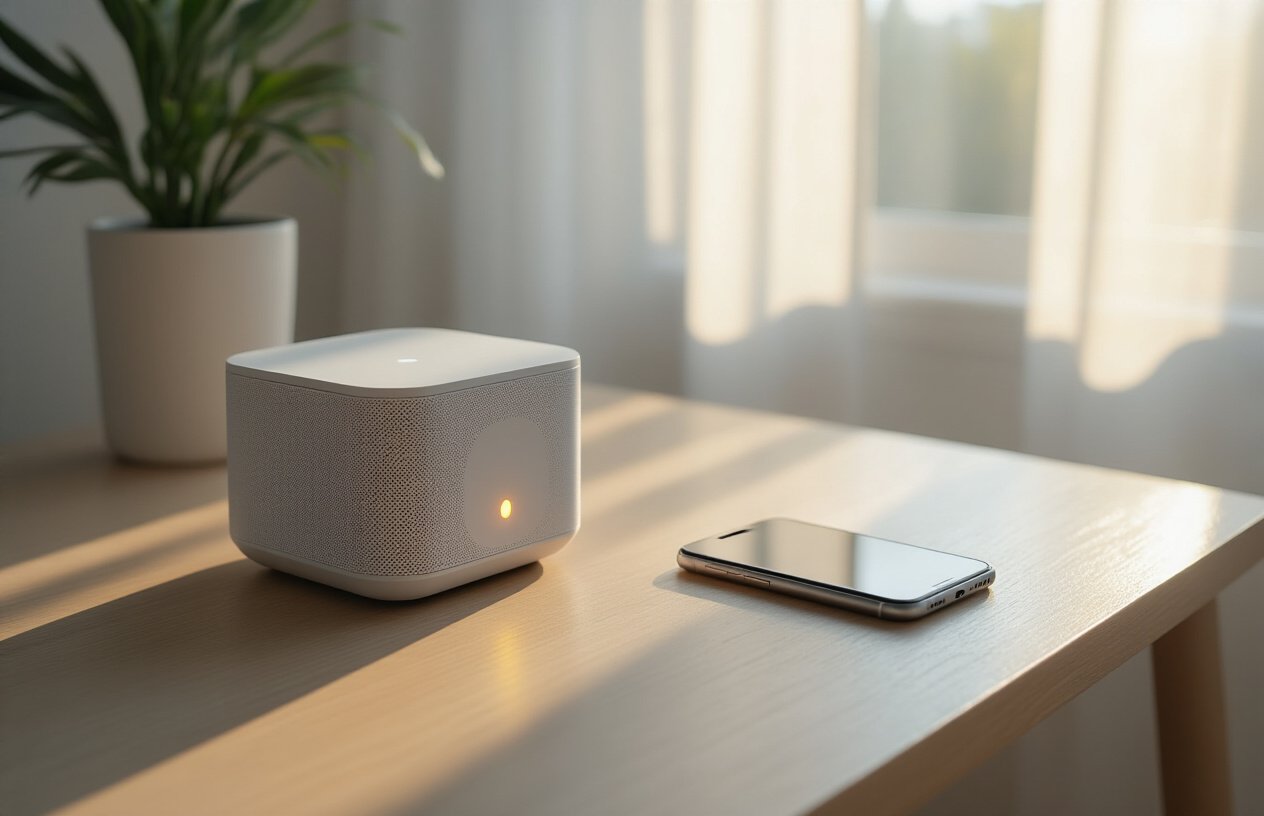
After spending a week with the Peaceful AI device, I can see why some people might be tempted to make the switch. The mental clarity that comes from stepping away from constant notifications and social media scrolling is genuinely refreshing. The device does what it promises – it handles essential tasks without the distracting bells and whistles that make smartphones so addictive. For people struggling with phone dependency or looking to create better boundaries with technology, this could be a game-changer.
That said, completely ditching your smartphone isn’t realistic for most people right now. The limitations I encountered, especially around certain apps and connectivity issues, make it more of a complementary device than a full replacement. If you’re curious about digital wellness and have the budget for it, the Peaceful AI device is worth trying as part of a gradual shift toward more mindful technology use. Just don’t expect it to solve all your digital problems overnight – real change still requires intentional choices about how we interact with our devices.