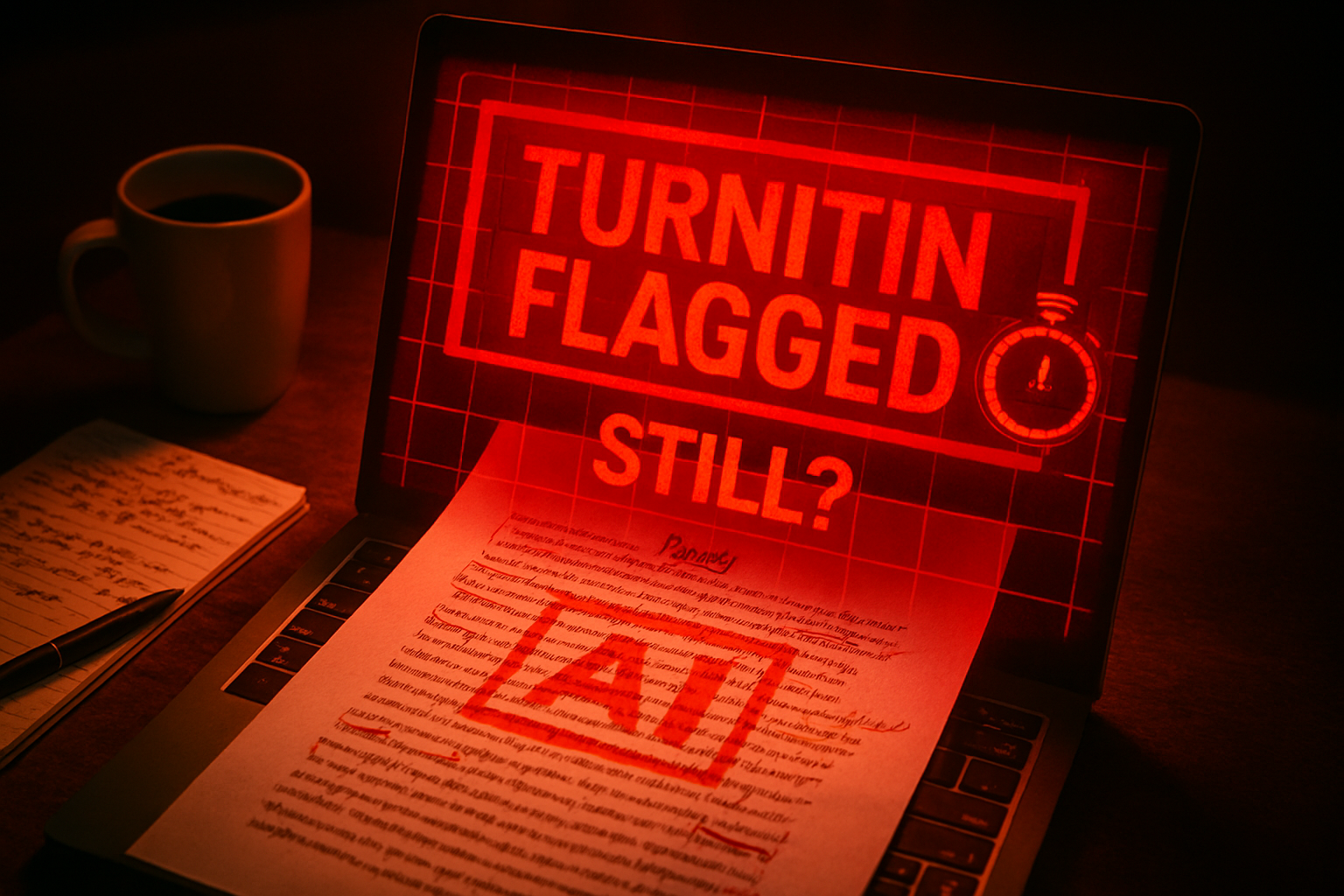
If you’ve spent any time in a college library lately, you know the vibe. There’s a specific kind of panic that sets in when you’ve spent six hours “humanizing” an AI-generated draft—swapping adjectives, breaking up long sentences, and using a “bypass” tool—only to have Turnitin slap a 70% AI flag on it anyway.
It feels like a rigged game. You’re told that if you “add a human touch,” you’ll be safe. But in 2026, the goalposts have moved. Turnitin’s latest update isn’t just looking for “robotic” words anymore; it’s looking for the digital fingerprints left behind by the very tools meant to hide them.
If you’re staring at a flagged report and wondering what went wrong, you aren’t alone. Here is the reality of why “humanizers” are failing and how you can actually fix your paper in about two minutes without resorting to more shortcuts.
The 2026 Shift: Why ‘Humanizers’ Are Now a Red Flag
For a long time, the battle between students and Turnitin was a game of cat and mouse. Students used AI to write, Turnitin detected it, then students used “humanizers” like Quillbot or specialized “stealth” rewriters to scramble the text.
But in late 2025 and early 2026, Turnitin integrated AI Bypasser Detection. This was a massive technical leap. Instead of just analyzing the “perplexity” (how random the words are) or “burstiness” (the rhythm of sentences), the 2026 model looks for modification signatures.
What is a Modification Signature?
Think of it like a digital “paper trail.” When an AI tool rewrites a sentence to make it look human, it often follows a predictable mathematical pattern of swapping synonyms. It might replace “important” with “pivotal” or “crucial” in a way that doesn’t quite match the surrounding context’s tone.
Turnitin’s 2026 model is trained on the outputs of these specific bypass tools. It doesn’t just see a human-sounding sentence; it recognizes the pattern of a “humanizer” trying to be human. In the new Similarity Report, this often shows up in a specific “AI-Generated text that was AI-paraphrased” category, highlighted in purple.
The GPT-5 Factor
With the arrival of more advanced models like GPT-5, the “watermarking” of AI text has become more sophisticated. Many major AI companies now embed invisible mathematical signatures at the point of creation. When you run that text through a “humanizer,” you aren’t removing the watermark—you’re just Smudging it. Turnitin can detect that “smudge” as an intentional attempt to bypass integrity checks, which can sometimes be worse than the AI flag itself.
Why Your Original Work Might Be Getting Flagged (False Positives)
One of the most frustrating parts of the 2026 update is that even honest students are getting caught in the crossfire. If you write in a very formal, academic style, or if you use standard templates for lab reports and legal briefs, the algorithm might mistake your clarity for “robotic” predictability.
Turnitin has admitted that false positives are a reality, particularly in the 1% to 19% range. This is why scores in that range are now marked with an asterisk (*). It’s their way of saying, “We think something is here, but we aren’t 100% sure.”
However, if your score is higher, it usually means the “rhythm” of your writing matches a known AI pattern. This often happens when you:
- Use too many transitional phrases (e.g., “Furthermore,” “In conclusion,” “It is important to note”).
- Keep all your sentences the same length.
- Avoid personal anecdotes or specific, niche references that weren’t in your prompt.
The 2-Minute Fix: How to Lower Your AI Score Legitimately
If you have a paper that’s getting flagged—whether you used AI as a starting point or you’re a victim of a false positive—you don’t need another “bypass” tool. You need to break the mathematical patterns the detector is looking for.
Here is the “Human-in-the-Loop” method that actually works in 2026. It takes about two minutes per page.
1. The “Read Aloud” Filter (30 Seconds)
AI writes for the eye; humans write for the ear. Read your flagged paragraph out loud. If you find yourself running out of breath, or if a sentence sounds like something a textbook would say but a person wouldn’t, rewrite it.
- The Fix: Use a contraction (change “do not” to “don’t”). Add a slight “verbal” pause. Instead of “The data suggests,” try “Looking at this data, it’s clear that…”
2. Inject “Specific Knowledge” (45 Seconds)
AI is great at generalities but terrible at “the now.” It knows what happened in 2024, but it struggles with the specific nuances of your 2026 classroom discussion or a niche local news event.
- The Fix: Mention a specific author your professor talked about in class. Reference a local landmark or a very recent 2025/2026 study. These “data points” are not in the AI’s standard training set for that topic, which breaks the AI signature.
3. The Sentence Length Jolt (45 Seconds)
AI tends to produce “middle-length” sentences (15–25 words). It rarely writes a three-word sentence. And it almost never writes a 60-word sentence with three sub-clauses and a dash.
- The Fix: Find a long, formal sentence and chop it into two short, punchy ones. Then, take two short sentences and combine them using a semi-colon or a dash. This creates a “staccato” rhythm that AI detectors currently cannot replicate.
Moving Toward a ‘Post-Bypass’ World
The reality of 2026 is that the “arms race” between AI writers and AI detectors is reaching a stalemate. Turnitin is getting too good at spotting the “tricks,” and students are getting too tired of the constant stress of the “AI Score.”
The most successful students this year aren’t the ones finding the best bypass tools; they’re the ones using AI for brainstorming and outlining, but doing the actual “prose” work themselves.
A Better Workflow for 2026:
- AI for Structure: Ask AI to give you a 5-point outline for your topic.
- Manual Draft: Write the first draft yourself based on that outline.
- AI for Critique: Feed your draft back to the AI and ask, “Where is my argument weak?”
- Manual Polish: Fix those weaknesses in your own voice.
This workflow leaves zero “modification signatures” because the actual strings of words are coming from your brain, not a server.
A Final Thought for the Modern Student
We are living through the biggest shift in writing since the invention of the word processor. It’s okay to feel overwhelmed by the rules. But remember: Turnitin isn’t a judge; it’s a tool. If you get flagged for work you truly wrote, don’t panic. You have a “Version History” in Google Docs or Microsoft Word that shows your work evolving over hours—something no AI bypasser can fake.
The best way to “beat” the detector in 2026? Stop trying to outsmart it and start out-thinking it. Your unique perspective, your weird metaphors, and your specific experiences are things a machine can’t simulate—no matter how many “humanizer” tools you buy.