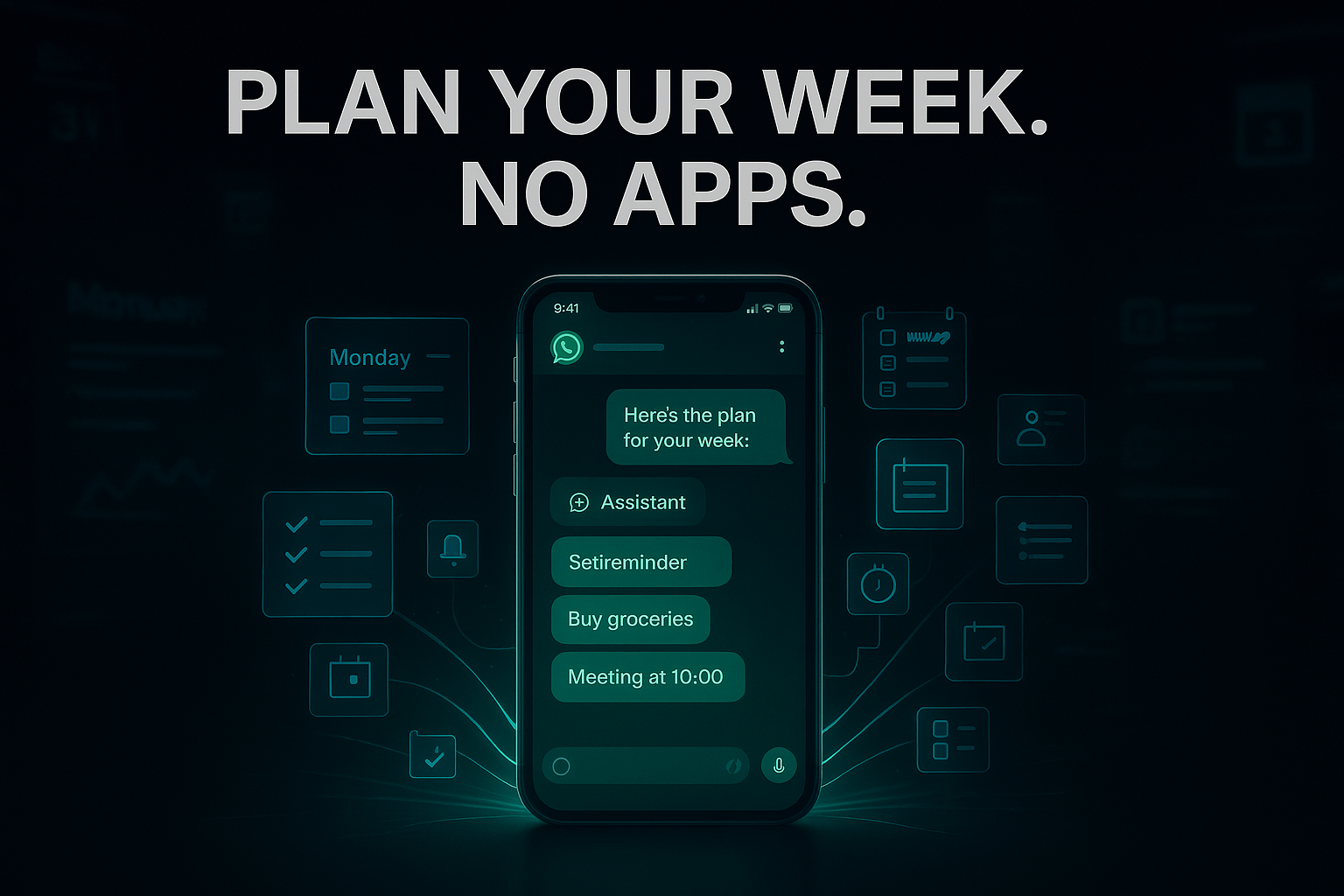
We’ve all been there. Your Sunday evening is a frantic shuffle between a calendar app, a notes app, a grocery list, and three different group chats where “plans” are supposedly being made. By the time Monday rolls around, you don’t have a plan; you have digital fatigue.
But what if the most powerful planning tool you own isn’t a fancy new productivity app with a monthly subscription? What if it’s the app you already open 50 times a day?
I’m talking about WhatsApp. Specifically, the Meta AI integration that has quietly transformed from a basic chatbot into a legitimate personal assistant. Over the last month, I’ve ditched my dedicated planners and moved my entire weekly workflow into a single WhatsApp thread. The result? I’m actually sticking to my schedule for once.
Here is how you can stop app-hopping and let WhatsApp’s hidden AI chat handle your entire week.
The “Secret” Entry Point: Accessing Your New Assistant
Most people see the small colorful circle at the top of their WhatsApp chat list and ignore it. That’s your gateway.
To turn WhatsApp into a planner, you don’t need to download anything. Just tap that Meta AI icon (usually a blue-purple ring) or type “@Meta AI” in any chat to summon it. Think of this as a blank canvas. Unlike a rigid calendar app, this is conversational. You can talk to it like a real human assistant who never sleeps.
Why this beats “Regular” Planning Apps
- Zero Friction: You’re already in WhatsApp. You don’t have to “switch modes” to be productive.
- Contextual Memory: It remembers what you told it on Monday when you ask for an update on Thursday.
- Zero Cost: No “Pro” versions or “Premium” tiers for basic scheduling.
Step 1: The Sunday Night “Brain Dump”
The hardest part of planning is getting everything out of your head. Usually, this involves writing a messy list. With WhatsApp AI, I use a technique I call the “Narrative Dump.”
Instead of bullet points, I send a long, rambling voice-to-text message:
“Hey, I’ve got a busy one. I need to hit the gym three times, I have a dentist appointment Tuesday at 2 PM, I need to finish the project proposal by Wednesday night, and I want to cook something healthy for dinner at least four nights. Oh, and remind me to call my mom on her birthday this Friday.”
The AI Magic: Meta AI will take that chaos and respond with a structured, day-by-day table. It will automatically categorize your tasks into “Health,” “Work,” and “Personal.” It’s the first time my “mental load” has felt organized in seconds.
Step 2: Generating Your Shopping List from Your Schedule
This is where the “No More Apps” promise really hits home. Once the AI knows you want to cook four healthy meals, don’t go to a recipe app.
Ask the AI: “Based on that plan, give me four 30-minute recipes and a consolidated grocery list sorted by supermarket aisle.”
Within three seconds, you have a list. The best part? Since it’s in WhatsApp, you can forward that list to your partner or roommate instantly. No more “I forgot the milk” texts because the list is right there in the thread you both use anyway.
Step 3: Using the “Private Message Summary” for Group Chaos
We all have that one group chat—the family one, the “boys’ trip” one, or the PTA group—that explodes with 200 messages while you’re at work. Trying to find the actual plan in that mess is a nightmare.
WhatsApp’s 2026 update introduced Private Message Summaries. If you’re added to a high-volume group, you can ask Meta AI:
“What did I miss in the ‘Weekend Trip’ group? Just give me the dates, the cost, and who is bringing the snacks.”
The AI scans the unread messages (privately, using Meta’s “Private Processing” tech) and gives you a 3-bullet point summary. You’ve just saved 20 minutes of scrolling through memes and “LOL”s to find out you owe $50 by Friday.
Step 4: The Mid-Week Pivot
Plans change. Your Wednesday meeting gets moved, or it starts raining when you were supposed to run.
Instead of opening a calendar and dragging blocks around, just text the AI:
“The project deadline moved to Thursday morning. Reshuffle my Wednesday and Thursday to make room for 4 hours of deep work.”
It will look at your existing commitments and suggest a new flow. It’s dynamic planning that feels more like a conversation and less like data entry.
The Pro Tip: The “Self-Chat” Integration
For the ultimate setup, I keep a “Pinned Chat” with myself. Whenever I have a random thought or a task, I send it there. At the end of the day, I forward those messages to Meta AI and say, “Add these to my weekly plan.” It’s a seamless loop that keeps nothing from falling through the cracks.
Is it Private?
A common concern is privacy. According to Meta’s latest transparency reports, while the AI “reads” what you send it to help you, your personal messages to friends and family remain end-to-end encrypted. The AI only interacts with the data you specifically give it or the summaries you request.
Final Thoughts: Simplicity Over Complexity
The “productivity industrial complex” wants us to believe we need ten different apps to manage our lives. We don’t. We need a system that meets us where we already are.
By using WhatsApp’s hidden AI chat, you’re not just planning your week; you’re reclaiming your phone. You’re turning a “distraction app” into a “direction app.”